Laptop Accessories Every Student and Professional Should Own
Laptop Accessories • AnantaGo • 👁️ 0 views
Laptop Accessories Every Student and Professional Should Own
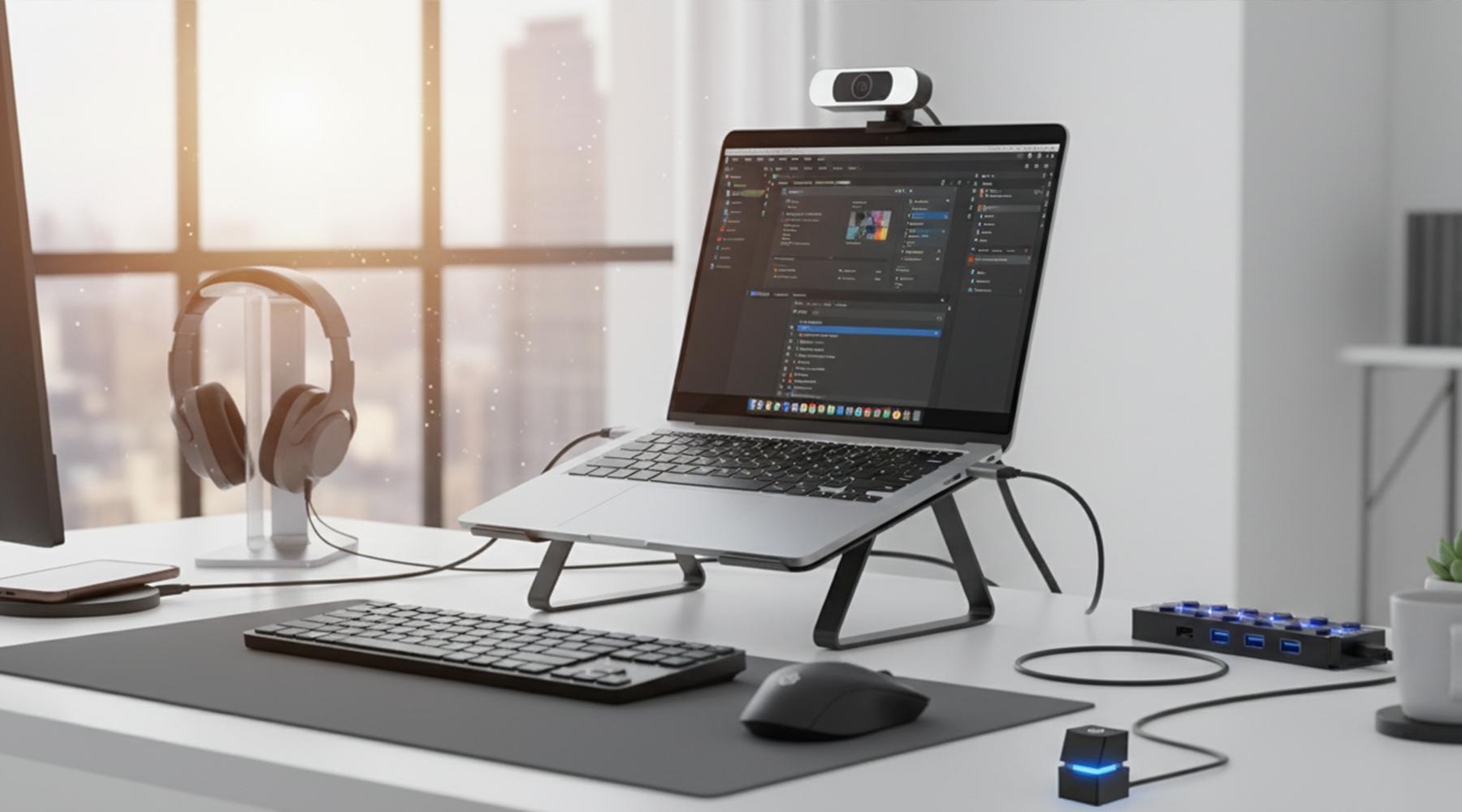
A laptop is one of the most important tools for work, education, and entertainment. Whether you're attending online classes, working remotely, editing videos, managing business tasks, or simply browsing the web, your laptop plays a central role in your daily routine.
However, even the best laptop can benefit from the right accessories. A well-chosen accessory can improve productivity, increase comfort, protect your device, and make everyday tasks much easier. From ergonomic laptop stands to portable USB hubs and wireless peripherals, these accessories help you get more out of your laptop without requiring an expensive upgrade.
The challenge is that there are hundreds of laptop accessories available, and not all of them provide real value. Some are essential for almost everyone, while others are designed for specific workflows or professions.
In this guide, we'll explore the laptop accessories that are genuinely worth considering. Whether you're a student, office professional, freelancer, traveler, or content creator, these recommendations will help you build a smarter and more efficient workspace.
Why Laptop Accessories Matter
Many people focus entirely on laptop specifications such as the processor, RAM, or storage while overlooking the accessories that can significantly improve everyday use.
The right accessories can help you:
Work more comfortably
Increase productivity
Protect your laptop
Improve organization
Expand connectivity
Reduce physical strain
Extend the lifespan of your device
Instead of replacing your laptop, adding a few practical accessories can often deliver a noticeable improvement in your overall experience.
1. Laptop Stand
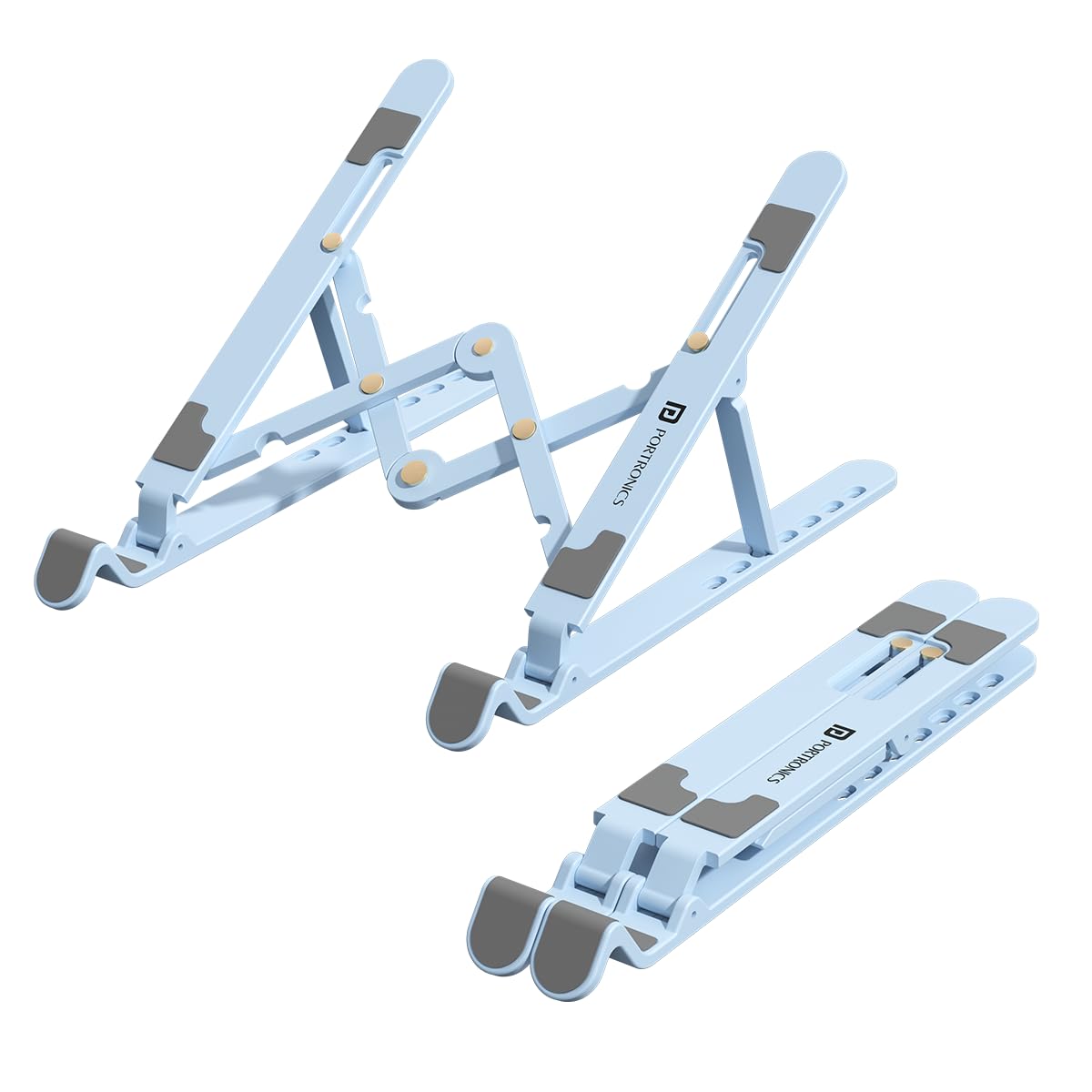
A laptop stand is one of the simplest yet most effective accessories you can buy.
Using a laptop directly on a desk often forces you to look downward for long periods, which can contribute to neck, shoulder, and back discomfort. A laptop stand raises the screen closer to eye level, helping you maintain better posture during work or study sessions.
Many stands are lightweight, foldable, and easy to carry, making them suitable for both home and travel.
Benefits
Improves posture
Reduces neck and shoulder strain
Better viewing angle
Improves airflow beneath the laptop
Portable and easy to store
Buying Tip
Look for a sturdy stand with adjustable height and angle settings. Aluminum models are often durable and provide good heat dissipation.
2. Wireless Mouse
While laptop trackpads continue to improve, a wireless mouse offers greater precision and comfort for many everyday tasks.
A mouse is especially useful for:
Office work
Graphic design
Video editing
Spreadsheet management
Web browsing
Gaming
Wireless models also reduce cable clutter, helping keep your workspace clean and organized.
Benefits
Better accuracy
Comfortable for extended use
Faster navigation
Cleaner desk setup
Portable design
Buying Tip
Choose a mouse with an ergonomic shape that fits comfortably in your hand. Battery life, adjustable sensitivity (DPI), and silent click buttons are also useful features to consider.
3. Wireless Keyboard
If you spend several hours each day typing, a wireless keyboard can significantly improve your comfort and productivity.
Unlike the built-in keyboard on many laptops, external keyboards allow you to position your hands more naturally, especially when paired with a laptop stand.
Advantages
More comfortable typing
Better workspace flexibility
Reduced wrist strain
Easy pairing with multiple devices
Ideal for home offices
Many modern wireless keyboards are slim, lightweight, and compatible with laptops, tablets, and even smartphones.
Buying Tip
Look for comfortable key spacing, responsive keys, and long battery life. If you frequently switch between devices, consider a keyboard that supports multi-device connectivity.
4. USB-C Hub or Docking Station
Modern laptops are becoming thinner, but this often means fewer ports. If you've ever struggled to connect multiple accessories at the same time, a USB-C hub or docking station can solve the problem.
These devices expand your laptop's connectivity by adding extra ports such as:
USB-A
USB-C
HDMI
Ethernet
SD card readers
Audio ports
This makes it easier to connect external monitors, storage devices, keyboards, mice, and other peripherals without constantly plugging and unplugging cables.
Benefits
Expands available ports
Supports external displays
Simplifies cable management
Convenient for workstations
Great for creative professionals
Buying Tip
Choose a hub that includes the ports you actually use. If you regularly connect multiple displays or high-speed storage devices, check the hub's supported data transfer and display capabilities.
5. Laptop Sleeve
A laptop is an investment, and protecting it during travel is just as important as choosing the right specifications.
A laptop sleeve provides a protective layer against scratches, dust, and minor bumps while keeping your device easy to carry.
Many sleeves also include extra compartments for chargers, cables, external drives, and other accessories.
Benefits
Protects against scratches
Reduces damage from minor impacts
Lightweight and portable
Keeps accessories organized
Easy to carry inside a backpack
Buying Tip
Choose a sleeve designed specifically for your laptop's screen size. Water-resistant materials and padded interiors provide additional protection.
Choosing Accessories Based on Your Needs
Not every user requires every accessory. The best setup depends on how you use your laptop.
For example:
Students
Students may benefit most from:
Laptop stand
Wireless mouse
Laptop sleeve
These accessories improve comfort while remaining easy to carry between classes.
Office Professionals
Professionals often appreciate:
Wireless keyboard
Wireless mouse
USB-C hub
Laptop stand
These accessories create a more comfortable and productive workstation.
Travelers
If you travel frequently, portability becomes especially important.
Compact accessories such as foldable laptop stands, lightweight mice, and slim protective sleeves can make working on the go much easier.
6. Cooling Pads
Laptops naturally generate heat during demanding tasks such as video editing, gaming, programming, or running multiple applications simultaneously. Excessive heat can affect performance and make your laptop uncomfortable to use for long periods.
A cooling pad helps improve airflow underneath your laptop by using built-in fans to reduce operating temperatures.
Benefits
Helps improve airflow
May reduce thermal throttling during heavy workloads
Keeps the laptop surface cooler
Comfortable for extended use
Suitable for gaming and creative work
Buying Tip
Choose a cooling pad that matches your laptop's size. Adjustable fan speeds, quiet operation, and an ergonomic design can improve both cooling performance and comfort.
7. Portable Monitor
A second screen can dramatically improve productivity, especially if you regularly work with multiple applications.
Portable monitors are lightweight displays that connect to your laptop through USB-C or HDMI, making them ideal for both travel and home offices.
They're useful for:
Multitasking
Video editing
Programming
Online meetings
Graphic design
Financial analysis
Benefits
More screen space
Improved multitasking
Better productivity
Easy to carry while traveling
Quick setup
Buying Tip
Look for a monitor with Full HD resolution, a bright display, and USB-C connectivity for a cleaner, single-cable setup.
8. External Webcam
Although many laptops include built-in webcams, their image quality is often average. If you regularly attend virtual meetings or create online content, an external webcam can noticeably improve video quality.
Modern webcams offer features such as:
Full HD or higher resolution
Better low-light performance
Autofocus
Built-in microphones
Wide viewing angles
Best For
Remote workers
Students
Teachers
Streamers
Content creators
Buying Tip
Choose a webcam with reliable autofocus and good low-light performance if you frequently participate in video calls from different environments.
9. Noise-Canceling Headphones
Whether you're working in a busy office, studying in a café, or traveling, background noise can reduce concentration.
Noise-canceling headphones help minimize distractions and create a more focused environment.
Advantages
Better concentration
Clearer online meetings
Improved music listening
Reduced travel noise
Comfortable for long sessions
Buying Tip
Pay attention to comfort, battery life, microphone quality, and Active Noise Cancellation (ANC) performance before purchasing.
Common Mistakes When Buying Laptop Accessories
Choosing the wrong accessories can waste money and create unnecessary clutter. Here are a few common mistakes to avoid.
Buying Accessories You Rarely Use
It's tempting to purchase every popular gadget, but focus on accessories that genuinely improve your daily workflow.
Ignoring Compatibility
Always verify that accessories are compatible with your laptop's ports, operating system, and screen size before buying.
Choosing the Cheapest Option
Low-cost accessories may compromise on build quality, durability, or reliability. Spending a little more on trusted products often provides better long-term value.
Overlooking Ergonomics
Accessories should improve comfort as well as functionality. Ergonomic products can reduce strain during long work or study sessions.
Forgetting Portability
If you frequently travel, lightweight and compact accessories are usually more practical than larger desktop-focused alternatives.
Best Laptop Accessories for Different Users
Students
Students usually benefit from:
Laptop sleeve
Wireless mouse
Laptop stand
These accessories improve comfort while remaining easy to carry.
Office Professionals
Professionals often prefer:
Wireless keyboard
Wireless mouse
USB-C hub
External webcam
These accessories help create a productive workstation for everyday tasks.
Content Creators
Creative professionals frequently rely on:
Portable SSD
Portable monitor
USB-C hub
External webcam
These tools simplify editing workflows and improve productivity.
Frequent Travelers
Travelers should prioritize:
Protective laptop sleeve
Foldable laptop stand
Compact wireless mouse
Portable SSD
These accessories are lightweight, practical, and easy to pack.
Tips to Make Your Accessories Last Longer
Proper care helps maximize the lifespan of your laptop accessories.
Follow these simple recommendations:
Store accessories in a protective case when traveling.
Keep cables neatly organized to prevent damage.
Clean keyboards, mice, and screens regularly.
Avoid exposing electronics to excessive heat or moisture.
Update firmware for accessories that support software updates.
Disconnect devices safely when not in use.
Taking good care of your accessories helps maintain both performance and appearance over time.
Frequently Asked Questions
Which laptop accessory should I buy first?
A laptop stand or wireless mouse is often the best starting point because both provide immediate improvements in comfort and productivity.
Do I really need a USB-C hub?
If your laptop has limited ports or you regularly connect multiple devices, a USB-C hub can make your workspace much more convenient.
Are cooling pads worth buying?
Cooling pads can be useful for users who frequently perform demanding tasks or use their laptops for extended periods.
Is a wireless mouse better than a trackpad?
For many people, yes. A wireless mouse offers greater precision and comfort, especially for productivity tasks and creative work.
Can I use these accessories with different laptop brands?
Most accessories are compatible with a wide range of laptops, but always check the product specifications before purchasing.
Do portable monitors require external power?
Many modern portable monitors receive power directly through a USB-C connection, reducing cable clutter.
Are expensive accessories always better?
Not necessarily. The best accessory is one that meets your needs, offers reliable performance, and provides good build quality.
How can I improve my laptop setup on a budget?
Start with practical accessories like a laptop stand, wireless mouse, and protective sleeve. These often provide the biggest improvements without requiring a large investment.
Laptop Accessories Buying Checklist
Before purchasing, consider the following:
✅ Is the accessory compatible with my laptop?
✅ Will it improve my daily workflow?
✅ Is it portable if I travel frequently?
✅ Does it have positive customer reviews?
✅ Is the build quality durable?
✅ Does it come with a warranty?
✅ Does it fit within my budget?
✅ Will I actually use it regularly?
Choosing accessories based on real needs rather than trends helps you build a workspace that's both practical and efficient.
Final Thoughts
The right laptop accessories can transform the way you work, study, and create. Instead of replacing your laptop, adding a few thoughtfully chosen accessories can improve comfort, boost productivity, protect your device, and make everyday tasks more enjoyable.
Remember that every user has different requirements. A student may value portability and affordability, while a professional may prioritize ergonomics and connectivity. Content creators often benefit from additional storage and display space, whereas frequent travelers may focus on lightweight, durable accessories that are easy to carry.
Before making a purchase, think about how you use your laptop each day. Identify the challenges you face—whether it's limited ports, uncomfortable typing, or insufficient storage—and choose accessories that provide practical solutions.
At AnantaGo, we aim to simplify technology by providing honest buying guides, practical recommendations, and easy-to-understand advice. Whether you're setting up your first workspace or upgrading an existing one, investing in the right laptop accessories can help you work smarter, stay organized, and get the most from your device for years to come.