7 Simple Ways to Protect Your Phone From Cybersecurity Threats in 2026
Your smartphone contains some of your most valuable personal information. From banking apps and private messages to photographs and saved passwords, protecting your phone is now an essential part of staying safe online. Here are seven practical security habits everyone should follow in 2026.
Your smartphone is no longer just a device for calls and messages. It can contain years of photographs, personal conversations, banking information, work documents, location data and access to dozens of online accounts. That makes your phone an attractive target for cybercriminals.
The good news is that protecting a smartphone does not require advanced technical knowledge. Many of the most effective security improvements come down to a few simple habits: keeping software updated, using strong authentication, being careful with links and downloads, and paying attention to the permissions applications request.
No security method can eliminate every possible threat. However, a few minutes spent improving your phone's security can significantly reduce the chances of losing access to your accounts or exposing personal information.
Here are seven practical steps you can take today.
1. Keep Your Phone and Apps Updated
One of the easiest security improvements is also one of the most frequently ignored: install updates.
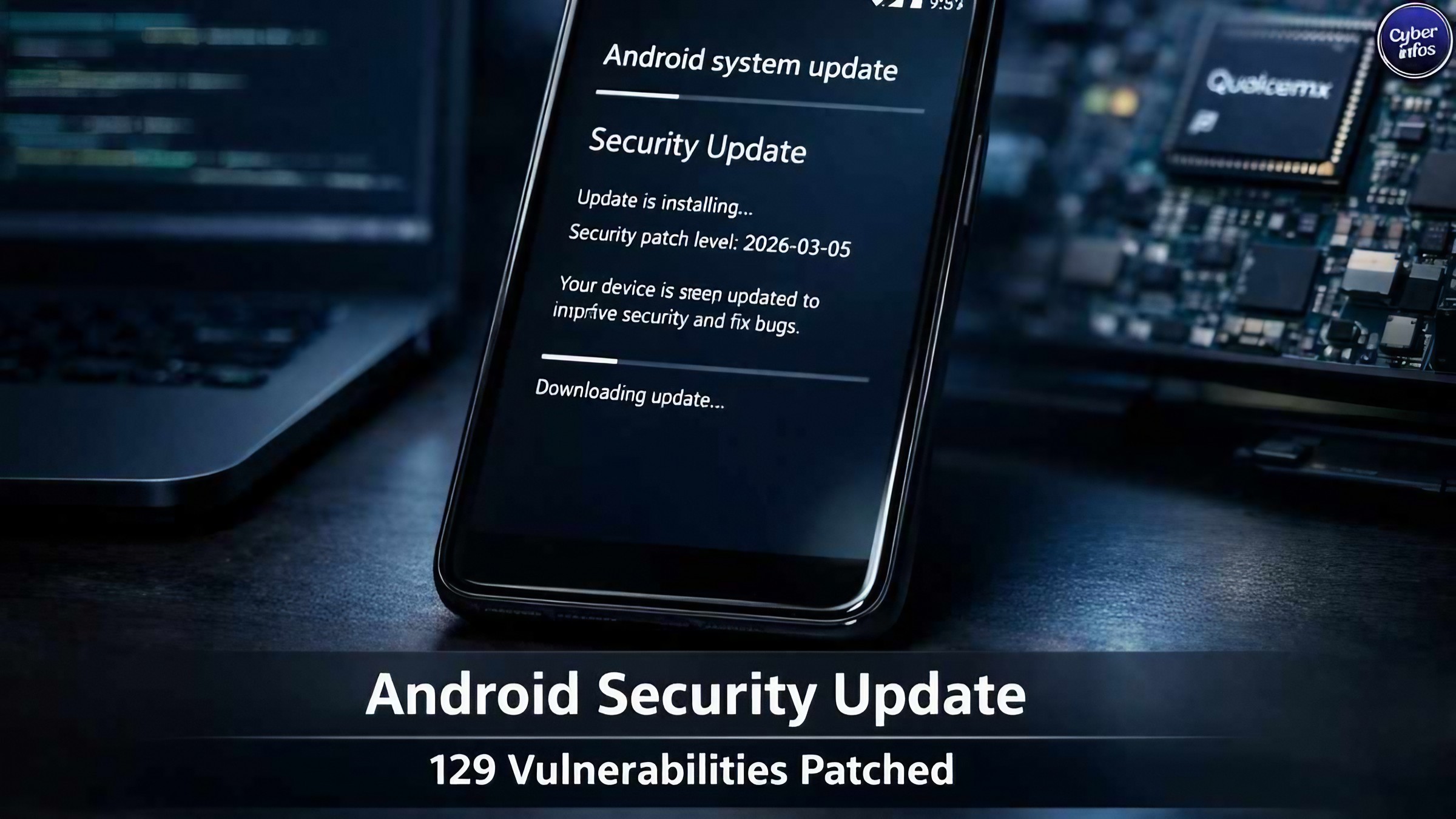
Phone manufacturers regularly release security updates that fix vulnerabilities in the operating system. App developers also release updates to correct security problems and improve how their applications handle data.
An outdated phone may contain a vulnerability that has already been fixed in a newer version. Turn on automatic updates when they are available, and do not ignore security notifications simply because the phone appears to be working normally.
You should also keep important applications updated, particularly browsers, messaging apps, banking applications and password managers. Security updates are not only about adding new features. Often, their most important work happens quietly in the background.
2. Use a Strong Screen Lock
Your screen lock is the first line of defense if your phone is lost or stolen. Use a strong PIN or password rather than an easily guessed combination such as 1234, your birth year or another number connected to you.
Biometric authentication such as fingerprint or face recognition can also make everyday security more convenient. When available, use it together with a strong backup PIN or password. Remember that your screen lock protects much more than the screen. It can also help protect access to messages, photographs, applications and accounts stored on the device.
Set your phone to lock automatically after a reasonably short period of inactivity. This reduces the amount of time an unattended phone remains accessible.
3. Turn On Two-Factor Authentication
A password alone is no longer enough to protect important online accounts.
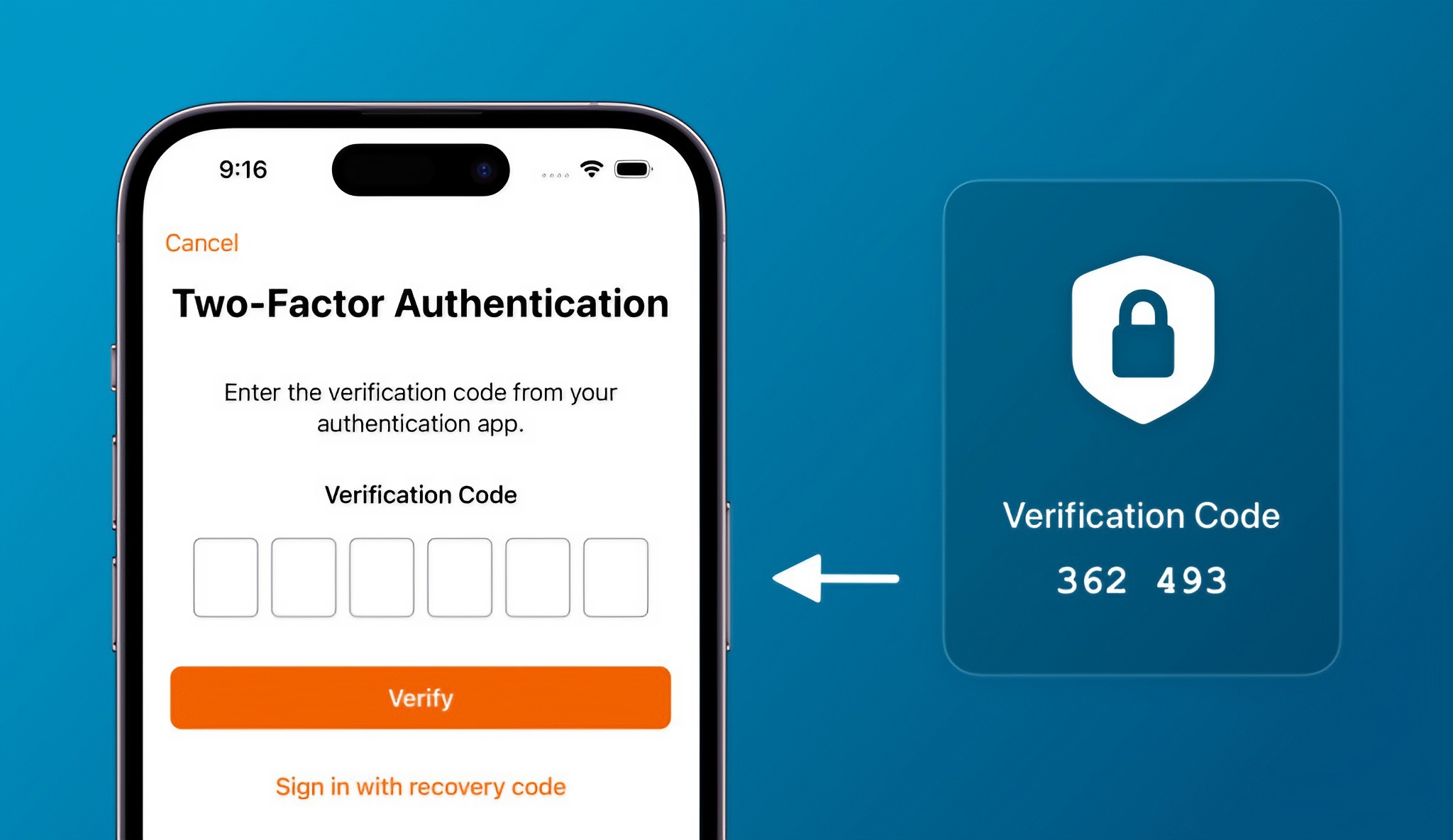
Two-factor authentication, commonly called 2FA, adds another verification step after you enter your password. Depending on the service, this might involve an authenticator app, security key, passkey or another verification method.
The advantage is straightforward: even if someone discovers your password, they may still be unable to access the account without the additional authentication factor. Start with your most important accounts. Email should be high on the list because access to your email account can sometimes allow an attacker to reset passwords for other services.
Banking, cloud storage, social media and work accounts should also use strong authentication whenever available.
4. Be Careful With Links and Messages
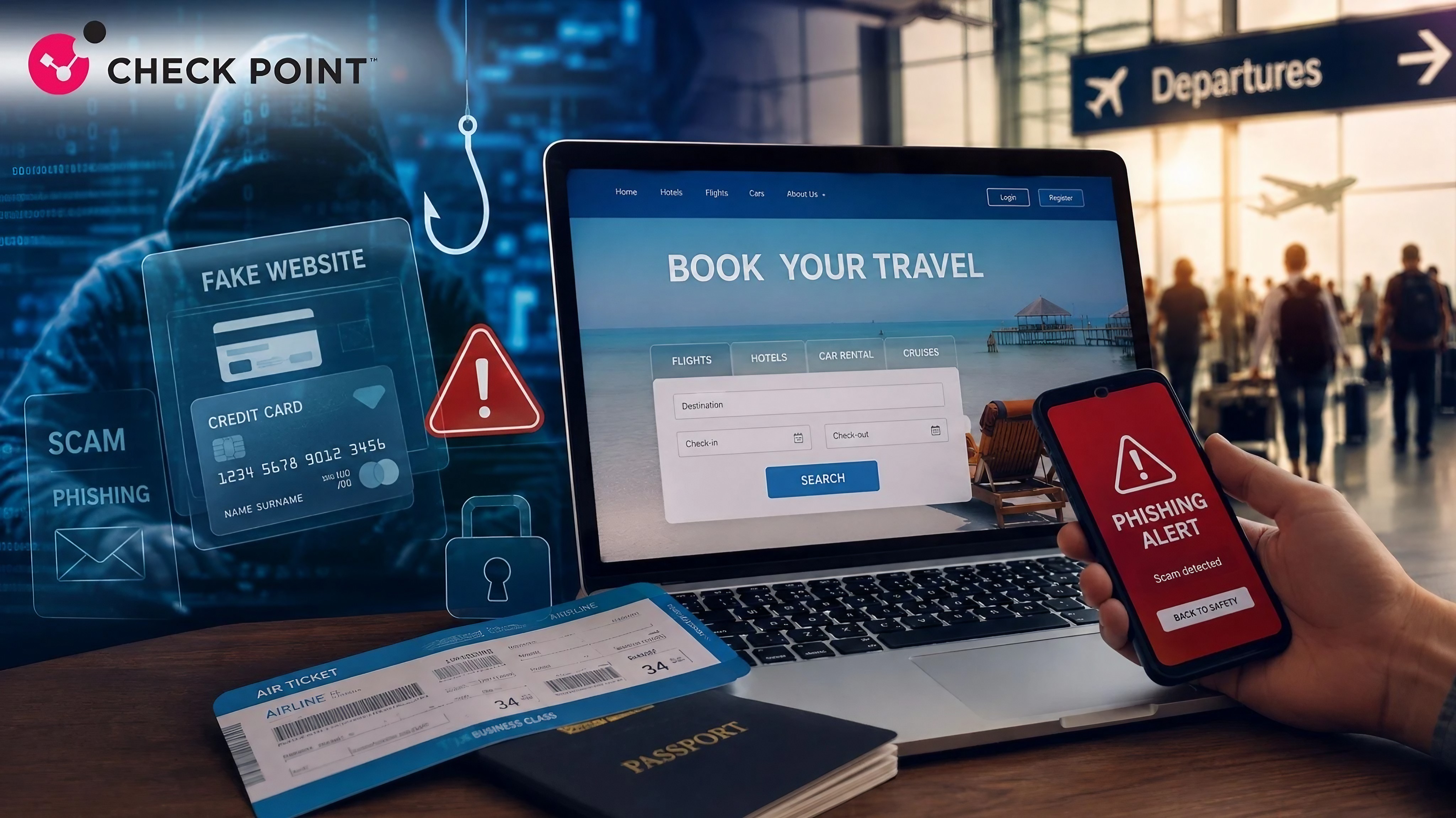
Phishing remains one of the simplest ways for attackers to trick people into giving away information. A fraudulent message might claim that your bank account needs verification, your delivery has been delayed, your subscription is expiring or you have won a prize.
The message may look convincing and could even imitate the design and language of a legitimate company. Do not click links simply because a message appears urgent. Instead, open the official application or type the company's website address yourself. This removes much of the uncertainty around where the link will take you.
Be particularly cautious when a message asks for passwords, one-time verification codes, payment information or urgent action.
5. Review App Permissions
Applications often request access to parts of your phone such as the camera, microphone, location, contacts, photos and files. Some permissions are necessary for an application's main function. A navigation application needs location access, for example.
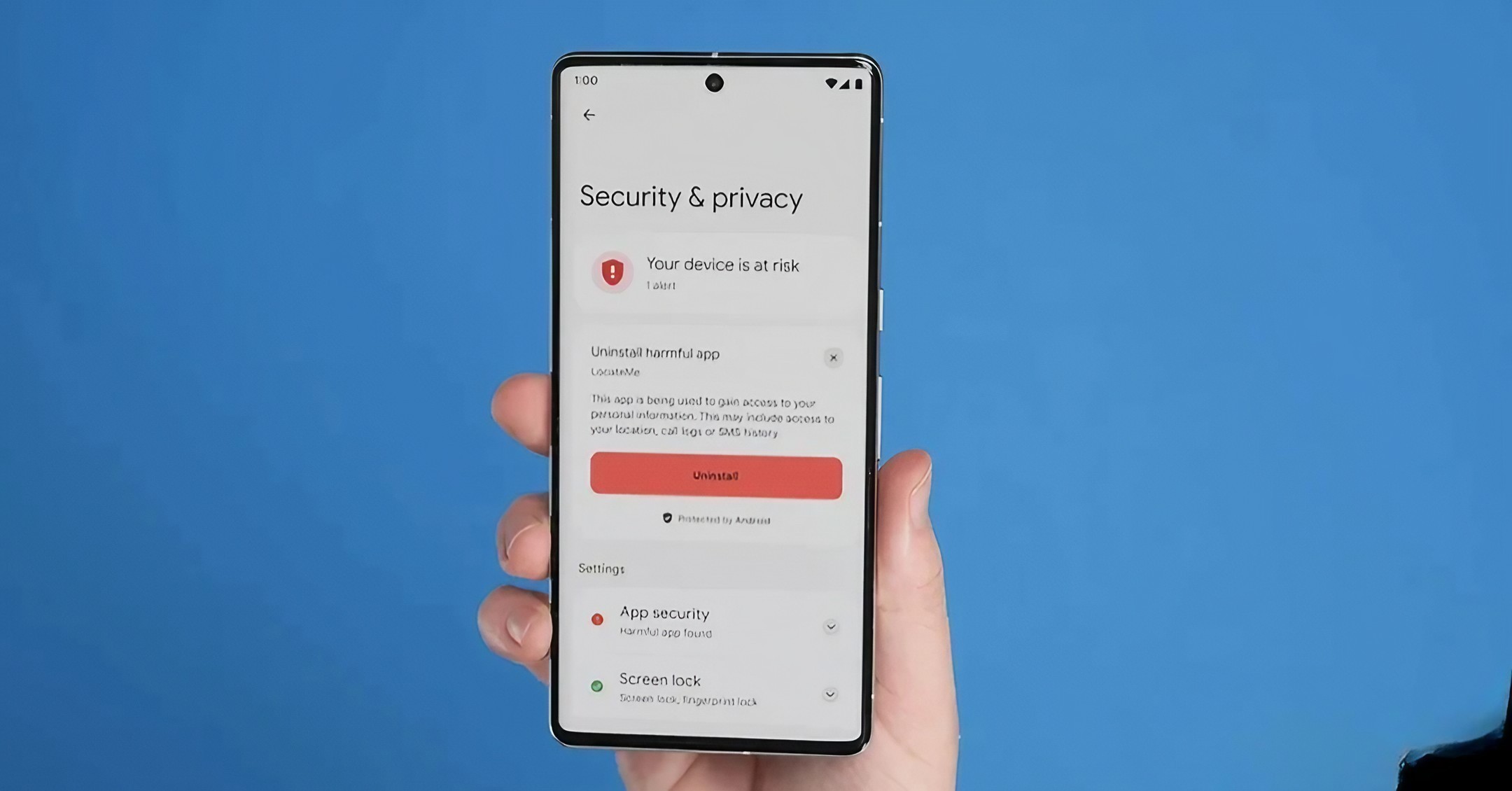
But not every permission request is automatically reasonable. Review which applications can access sensitive information and remove permissions that are no longer necessary. Modern Android and iPhone software provides controls for managing application permissions.
Pay particular attention to applications you rarely use. If an app has access to sensitive information but you no longer need it, uninstalling the application may be the simplest solution.
6. Avoid Suspicious Apps and Downloads
Where you get an application matters. Official app stores provide security checks and other protections, although no platform can guarantee that every application is completely safe.
Be especially cautious with applications downloaded from random websites, links in messages or unofficial app repositories. An application promising free premium features, unlimited rewards or access to restricted content may be designed to attract users into installing something malicious.
Before installing an unfamiliar app, check the developer, reviews, download history and permissions.
On Android, users should be particularly careful when installing APK files from outside official sources. Sideloading can be useful in legitimate situations, but it also removes some of the protections provided by official app distribution.
7. Protect Your Data With Backups
Security is not only about preventing someone from accessing your phone. You also need to prepare for the possibility that the device could be lost, stolen, damaged or reset. Regular backups can protect important photographs, contacts, documents and other information.
Use the backup tools provided by your phone's operating system or another reputable cloud service. For especially important files, consider keeping an additional copy somewhere separate from the phone.
A backup becomes particularly valuable after a device is lost. Instead of losing years of information, you can restore your data to another device. Check your backup settings occasionally to make sure they are actually working rather than assuming everything is being saved automatically.
What to Do If You Think Your Phone Has Been Compromised
If you notice unusual account activity, unexpected applications, strange pop-ups or other suspicious behavior, do not simply ignore it. Start by disconnecting from unfamiliar networks if appropriate and reviewing recently installed applications.
Change important account passwords from a trusted device if you believe your credentials may have been exposed. Enable two-factor authentication and check your account security activity for unfamiliar sign-ins.
If banking information may have been exposed, contact your bank through its official telephone number or application rather than responding to a suspicious message. For serious incidents, professional technical support may be appropriate.
Stop interacting with suspicious messages or applications.
Review recent account activity.
Change important passwords using a trusted device.
Enable two-factor authentication.
Remove suspicious applications.
Contact your bank if financial information may be affected.
Keep records of suspicious activity in case further investigation is required.
The Bottom Line
You do not need to be a cybersecurity expert to make your smartphone significantly safer.
Keep the operating system and applications updated. Use a strong screen lock. Protect important accounts with two-factor authentication. Treat unexpected messages and links with suspicion, review application permissions and avoid downloading software from questionable sources.
Most importantly, maintain regular backups. Cybersecurity is rarely about doing one complicated thing perfectly. It is about building several small habits that make it harder for attackers to succeed.
Your smartphone contains too much personal information to leave its security to chance. A few minutes spent checking these settings today can save you considerable trouble later.
Helpful answers
Frequently Asked Questions
What is the most important thing I can do to protect my phone?+
Keep your phone updated and use a strong screen lock. You should also enable two-factor authentication on important online accounts because these steps address several common security risks.
Is a PIN safer than fingerprint authentication?+
Both can provide strong protection when configured properly. A strong PIN or password is particularly important because it normally serves as a backup authentication method for biometric security.
Can clicking a text-message link hack my phone?+
A suspicious link can lead to phishing pages, malicious downloads or other attacks. Do not assume a message is safe simply because it appears to come from a familiar company.
Should I install apps from outside the official app store?+
For most users, official app stores are the safer option. Installing applications from unknown sources can increase the risk of downloading modified or malicious software.
Why should I review app permissions?+
Permissions determine what information and hardware an application can access. Reviewing them can help prevent applications from having unnecessary access to your location, camera, microphone, contacts or files.
Does a phone backup protect me from hackers?+
A backup does not prevent an attack, but it can protect your data if your phone is lost, damaged, stolen or needs to be reset after a security incident.
How often should I check my phone's security settings?+
Check them whenever you install many new applications or make major account changes. A quick review every few months is also a useful habit.