How to Tell If a Website Is Fake Before You Enter Your Password
Fake websites can look almost identical to legitimate ones. Learn the simple warning signs that can help you spot a phishing website before entering your password or personal information.
You receive an email. It says your account needs attention. You click the link. A familiar-looking website opens and asks you to sign in. Everything looks normal. The logo is there. The colours look right. The login box looks professional.
So you enter your password. That's exactly what scammers want. Modern phishing websites don't always look obviously fake. Some are designed to imitate legitimate services closely enough that a person can mistake them for the real thing.
The good news is that you don't need to be a cybersecurity expert to identify many fake websites. There are several simple things you can check before entering a password, card number or other sensitive information. Here's what to look for.
1. Look Carefully at the Website Address
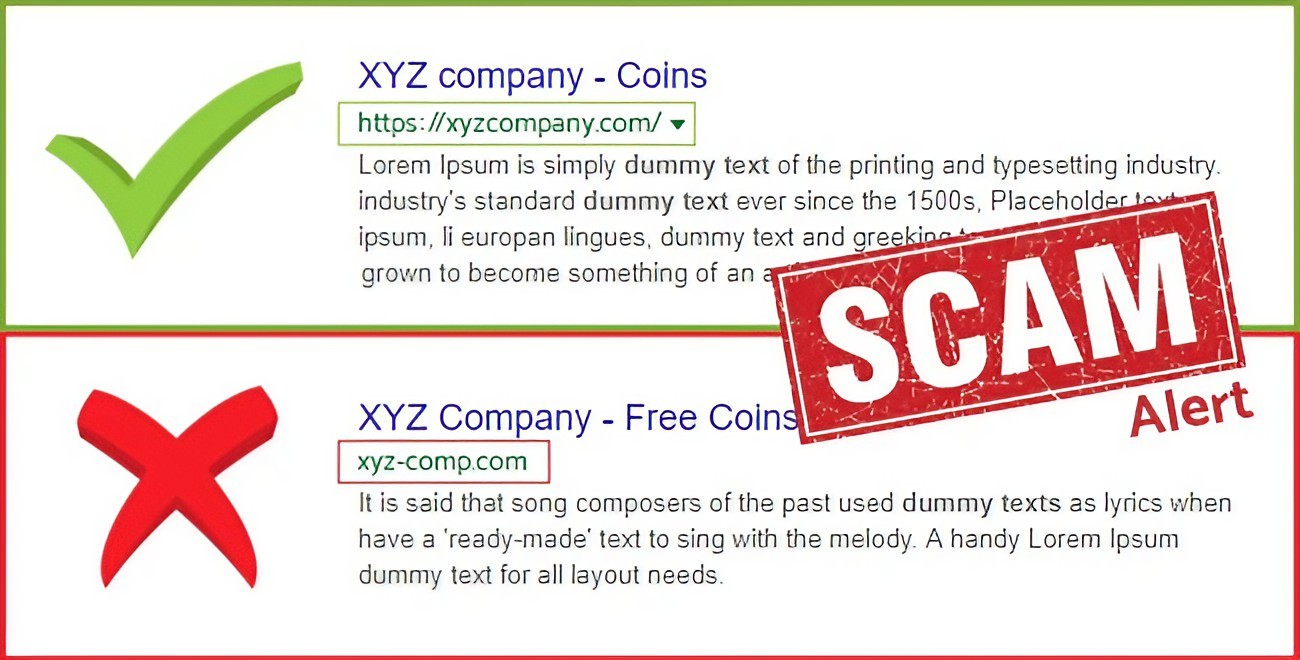
The website address is one of your best clues. Scammers may create addresses that look similar to legitimate websites but contain extra words, unusual characters or completely different domains. For example, a fake website might use a domain that includes a company's name somewhere in a much longer address.
Don't just look at the first word you recognize. Look at the actual domain. The domain is the important part of the web address that identifies where the website is hosted. A page can contain a familiar company name in its address without actually belonging to that company. This is why carefully reading the address is more useful than simply recognizing a logo.
2. Don't Trust a Website Just Because It Has HTTPS
You may have heard that the padlock icon means a website is safe. That's only partly true. HTTPS means the connection between your browser and the website is encrypted. That's useful for protecting information while it travels between you and the website. But HTTPS does not prove that the website itself is legitimate.
A scammer can also create an HTTPS-enabled phishing website. So don't treat the padlock as a guarantee that you're dealing with a trustworthy company. Think of HTTPS as protection for the connection, not proof of the website's identity or honesty.
3. Be Suspicious of Urgent Messages
One of the oldest tricks in phishing is creating panic. A message might say:
"Your account will be deleted today."
"Your payment failed."
"Your package cannot be delivered."
"Verify your account immediately."
"Your password has expired."
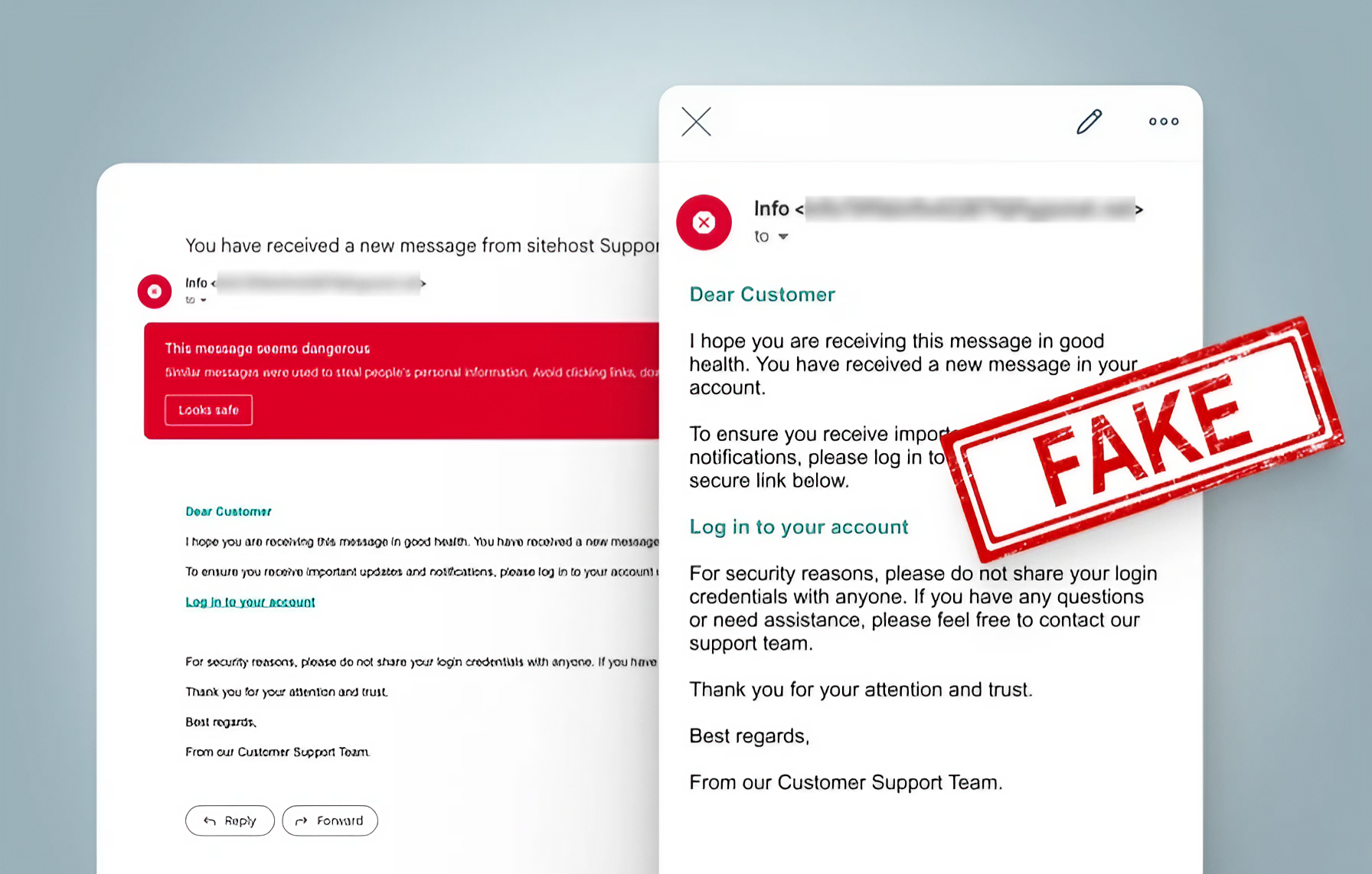
The goal is to make you act before you think. When a message creates extreme urgency, stop. Instead of clicking the provided link, open the company's official app or type the known website address into your browser yourself.
This removes the suspicious link from the equation. If there really is a problem with your account, you should normally be able to find information about it after signing in through the legitimate service.
4. Check How You Reached the Website
The path you took to reach a website matters. If you typed the address yourself or opened an official app, you have more reason to trust the route. If you received the link through an unexpected email, text message, social-media message or advertisement, be more cautious.
This doesn't mean every link in a message is dangerous. It means you shouldn't blindly trust the link simply because the message looks professional. Scammers can copy logos, writing styles and even the appearance of legitimate messages. The safer habit is to avoid using unexpected links for sensitive actions. Open the service directly instead.
5. Look for Strange Spelling and Design
Fake websites sometimes contain small mistakes. Look for strange spelling, awkward sentences, inconsistent fonts, unusual buttons or low-quality graphics. One mistake doesn't automatically prove that a website is fake. Legitimate websites can have errors too.
But several warning signs appearing together should make you cautious. For example, imagine a page that has a strange domain, poor grammar, an urgent warning and a request for your password.
That's a very different situation from a normal website you opened directly through an official app. Don't judge a website based on one clue. Look at the entire picture.
6. Be Careful With Login Pages
A login page deserves extra attention because your password is extremely valuable. Before entering your credentials, ask yourself why you're being asked to sign in. Did you intentionally open this service? Were you already expecting to use it? Did you arrive through an unexpected message?
If something feels unusual, stop. You can close the page and open the official application or website yourself. This simple habit can prevent many phishing attacks. You should also avoid entering the same password across multiple services. If a fake website steals a reused password, criminals may try that same password on your other accounts.
7. Don't Let Search Results Make the Decision for You
Search engines are useful, but finding a website through search doesn't automatically make it safe. Advertisements and search results can sometimes lead users to unexpected websites. When looking for a service you use regularly, learn the official web address and bookmark it. Even better, use the company's official application when appropriate.
For financial accounts, email services and other important accounts, avoid searching randomly when you need to sign in. Use your saved bookmark or official app instead. The fewer opportunities you give a scammer to intercept your journey, the better.
8. What to Do If You Already Entered Your Password
Don't panic, but act quickly.
Change the password from the legitimate website or official app.
If you reused that password elsewhere, change it on those accounts too.
Enable two-step verification where available.
Review recent account activity for anything suspicious.
Be alert for follow-up phishing messages.
A Simple 10-Second Check Before You Sign In
Stop and ask why you are signing in.
Check the website address carefully.
Think about how you reached the page.
Look for unusual urgency or suspicious requests.
If anything feels wrong, close the page and open the official app or website yourself.
The Bottom Line
Fake websites don't always look fake. That's what makes phishing dangerous. A convincing logo, professional design and HTTPS connection aren't enough to prove that a website is legitimate. The most useful habit is to slow down before entering sensitive information.
Check the address. Think about where the link came from. Be suspicious of unexpected urgency. And when in doubt, open the official app or website yourself instead of following the link Those few extra seconds can protect a password, an email account or even your money.
Online security isn't always about complicated software. Sometimes it's simply about not clicking too quickly.