Google AI Overviews Explained: Why They’re Everywhere and How to Hide Them
Google AI Overviews are changing the way millions of people use Search. Here’s what they are, why they are appearing more often, and the easiest ways to get back to traditional web results.
Search Google for a question today and you may get an AI-generated answer before you see the websites you actually searched for. That feature is called Google AI Overviews. It can save time by summarizing information from multiple sources, but it can also make Search feel very different from the Google many people have used for years.
And there is an important detail many users do not realize: Google does not currently provide a normal setting that permanently turns AI Overviews off. So why are they becoming so common? What exactly is Google trying to change? And if you prefer the old-fashioned list of websites, what can you do? Let’s break it down simply.
Google Search Is Becoming an AI Answer Engine
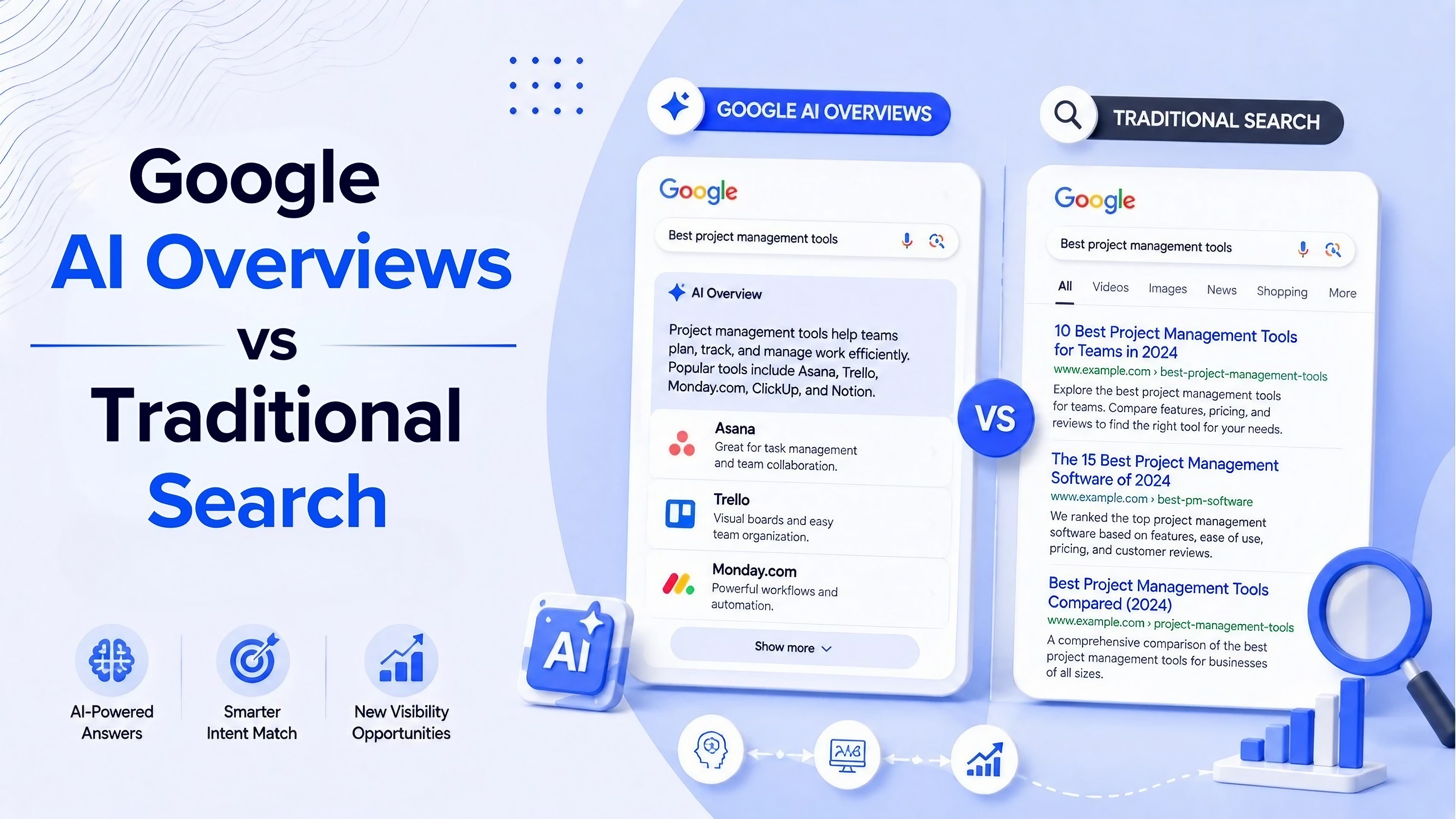
For years, Google Search mainly worked as a directory of websites. You typed a question, Google ranked pages, and you chose which link to open. AI Overviews change that experience. Instead of making you visit several pages first, Google can generate a summary near the top of the results page and provide links to sources underneath it.
Google describes AI Overviews as a way to give users a snapshot of important information while still providing links for deeper exploration. The important change is not simply that Google added AI. It is that Google is increasingly trying to answer the question inside Search itself.
What Exactly Is a Google AI Overview?
An AI Overview is an automatically generated summary that appears within Google Search for certain queries. Instead of showing only a collection of links, Google uses its AI systems to understand the question, gather relevant information and create a response. The response can also include links that let you investigate the information further.
For example, instead of searching “how does Wi-Fi 7 work” and opening several technology websites, you might see a short explanation directly at the top of Google. That can be useful when you need a quick answer. But it creates a new problem: sometimes you may want to compare several websites yourself instead of reading Google's summary.
Why Are AI Overviews Suddenly Appearing Everywhere?
Google is pushing Search toward a more conversational experience. Instead of treating Search as a list of links, the company increasingly wants users to ask complicated questions and continue the conversation.
bThat explains why AI features are becoming more visible.
Google has also recently changed how some AI Overviews appear. In certain searches, the company has started automatically expanding the AI-generated section, pushing the traditional links farther down the page. Google says this happens for queries where its systems believe the expanded experience will be useful.
In other words, AI Overviews are not disappearing into an optional corner of Search. Google is making them a more prominent part of the experience.
Why Some People Don't Like AI Overviews
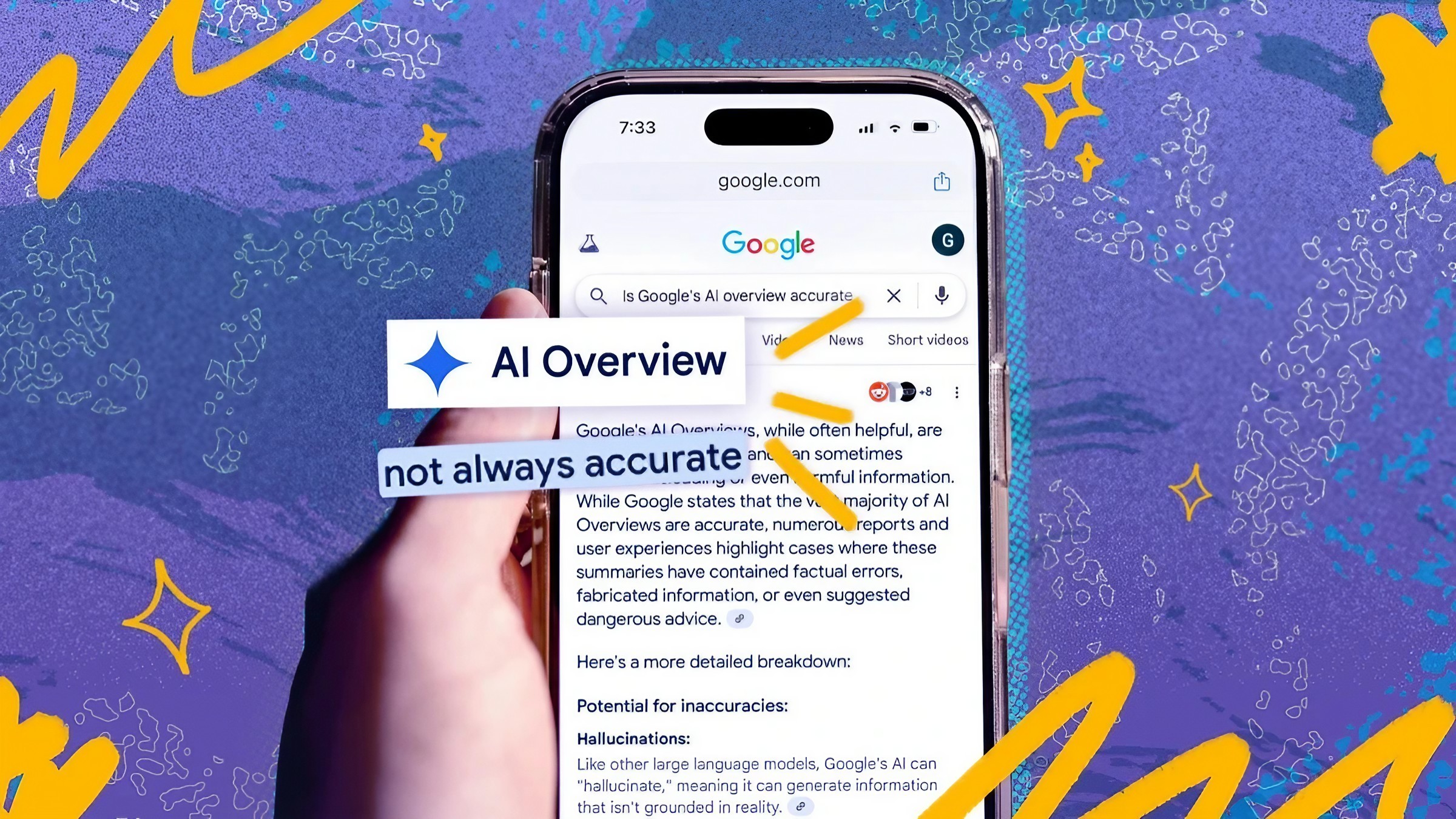
The biggest complaint is simple: people searched for websites, but Google is increasingly giving them an answer before the websites. For someone looking for a quick definition, that can be convenient.
For someone researching a product, comparing opinions or reading a detailed article, it can feel like an unnecessary barrier between the user and the web. There is also a bigger issue for publishers. Websites create the information that search engines use, but an AI summary can potentially satisfy the user without requiring a visit to the original website.
Recent research has found that clicks to sources cited inside AI Overviews can be rare, while other research has found that removing AI-generated search features can increase clicks to publishers. These findings are part of an ongoing debate about how AI Search will affect the wider web.
Can You Completely Turn Off Google AI Overviews?
Here is the part many people get confused about: Google does not currently offer a normal universal switch that says “Turn off AI Overviews.” Google's own Search help says AI Overviews are a core Search feature and cannot be turned off. However, Google provides a Web filter that shows text-based web links without features such as AI Overviews.
So there is an important difference between turning AI Overviews off permanently and bypassing them when you want traditional results. For most users, the Web filter is the safest and simplest option because it is an official Google Search feature.
How to Hide AI Overviews Using Google's Web Filter
Open Google Search.
Search for whatever you want.
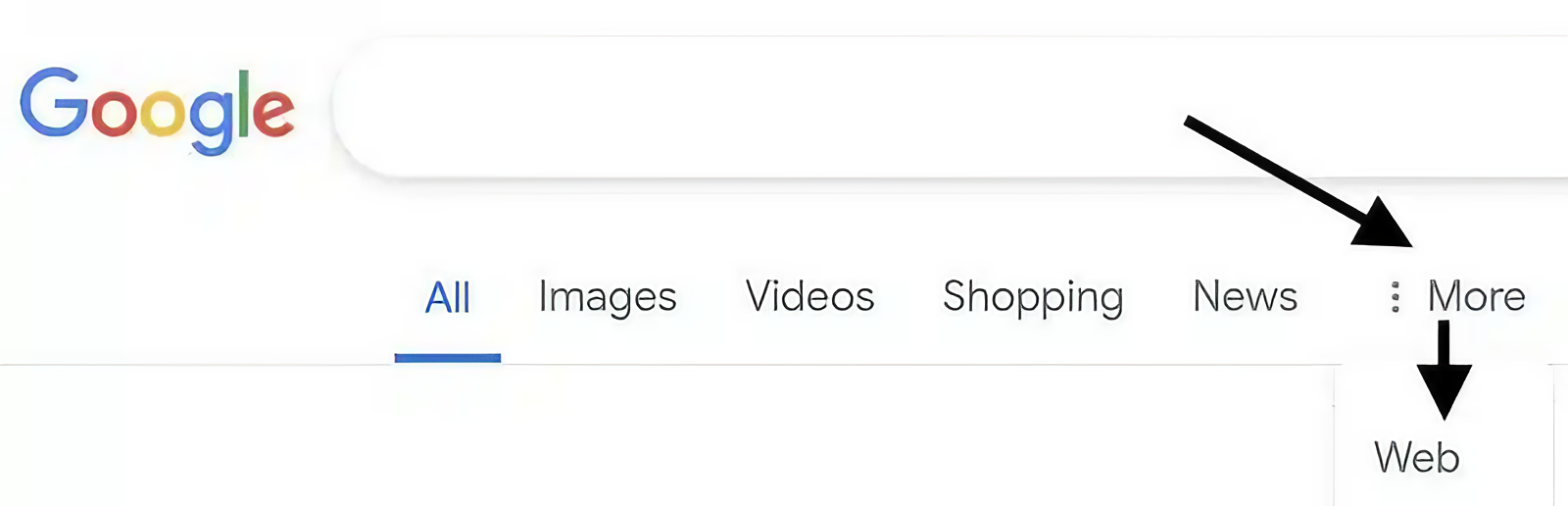
Look for the “Web” filter among the Search options. Depending on your device and Google interface, you may need to open the additional filters first.
Select “Web.”
Google will show text-based website results without features such as AI Overviews.
Use the normal links to browse websites directly.
This is the method I would recommend for most people because it does not depend on a browser extension, unofficial software or a trick that Google could change later.
What About the “udm=14” Trick?
You may also see guides recommending a Google Search URL containing “udm=14.” This can be used to force Google's Web-style results in some circumstances. It can be useful for people who want a more permanent shortcut, but it is not the same as an official “disable AI” setting. Search interfaces and URL behavior can change, so a workaround that works today may not work forever.
There are also browser extensions designed to hide AI Overviews. These can be convenient on desktop, but they introduce another dependency: the extension has to keep working when Google changes its Search interface. For that reason, AnantaGo's recommendation is simple: **use Google's Web filter first; treat third-party workarounds as optional.**
Why Google Is Also Giving Website Owners More Control
There is another side to the AI Overview story that is important for anyone who publishes on the web. Google has introduced controls that allow website owners to decide whether their content can be used in AI Overviews and AI Mode. Google says opting out of these generative AI features does not affect a site's traditional Google Search ranking.
Google has also introduced dedicated reporting in Search Console for visibility in generative AI features, including AI Overviews and AI Mode. That tells us something important: AI Search is no longer just an experiment happening inside Google's interface. It is becoming a separate part of the search ecosystem that publishers have to understand.
The Bigger Picture: Google Is Changing What “Search” Means
The real story behind AI Overviews is bigger than whether you personally like the feature. Traditional Search followed a simple model: Google found information, showed you links, and you visited websites. AI Search adds another step: Google can interpret the question, synthesize information and present an answer before you decide whether to visit a website.
That is convenient, but it changes the relationship between Google, users and publishers. Google says AI can make Search more useful and help people explore complicated questions. Critics worry that keeping more of the experience inside Google could reduce the traffic flowing to the websites that produce the information.
Both things can be true at the same time. AI Overviews can be genuinely useful for users while also changing how the open web works.
Should You Use AI Overviews or Hide Them?
Keep AI Overviews when:
You want a quick explanation.
You are researching a simple question.
You want a starting point for a complicated topic.
You want Google to summarize information before exploring further.
Use the Web filter when:
You prefer traditional website results.
You want to compare several sources yourself.
You are researching products or opinions.
You do not want an AI-generated summary taking up the top of the page.
The AnantaGo Take
AI Overviews are not simply a new Google feature. They represent a change in Google's basic philosophy. Google used to send you to the information. Now Google increasingly wants to become the place where the information is consumed.
For users, that can mean faster answers. For publishers, it can mean a harder fight to earn the click. And for the wider web, it raises an important question: if users stop visiting websites, what happens to the businesses and creators producing the information?
You do not have to choose one side. The practical approach is to use AI Overviews when they genuinely save time and switch to the Web filter when you want to explore the web yourself. The important thing is knowing that you still have a choice.
#Google AI Overviews#Google Search#AI Search#Google AI#AI Mode#Search Engine#Google Tips#Technology Explained