What Happens to Your Data When You Delete It? The Truth About “Deleted” Files
When you delete a photo, document or file, is it really gone? The answer is more complicated than you might think. Here's what actually happens to deleted data and why recovery is sometimes possible.
You take a photo. You delete it. Then you empty the trash. Gone forever, right? Not necessarily.
When you delete a file from a computer or smartphone, the device doesn't always immediately destroy every piece of information belonging to that file. Instead, the system usually marks the space used by the file as available for something else. That small difference is why deleted data can sometimes be recovered. It also explains why selling an old phone or computer requires more than simply deleting your photos and logging out of your accounts.
But there's another important part of the story. Modern storage technology has made the situation more complicated. Hard drives, SSDs and smartphones don't all handle deleted information in exactly the same way. So let's look at what really happens after you press that delete button.
Delete Doesn't Always Mean Destroy
When you delete a file, your operating system needs to make that storage space available again. Imagine a huge library. You remove a book from the library's catalog. The catalog now says that the space is available for another book. But the physical book might not have disappeared instantly.
Digital storage can work in a similar way. The system may stop treating the file's old location as occupied, allowing new information to eventually use that space. Until that happens, some of the old information may remain on the storage device.
This is one reason specialized data-recovery software can sometimes find files that a normal user believes have already been deleted.
Why Deleted Files Can Sometimes Be Recovered
Data recovery works because deleted information may remain on a storage device for some time. Recovery software scans storage for information that still exists and tries to reconstruct files from it. The chances of success depend on several factors. If the storage area containing the old file has already been reused, recovery can become much harder or impossible.
If the data has not been overwritten, some or all of the original file may still be recoverable. That's why accidentally deleting a valuable file doesn't always mean the file is immediately lost. In fact, if you accidentally delete something important, one of the smartest things you can do is stop using the affected storage device as much as possible. Every new file written to it could potentially reuse the space where the deleted information was stored.
Your Recycle Bin Is Not the Same as Permanent Deletion
On many computers, deleting a file initially moves it to a Recycle Bin or Trash. This is actually good news.
It gives you an easy way to recover something you deleted by mistake. When you empty the Recycle Bin, the operating system generally removes the normal way you access those files and makes their storage space available again.
That doesn't necessarily mean every bit of the old information instantly disappears. This is why the words "empty trash" and "securely erase" should not always be treated as identical. The exact behavior depends on the operating system and type of storage device.
What Changes When You Use an SSD?
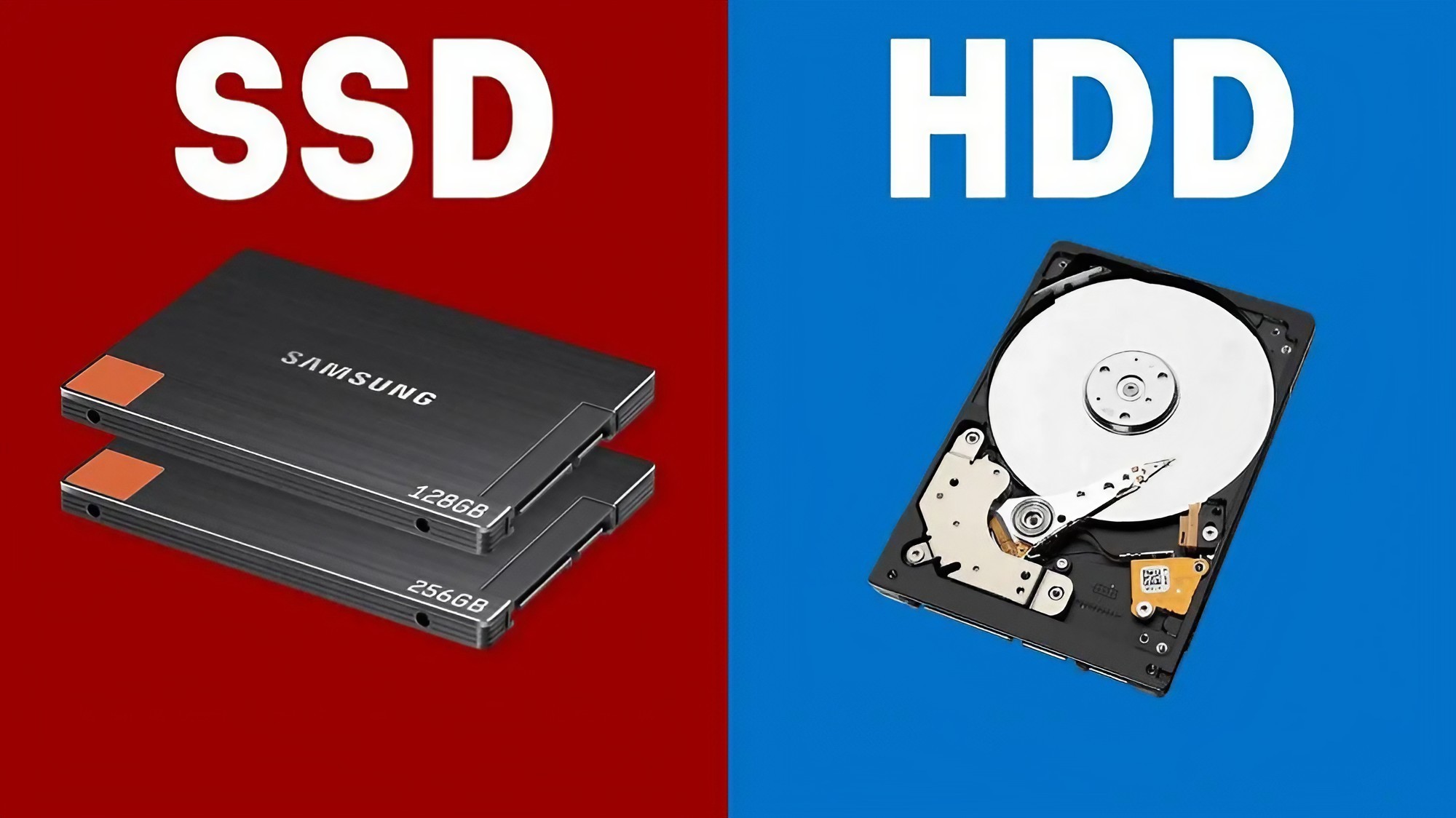
This is where things get more interesting. Older computers commonly used hard disk drives, or HDDs.
Modern devices increasingly use solid-state drives, known as SSDs. SSDs store information using flash memory and handle deleted data differently from traditional hard drives.
A technology called TRIM can tell an SSD which blocks of storage are no longer needed. The SSD can then manage those blocks internally. Because of this, traditional file-recovery techniques don't always work the same way on SSDs as they do on HDDs.
This is one reason you shouldn't assume that a deleted file will always be recoverable. Storage technology matters.
What Happens When You Delete a Photo on Your Phone?
Smartphones add another layer to the story. When you delete a photo, it may first move into a Recently Deleted or Trash section inside your gallery or photo application. This gives you a window in which you can recover the image.
If you permanently remove the photo, the result depends on the device, operating system, storage technology and how the application manages the data. Cloud backups can also change the situation.
A photo might disappear from your phone while another copy still exists in a cloud account. That's why deleting something from one device doesn't necessarily mean every copy has disappeared from everywhere.
What About Files Stored in the Cloud?
Cloud storage creates a completely different question: which copy did you actually delete? Suppose you take a photograph on your phone and it is automatically backed up to a cloud service. You delete the photo from your phone.
The cloud copy might still exist. Some services synchronize deletion between devices, while others may place deleted files into a temporary trash or recovery area. The exact behavior depends on the service and its settings.
This is why cloud storage should not be thought of as one giant invisible hard drive. It is a system that can maintain copies, synchronize changes and temporarily retain deleted information depending on how it is configured.
Can Someone Recover Your Old Files?
Sometimes, yes. But there is no universal answer. Recovery depends on the storage technology, how the file was deleted, whether the storage space was reused, encryption, device settings and other technical factors.
This is particularly important when selling or giving away an old device. Simply deleting personal files may not be the strongest privacy measure. Modern smartphones commonly use encryption, which can make recovering deleted information much more difficult when the device is properly reset and protected.
For sensitive situations, follow the manufacturer's official instructions for securely erasing or resetting the device rather than relying on manually deleting individual files.
What Should You Do If You Accidentally Delete Something?
Stop creating unnecessary files on the affected device.
Check the Recycle Bin, Trash or Recently Deleted folder.
Check whether you have a cloud backup.
Look for another copy on another device or storage drive.
If the file is extremely important, consider professional data recovery.
Avoid installing random recovery software if you don't understand what it will do to the affected storage.
The Surprising Part: Sometimes “Gone” Really Does Mean Gone
It would be easy to assume that every deleted file can eventually be recovered. That's not true.
Data can become unrecoverable. Storage blocks can be reused. SSD management systems can change how information is handled.
Encryption can make old information inaccessible without the correct keys. Physical damage can also destroy storage. So the idea that "deleted files always remain forever" is just as misleading as saying "deleting a file instantly destroys everything." The reality sits somewhere in between.
The Bottom Line
The next time you press Delete, remember that you're not necessarily watching the instant destruction of a file. You're usually telling the system that you no longer need that file in the normal way. What happens after that depends on the storage technology and what the device does with the space.
For recovering accidentally deleted files, this can give you a second chance. For privacy, it is a reminder that simply deleting personal information isn't always the same as securely erasing it.
The safest approach is simple: keep important files backed up, protect your devices with encryption and follow proper data-erasure procedures before giving an old device to someone else. Your Delete button is more complicated than it looks.
Helpful answers
Frequently Asked Questions
Are deleted files really deleted?+
Deleting a file usually removes its normal access and marks its storage space as available. Depending on the device and storage technology, some information may remain temporarily.
Can permanently deleted files be recovered?+
Sometimes, but there is no guarantee. Recovery depends on factors such as storage technology, whether the data has been overwritten and how the device handles deleted information.
Can I recover a photo I accidentally deleted?+
First check your device's Recently Deleted or Trash folder and any cloud backup. If the file isn't there and is extremely important, professional recovery may be an option.
Are deleted files recoverable from SSDs?+
Recovery from SSDs can be more complicated than recovery from traditional hard drives because technologies such as TRIM can affect how deleted storage blocks are handled.
Does emptying the Recycle Bin permanently delete files?+
Emptying the Recycle Bin removes the normal way to restore those files and makes their storage space available. Whether their underlying information can still be recovered depends on the device and storage technology.
Does deleting a photo from my phone delete its cloud backup?+
Not necessarily. Cloud services handle synchronization and deleted files differently. Check the specific service's backup and deletion settings.
How should I erase my phone before selling it?+
Back up anything you need, sign out where appropriate, and use the manufacturer's official factory-reset or data-erasure process. Do not rely on manually deleting photos and files one by one.