What Actually Happens When You Delete a File From Your Phone?
When you delete a photo, video or document from your phone, where does it actually go? Here's a simple explanation of what happens to deleted files and why they may sometimes be recoverable.
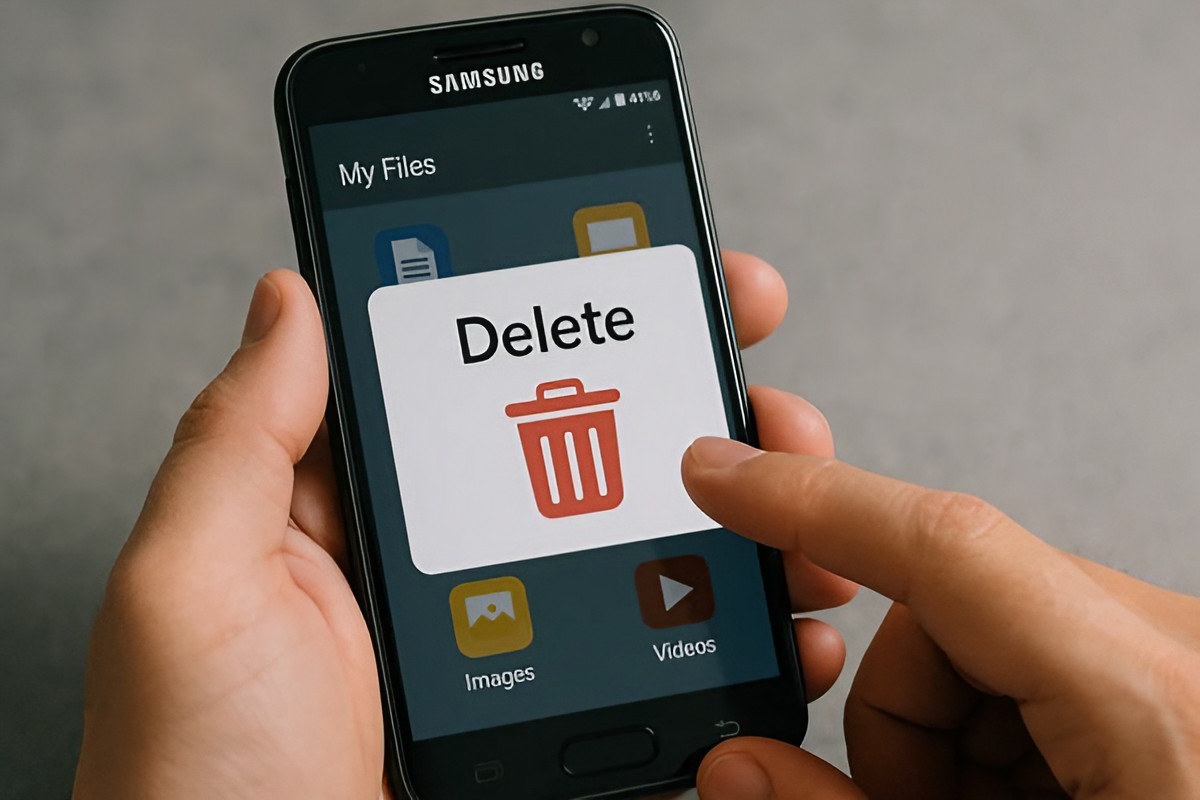
You take a photo. You keep it for a few weeks. Then one day, you decide you don't need it anymore. You tap Delete. The photo disappears. But where did it actually go? Did your phone immediately destroy every piece of data? Not necessarily.
The answer is more interesting than you might expect. When you delete a file, your phone usually doesn't have to instantly erase every bit of information associated with that file. Instead, the storage system can mark the space used by the file as available for something else.
That's one reason deleted files can sometimes be recovered. But there is an important difference between a file being deleted from view and every trace of its data being permanently impossible to recover. Let's break down what actually happens in simple terms.
First, Your Phone Removes the File From Normal View
When you tap Delete, the first thing you notice is simple: the file disappears from your normal gallery, file manager or application. From your perspective, it's gone. But your phone's storage system also has to keep track of where that file's information was stored.
Think of your phone's storage like a huge collection of numbered boxes. A photo occupies some of those boxes. When you delete the photo, the system can mark those boxes as available again.
The important part is that marking space as available is not necessarily the same thing as immediately filling every box with zeros or destroying every piece of the original information. That's where the story gets interesting.
Then the Storage Space Becomes Available
Imagine you have a notebook with 100 pages. You write a long note on pages 40 to 45. Later, you decide to delete the note. You might simply cross out the entry in your index and consider those pages available for your next notes. The pages still physically exist.
If you immediately wanted to recover the old information, there could potentially be ways to do so. But if you start writing new information across those same pages, recovering the original note becomes much harder. Digital storage works differently from a paper notebook, but the basic idea is useful for understanding what can happen after deletion. Once storage space is marked as available, new data can eventually use it.
Why Deleted Files Can Sometimes Be Recovered
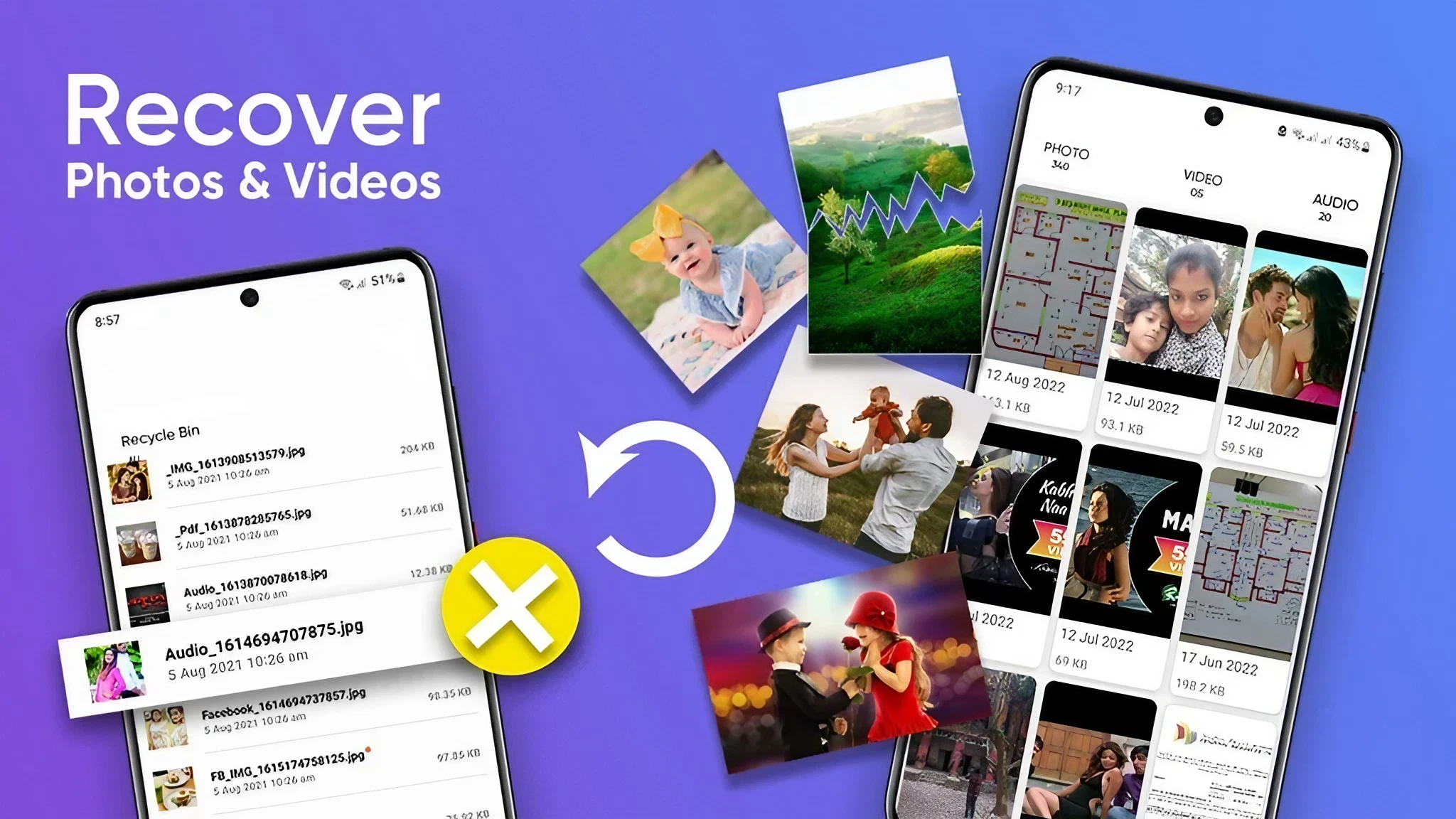
This is where data recovery software comes into the picture. If the storage space associated with deleted information hasn't been reused or securely cleared, recovery may sometimes be possible. That's why accidentally deleting an important file doesn't always mean it has instantly vanished forever.
However, recovery isn't guaranteed. Modern smartphones use technologies and security systems that can make recovery much more difficult than it was with some older storage devices. The type of storage, operating system, encryption, how the deletion was handled and whether new data has replaced the old data can all affect what is possible. So you shouldn't assume that every deleted file can be recovered.
What Happens When You Delete a Photo From Your Gallery?
Photos are a good example because most people have hundreds or thousands of them. When you delete a photo, your gallery app removes it from your normal collection. Many phones and photo services also provide a trash or recently deleted area.
This gives you a safety net in case you accidentally delete something. If the photo remains in that area, restoring it can be as simple as selecting the restore option. But if you permanently remove it from the trash or the retention period expires, the situation becomes different.
At that point, you should not assume there is an easy undo button. The exact behaviour depends on the device, operating system and storage or backup service you're using.
What About Files in the Cloud?
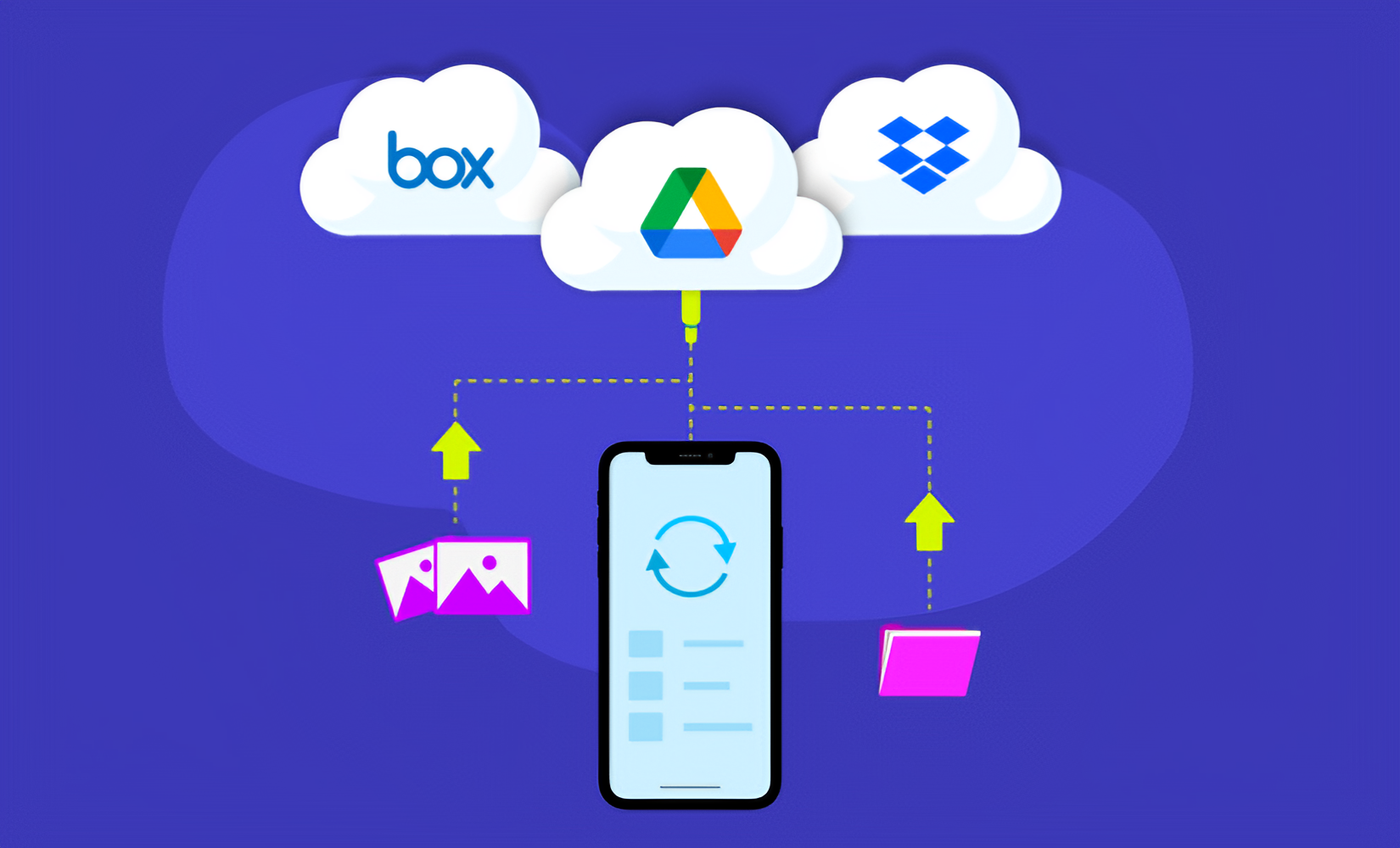
Things can work differently when your phone is connected to a cloud storage or photo service. A photo might exist in more than one place. For example, a copy could be stored locally on your phone while another copy exists in a cloud account. Deleting the copy you see on your phone doesn't necessarily mean every other copy has instantly disappeared.
Cloud services often have their own trash or recovery systems. This is why it's important to understand where your files are actually stored. A person may think they permanently deleted a photo from their phone while a copy still exists elsewhere.
Does Restarting Your Phone Permanently Delete Files?
No. Restarting your phone simply turns the device's operating system off and back on. It doesn't act as a special file-destruction process. If you've accidentally deleted something, restarting the phone doesn't normally make the deleted file more permanently deleted.
Similarly, turning a phone off doesn't automatically wipe its storage. The important factor is what happens to the storage space and the copies of the data after deletion.
Why Modern Phones Are Different
You may have heard stories about recovering files from old computers or memory cards. Modern smartphones can be more complicated. Today's phones commonly use flash-based storage rather than traditional spinning hard drives.
Flash storage manages data differently, and modern operating systems also use security features designed to protect information. Encryption can make unauthorized access to stored data significantly more difficult.
There are also storage-management processes that can affect what happens to blocks of deleted data.
This means an old data-recovery trick that worked on an older device may not work the same way on a modern smartphone. Technology has changed considerably.
What If You Accidentally Delete Something Important?
Stop and check the phone's Recently Deleted or Trash section.
Check whether the file is available in your cloud backup or photo service
Avoid filling the phone with lots of new data if recovery is important.
Check whether you have another backup of the file.
If the data is extremely important, consider getting professional help rather than repeatedly experimenting with recovery software.
Can You Make Deleted Data Impossible to Recover?
If you're giving away or selling an old smartphone, simply deleting a few photos isn't enough to think about the device as completely cleared. The safer approach is to use the device's built-in reset and security features designed for preparing the phone for a new owner.
Modern smartphones are designed with security in mind, including encryption and protected storage. Before selling a device, make sure your accounts have been removed appropriately and follow the manufacturer's recommended process for resetting it. Don't rely on manually deleting files one by one.
The Simple Explanation
So, what actually happens when you delete a file? The simplest answer is this: Your phone stops treating that file as something you normally need and makes its storage space available for future use.
The data may not be immediately destroyed in the way people imagine. As the storage is reused and managed by the device, recovering the old information can become increasingly difficult or impossible. And if another copy exists in a backup or cloud service, deleting the copy on your phone may not remove that other copy.
That's why "delete" is more complicated than simply making something disappear. The next time you delete a photo, remember that you're really telling your phone that you no longer need that file in its normal form. What happens to the underlying data depends on the device, storage system and what happens next.
The Bottom Line
A deleted file doesn't simply fall into a digital black hole. Your phone's storage system has to manage the space that file was using. Sometimes that means the space becomes available for new data. Sometimes a deleted item remains temporarily in a trash or recently deleted area.
And sometimes another copy is sitting safely in the cloud. Understanding this makes two things clear. If you accidentally delete something important, don't immediately give up. And if you're getting rid of an old phone, don't assume that manually deleting your photos is enough.
Digital files may be invisible after deletion, but the technology behind that simple Delete button is much more complicated than it looks.