Here are 10 practical ways AI is helping people save time, find information, stay organized, and get more done

Artificial intelligence is easy to talk about in big terms. People discuss AI replacing jobs, creating images, writing software, and changing the way we search for information. But most people don't experience AI that way. They experience it through much smaller things: rewriting an awkward email, explaining something they don't understand, summarizing a long document, organizing a list, comparing products, or helping them plan something.
So instead of making another list of futuristic AI predictions, we looked at the everyday tasks where AI can actually be useful. The important question isn't **“Can AI do this?”**
It's **“Does AI make this task easier enough that you would actually use it again?”** That's what we're looking at in these 10 examples.

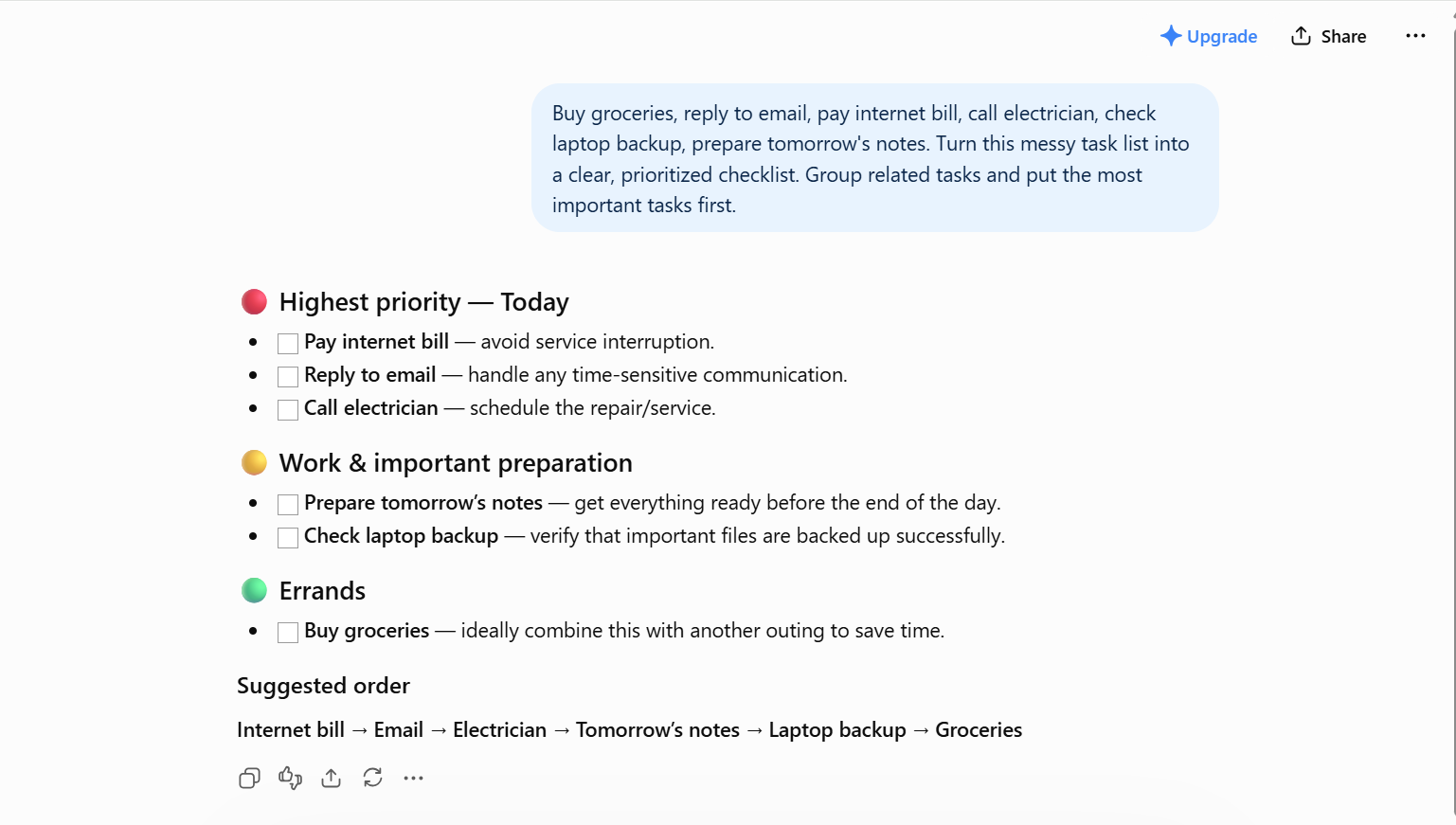
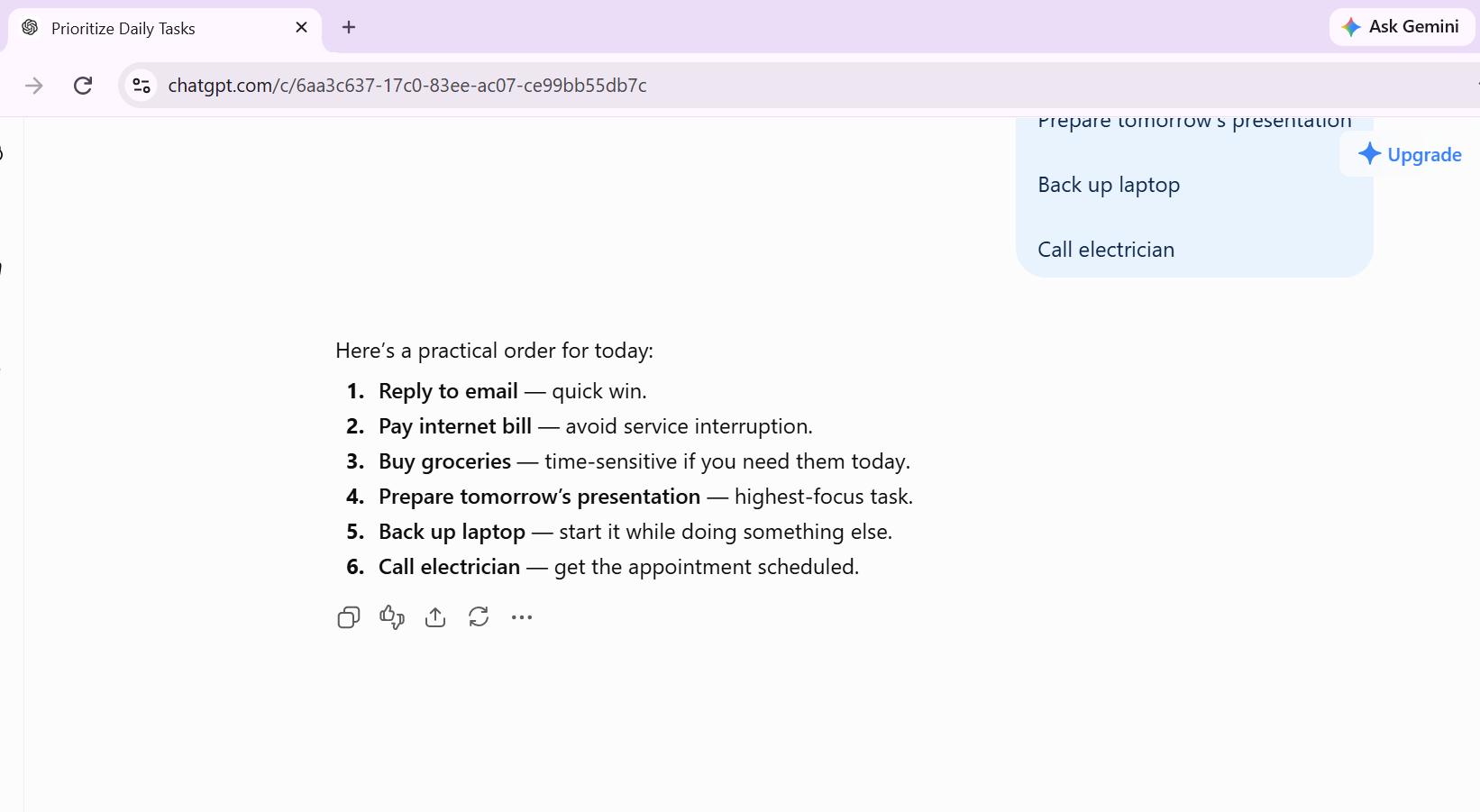
One of the easiest ways to use AI is to give it information that is already in your head and ask it to organize it. For example, you might have six things to remember during a busy day: buy groceries, reply to an email, pay a bill, call someone, check a backup, and prepare for tomorrow. None of these tasks is difficult. The annoying part is keeping track of all of them. We tried giving an AI assistant a deliberately messy list and asking it to turn the information into a simple checklist.
The prompt we used: “Organize these tasks into a simple checklist and separate urgent tasks from things I can do later.” The useful part wasn't the checklist itself. It was seeing whether the AI could organize the information without changing what we actually meant.What to look for: Did the AI correctly understand every task? Did it invent a deadline or priority that wasn't provided? If it made a mistake, that's worth mentioning because it shows where AI still needs human checking.
For simple lists, this can be a genuine time-saver. But the important lesson is that AI should organize your information, not quietly make decisions you never asked it to make.
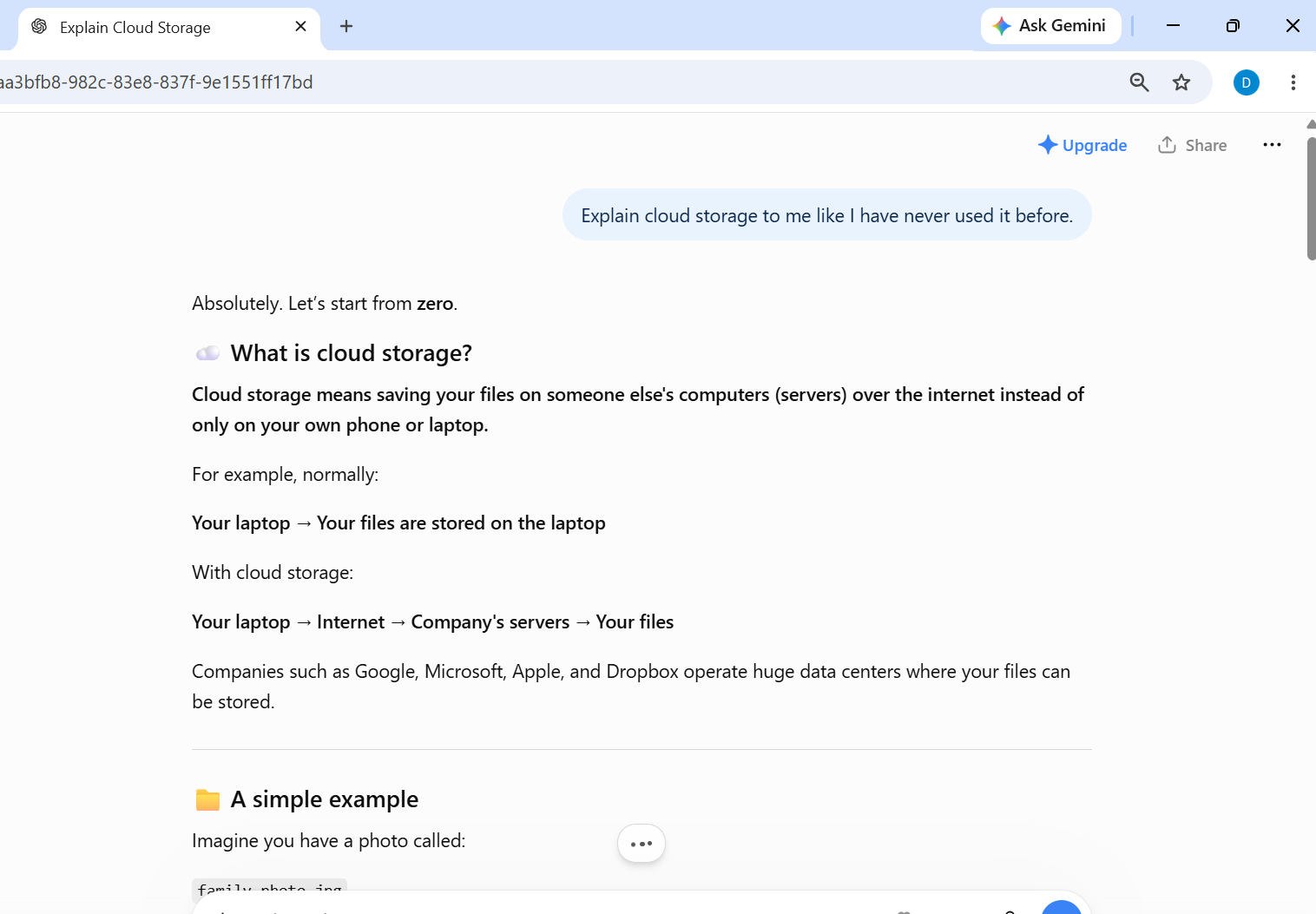
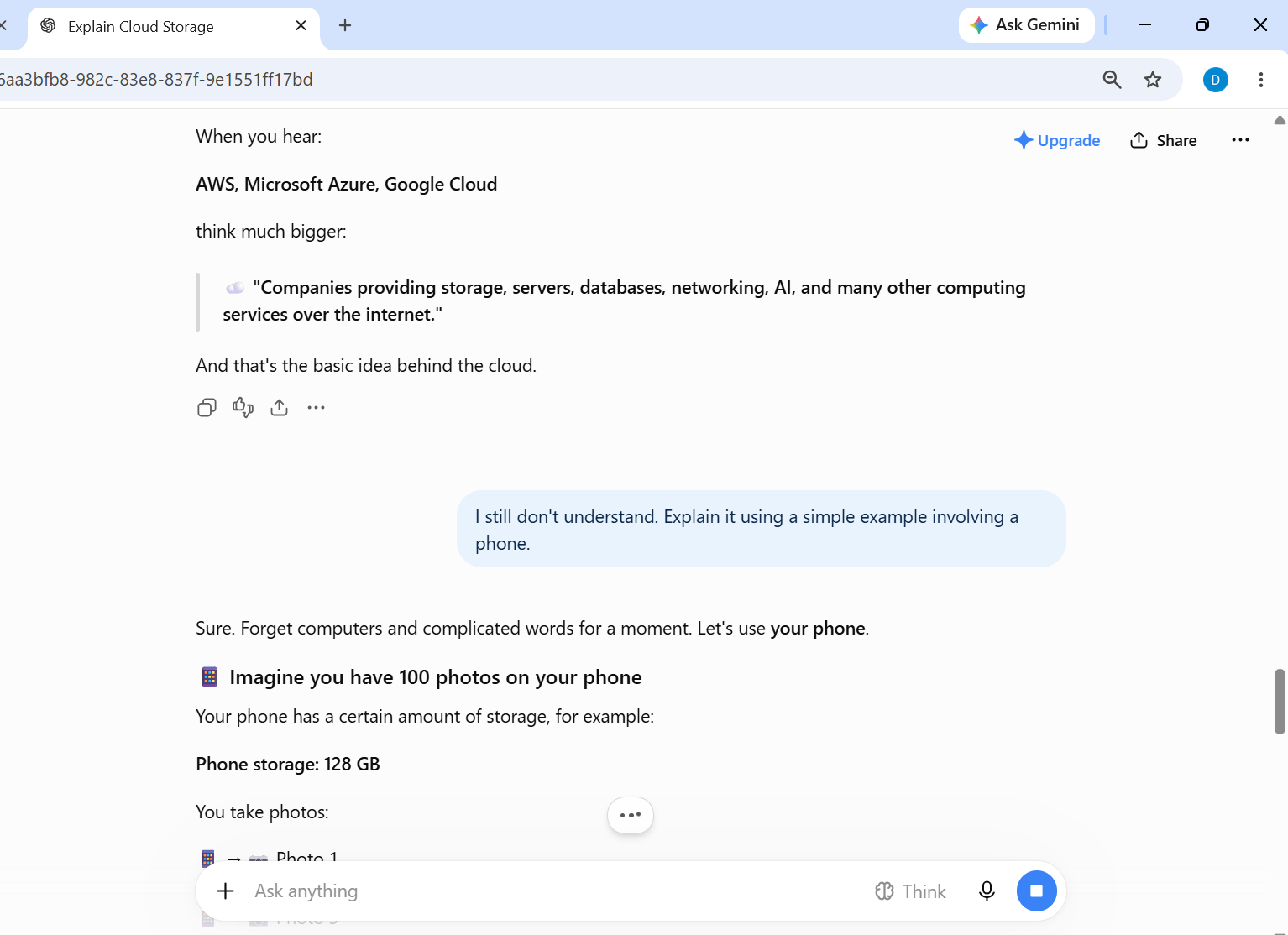
This is one of the AI features that can be more useful than it first appears. When you search the web, you normally have to find an explanation that matches your level of understanding. If the first explanation is too technical, you have to search again. With an AI assistant, you can simply ask for another explanation. For example, we asked an AI assistant to explain a technology concept in simple language. Then we asked it to explain the same idea using an everyday example.
The second explanation is where AI becomes interesting. Instead of giving you exactly the same answer again, you can tell it what you didn't understand and ask it to approach the subject differently. This can be useful for students, people learning new software, or anyone who has ever read a technical explanation and thought, “I still don't understand this.” But there is an important limitation: a simple explanation can still be an incorrect explanation.
For anything important, especially technical, financial, medical, or legal information, use AI as a starting point and verify the important facts with reliable sources.


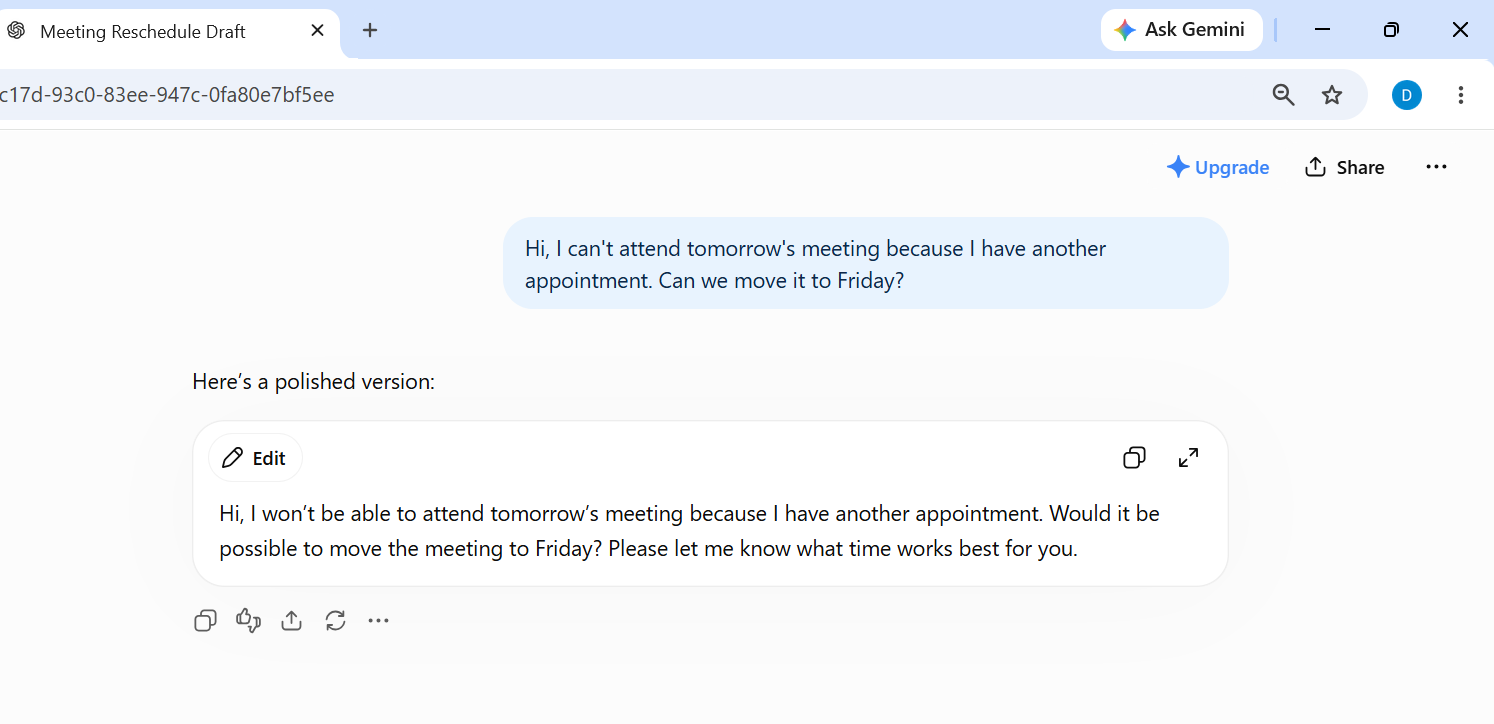
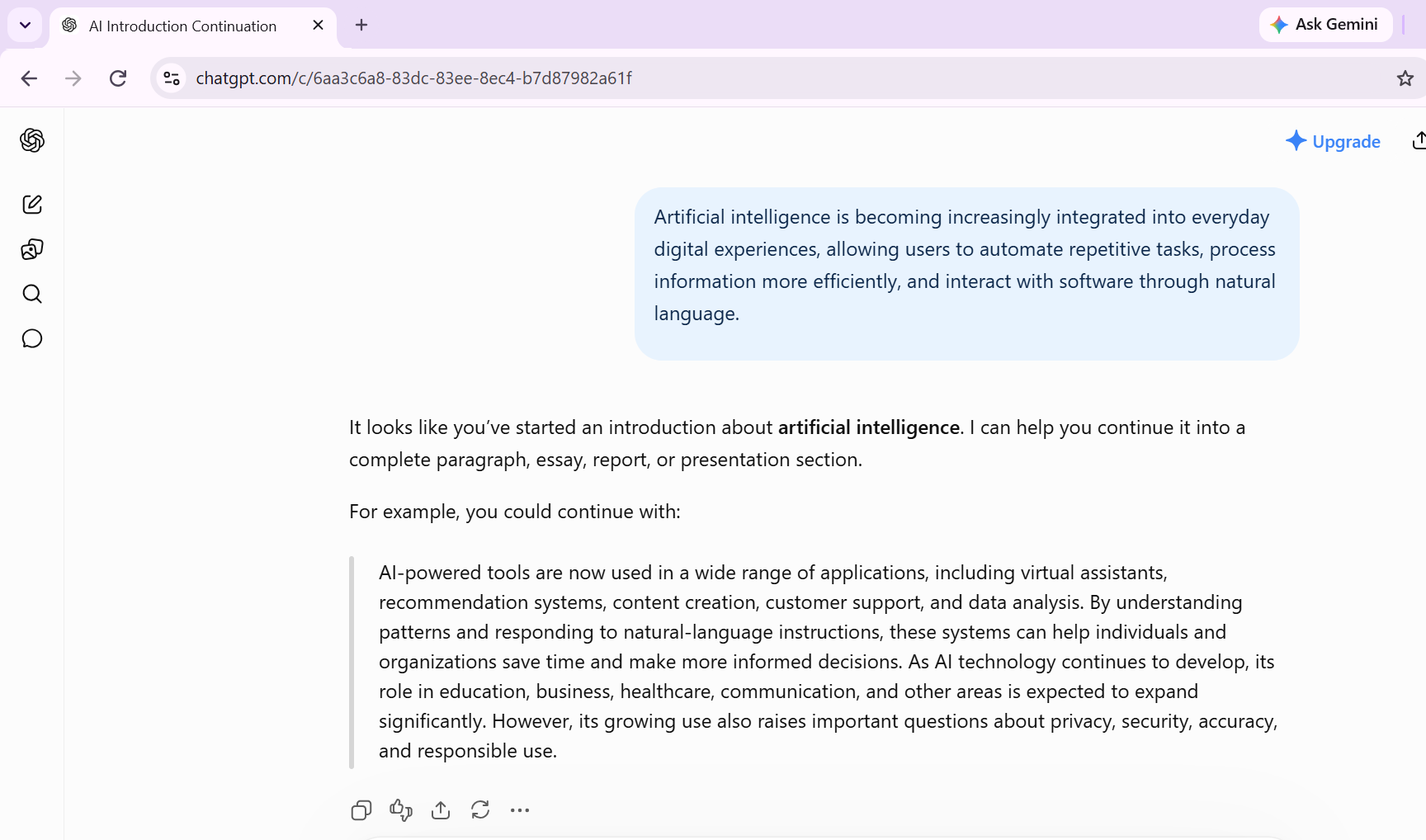
AI doesn't need to write an entire email for you to be useful. Sometimes its most useful job is simply giving you a starting point. We tested this with a deliberately rough message. Instead of asking AI to write an email from nothing, we gave it the basic information and asked it to turn that into a professional message.
The prompt we used: “Turn this rough message into a short, polite professional email without adding information that isn't included.”
The advantage is simple: you don't have to spend several minutes trying to find the right opening sentence.But we wouldn't recommend sending an AI-generated email without reading it first. AI doesn't know your relationship with the recipient, and it can sometimes make a message sound much more formal than you intended. For everyday writing, AI works best as an editor and starting point rather than an automatic replacement for your own voice.
Long articles, reports, documents, and instructions can take a lot of time to read. AI can help by turning a large amount of information into a shorter summary. But there's an important difference between asking AI to summarize something and actually checking whether the summary is accurate. For our test, take a public article or document and ask an AI assistant: “Summarize this in five bullet points. Don't add information that isn't in the original.” Then compare the summary with the original source.

Pay particular attention to numbers, dates, names, and conclusions. These are the details you don't want an AI tool to accidentally change. The useful part of AI summarization isn't that you never need to read anything again. It's that you can quickly understand the main subject and then decide whether the full document is worth reading.
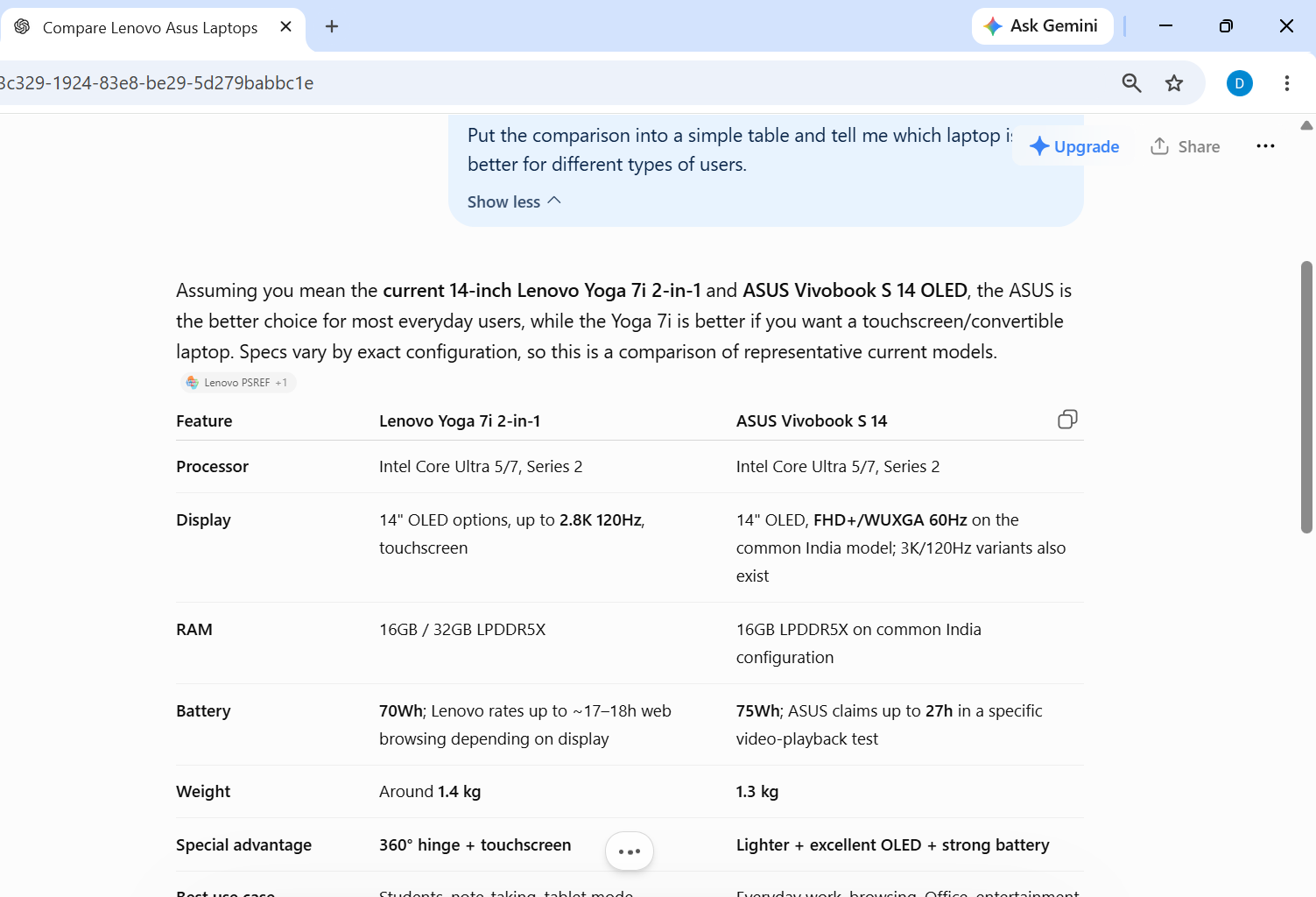
Choosing between two phones, laptops, headphones, or other products can become confusing because specifications don't always tell you what the differences actually mean. AI can help organize those differences. For example, you can give it two products and ask: “Compare these two products for someone who mainly uses them for browsing, writing, video calls, and streaming. Focus on differences that would actually matter in everyday use.”

This can make a long list of specifications easier to understand. But don't let the AI make the final purchasing decision. Prices, specifications, software support, availability, and other details can change. Check the manufacturer's current information before spending money. The best use of AI here is as a research assistant: let it help you understand the differences, then verify the important details yourself.
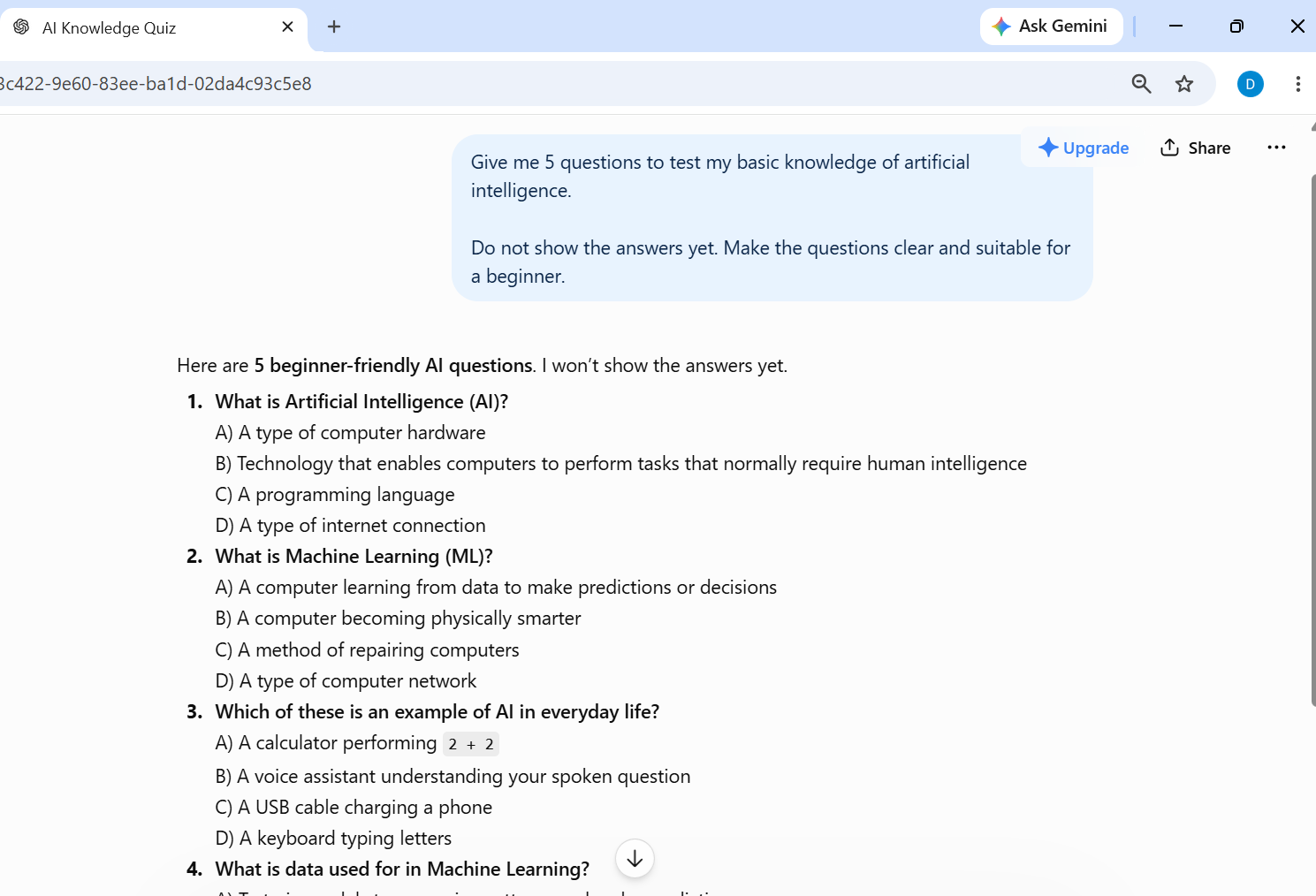
AI can be useful for learning, but simply asking it to explain a subject isn't always the best way to learn. A better approach is to make AI test you. For example, after reading about a technology topic, you can ask an AI assistant to create five questions about it. Answer the questions yourself first, then ask the AI to check your answers. We tried this approach with a simple technology topic and asked for a mixture of easy and difficult questions.
The prompt we used:
“Create five questions to test whether I understand this topic. Start with three beginner questions and then give me two harder real-world questions. Don't show the answers until I ask.”

This changes the role of AI. Instead of simply giving you information, it becomes a practice partner. The results still need to be checked. An AI system can create a poorly worded question or give an incorrect explanation, so it shouldn't automatically be treated as a teacher or textbook. For learning, the most useful approach is to use AI to explain, question, and challenge you — while you remain responsible for checking the information.
AI photo editing is one of the easiest AI features to demonstrate because you can see the result immediately. Tools can now remove unwanted objects, improve lighting, change backgrounds, sharpen images, and make other edits that previously required more complicated software. But the feature working isn't the same thing as the result looking good. We tested an AI object-removal feature by taking an ordinary photo with an unwanted object in the background.


At normal viewing size, an AI edit can look convincing while small problems become obvious when you zoom in. Look for strange edges, repeated textures, distorted objects, or shadows that don't make sense. That's why a before-and-after comparison is more useful than simply saying that an AI editor can remove objects. The real question is whether the result is good enough that you would actually keep the edited photograph.
AI can also help when the problem isn't finding information but deciding what to do first. Imagine you have several tasks to finish but only two hours available. Instead of making the decision from scratch, you can give AI the list and ask it to organize the work.
For example: The prompt we used:“I have two hours to finish these tasks. Organize them in a sensible order and explain why you put them in that order. Don't invent extra tasks or deadlines.”

The useful part is not that AI can make a list. A normal notes app can do that. The interesting part is whether the AI can recognize which tasks depend on other tasks and create a sensible order. However, don't blindly follow the plan. AI doesn't know everything about your day, and it may not know that one task is more important to you than another. For simple planning, it can be useful as a second opinion rather than a replacement for your own judgment.
Sometimes the information isn't difficult because the subject itself is complicated. It's difficult because the writing is. AI can help turn complicated wording into something easier to understand. For example, you can paste a paragraph and ask: “Rewrite this in simple English without changing the meaning.” You can then compare the original with the simplified version.

This is particularly useful when reading instructions, technical explanations, workplace communication, or other text that uses unfamiliar language. But there is an important catch: simplifying text can accidentally remove an important detail. That's why the original should remain available, especially when the wording contains instructions, conditions, numbers, or technical information. AI is most useful here as a readability assistant — not as a tool that decides what information is important enough to remove.
Be more careful when the answer involves important decisions, private information, money, health, legal matters, or anything where an incorrect answer could cause real problems. AI is also not always necessary. A calculator may be faster for a simple calculation. A notes app may be better for a quick checklist. An official website may be more reliable for current product specifications. The goal isn't to use AI as much as possible.
The goal is to use it when it genuinely gives you an advantage. That may be the most useful lesson from all of these examples.
AI is becoming useful not because it looks futuristic, but because it is increasingly practical. The most valuable AI features are often the ones people barely notice: a better route to work, a useful recommendation, a quicker email draft, a blocked scam message, or a simple explanation of something difficult. At the same time, AI should be used thoughtfully. Users should protect personal information, verify important facts, and avoid assuming that an AI-generated answer is automatically correct. The future of AI may involve much more advanced technology, but its everyday impact is already here. For most people, the best place to start is not with complicated AI systems. It is with the small tasks that consume time every day.
Keep reading

AI
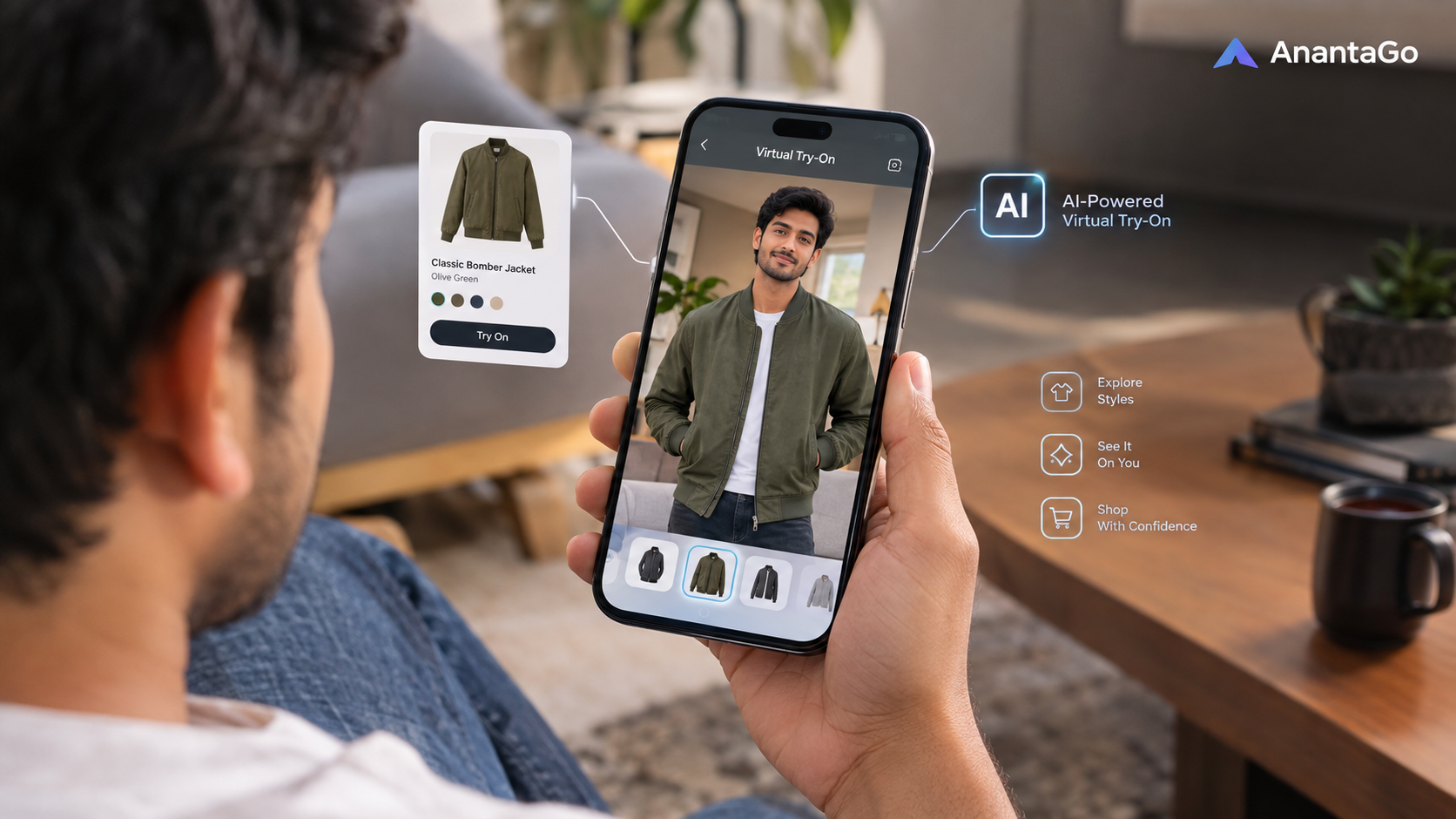
ChatGPT can now create virtual try-on images for clothes and accessories. But can an AI image really tell you whether something will look good — or actually fit?

AI
The ChatGPT 1980 prompt is suddenly everywhere. Here’s what the trend actually does, why some AI-generated 1980s photos look surprisingly convincing, and how to create one without unnecessarily changing the person’s identity.

AI
Meta Muse Spark 1.3 is a new AI model built for coding and complex agentic tasks. Here’s what Muse Spark actually is, what Muse 1.3 can do, how it differs from Meta’s Muse AI agent, and why the model matters for the future of AI.

AI
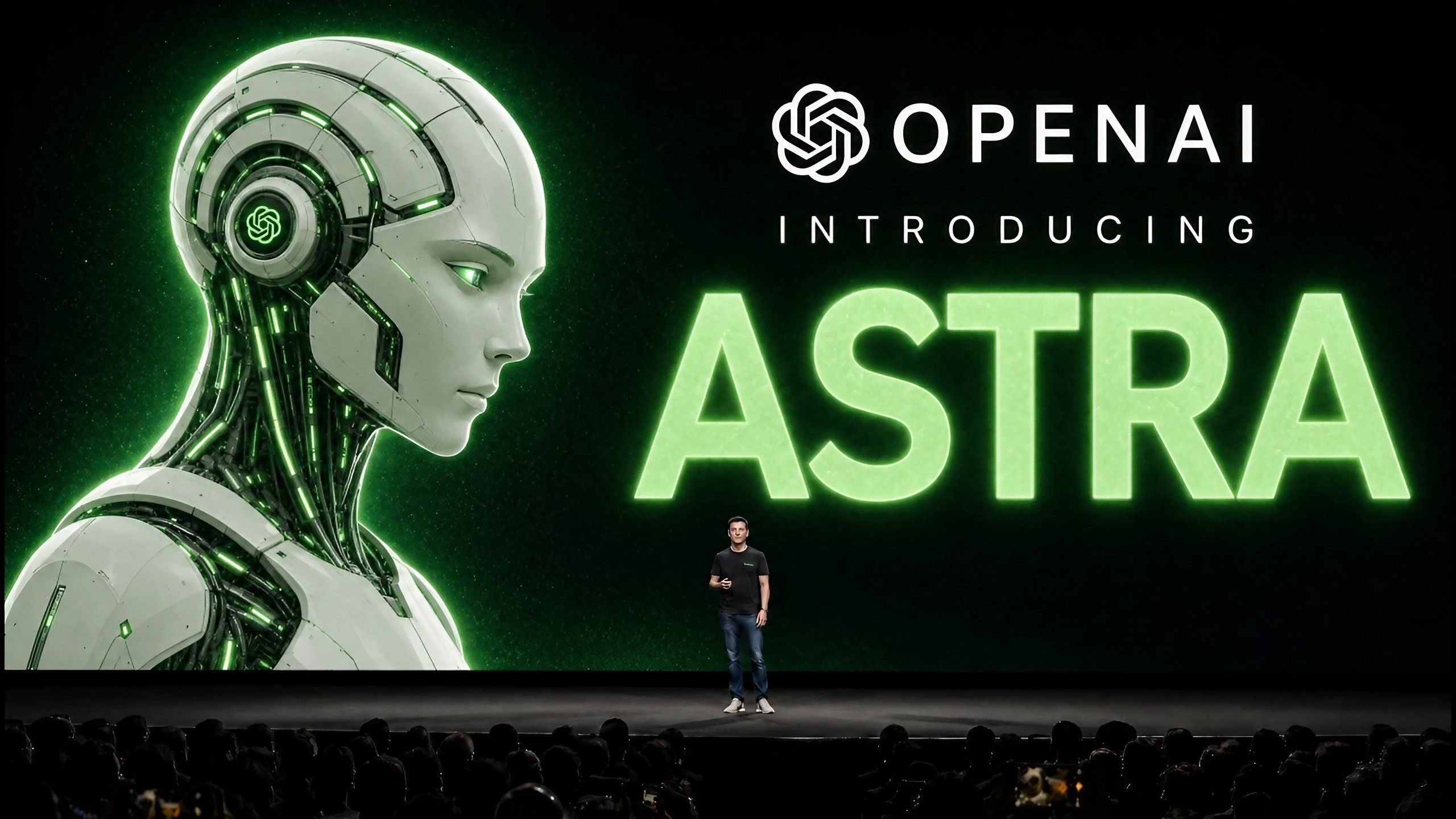
OpenAI Astra is suddenly one of the biggest names in AI. But what exactly is Astra, is it really GPT-6, and why is OpenAI treating the model as a major safety milestone?

AI
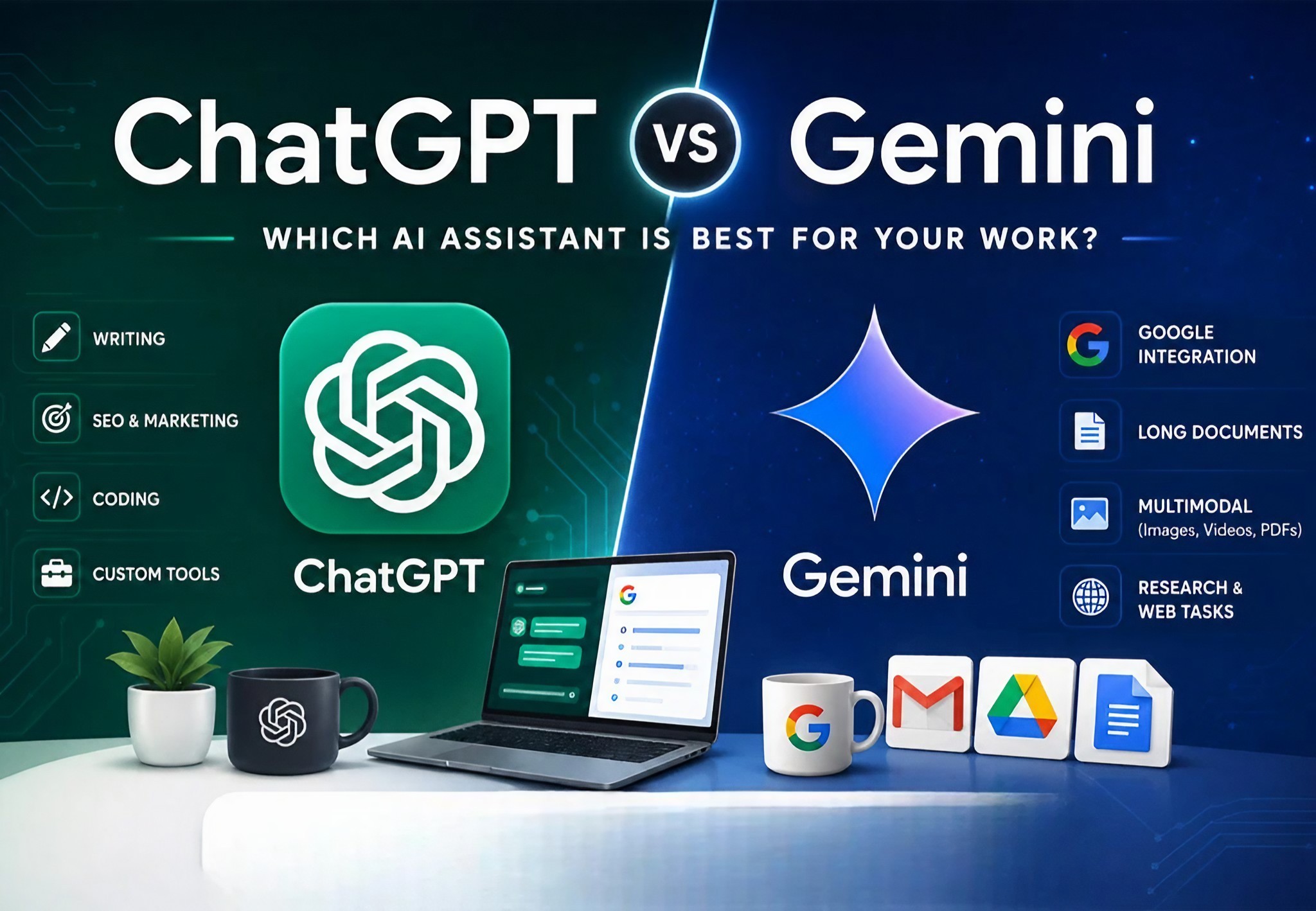
ChatGPT and Gemini have become two of the biggest names in consumer AI. But which one is actually better for everyday users in 2026? We compare where each AI shines, where it struggles and which one may be right for you.

AI
AI assistants are becoming better at remembering information from previous conversations. But what does AI memory actually mean, what can it remember, and what happens to the information you share?