September 2026 Android Update: 5 New Features You Should Try Now
Google's September 2026 Android update is rolling out with five useful features, including Gemini-powered item memory, Motion Assist, Guided Vision and new Google Messages tools. Here's what actually matters.
Google has started rolling out its September 2026 Android Feature Drop, and this month's update is more interesting than a typical collection of small improvements.Instead of focusing only on visual changes, Google is adding features that can help with everyday problems. Your Android phone can now remember where you put important items, help reduce motion sickness while using your phone in a moving vehicle, use Gemini Live to understand what your camera sees, and make Google Messages more useful for group planning.
The update includes five major feature additions across Android, Gemini, Find Hub and Google Messages. Some features are rolling out gradually, while availability depends on your device and Android version. So, what is actually worth trying? AnantaGo breaks down the September Android Drop and explains which features could make a real difference in everyday use.
September 2026 Android Update: What's New?
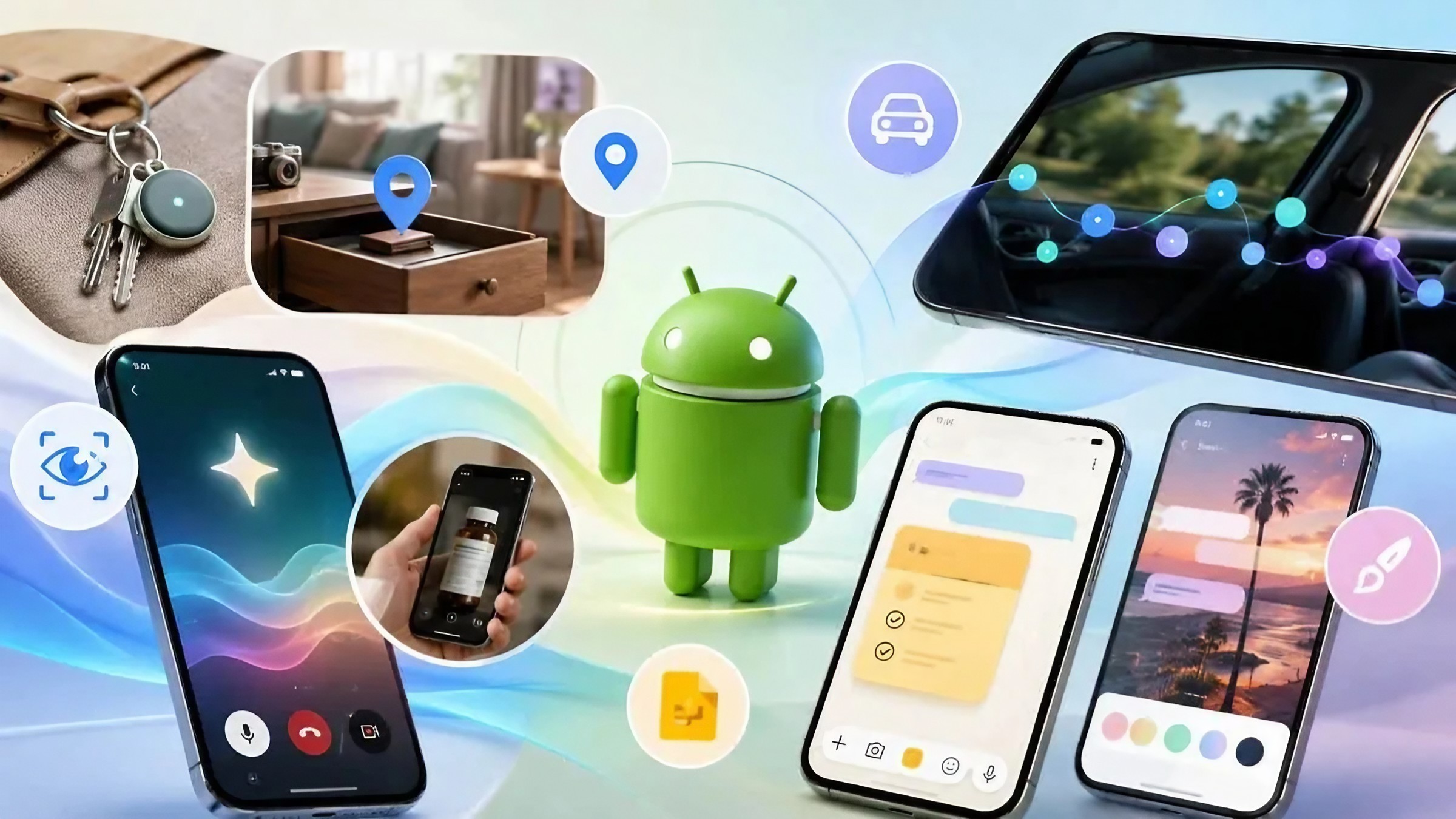
Google's September Android Drop brings five main additions: a new Remembered section in Find Hub, Motion Assist for reducing motion sickness, Guided Vision inside Gemini Live, collaborative Google Keep notes in Google Messages, and customizable Chat Themes.
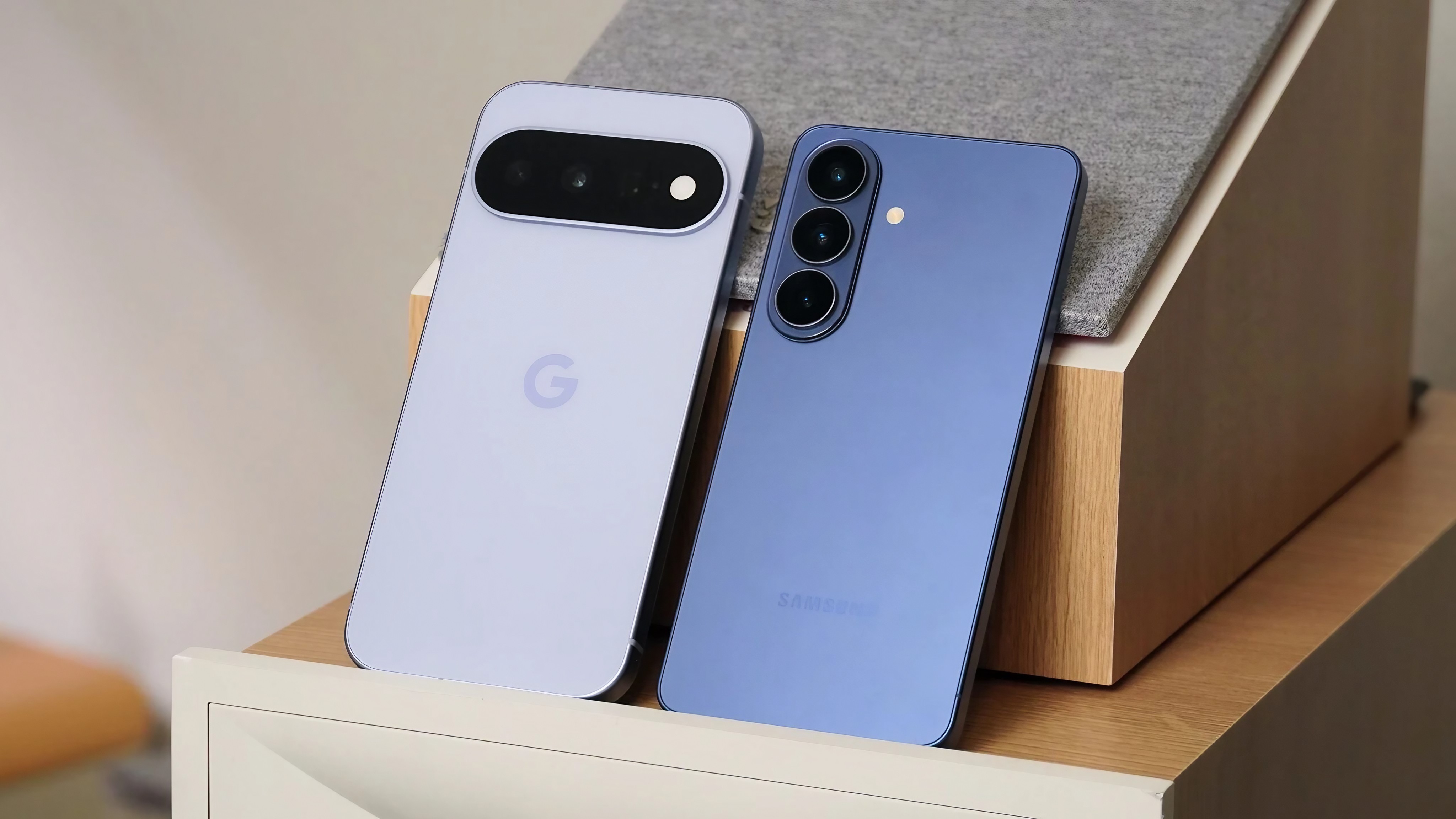
The interesting part is that these aren't all restricted to Google's newest flagship phones. Several features are designed to reach a broader range of Android devices, although individual availability varies by feature, Android version and country.
1. Gemini Can Remember Where You Put Important Things
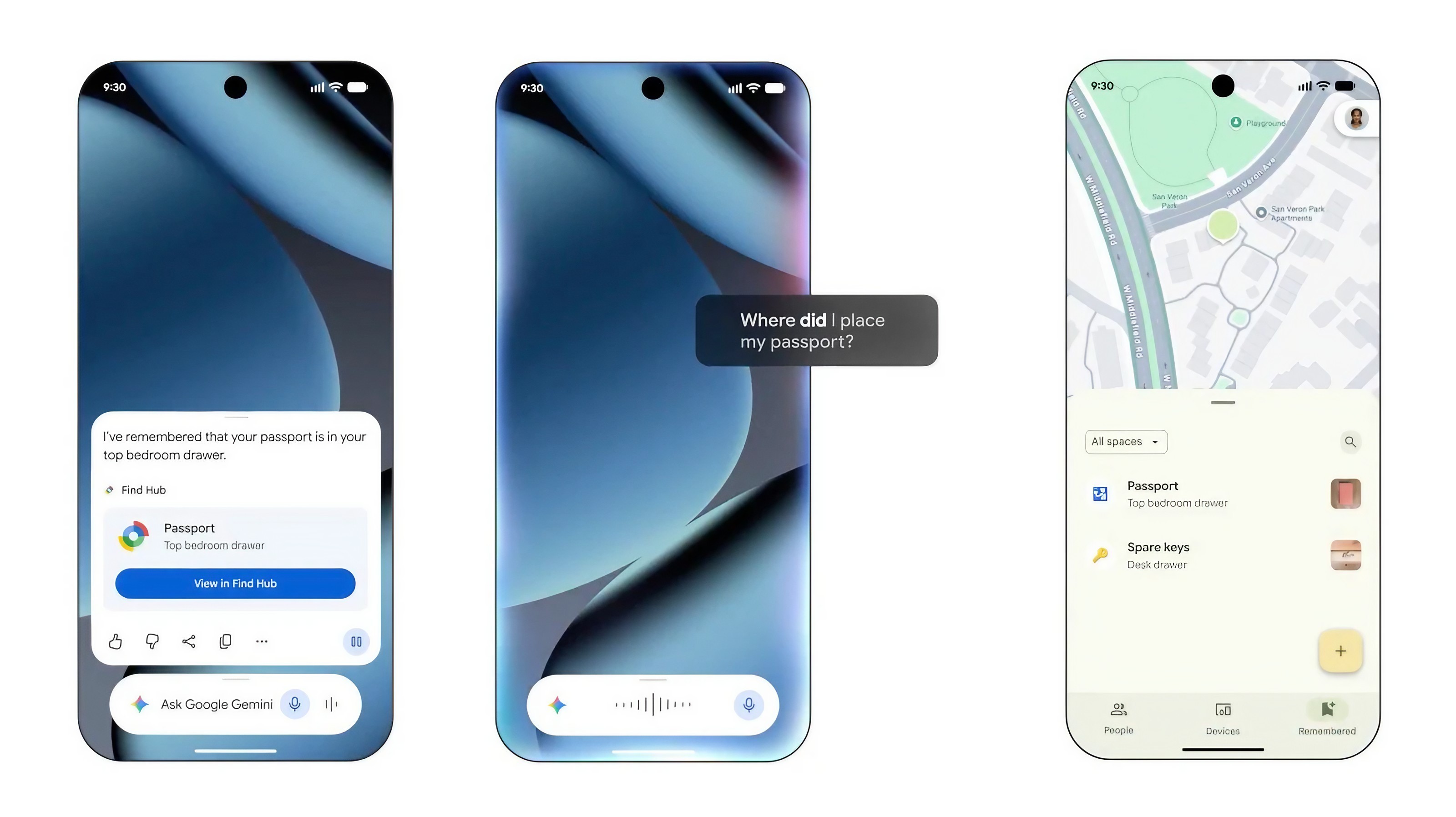
One of the most practical additions is coming to Find Hub. Previously, Find Hub was mainly associated with locating phones, tablets and compatible trackers. With the September update, Gemini can help you remember where you placed important objects that don't have a tracker attached.
For example, you could tell Gemini that you put your passport in a bedroom drawer. You can also add a photo for additional context. Later, you can ask Gemini where you left the item, or open the new Remembered section inside Find Hub.
The feature is especially useful for things such as passports, documents, chargers, keys without trackers, travel accessories or items you only use occasionally. Google says the feature is rolling out on Android 16 and newer in supported countries, so it may not appear immediately on every Android phone.
2. Motion Assist Could Make Phone Use Easier in a Moving Car
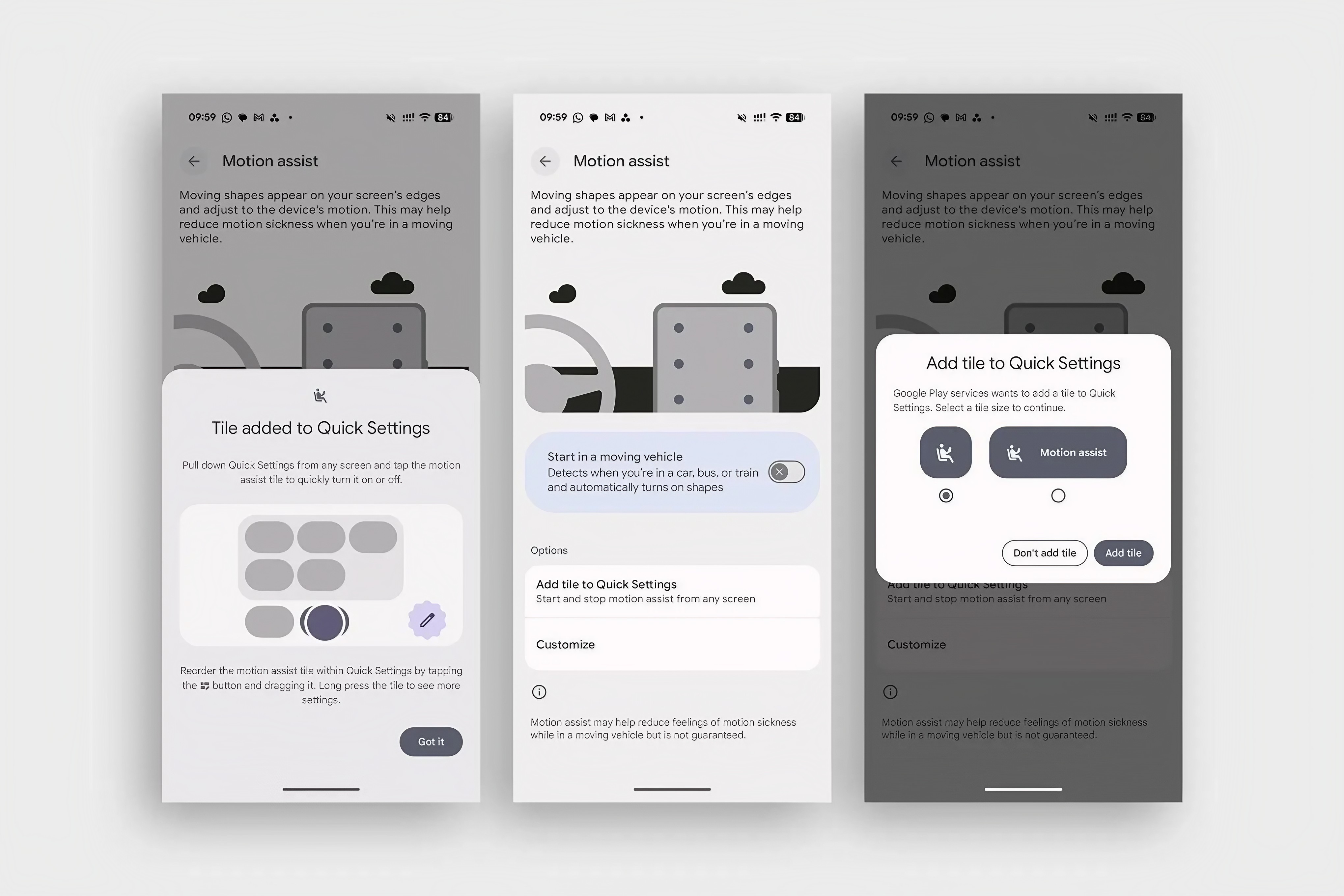
If looking at your phone in a moving car makes you feel uncomfortable, Google's new Motion Assist feature is designed for you. The feature displays small animated elements on the screen that move with the motion of the vehicle.
The idea is to give your eyes an additional visual reference for the movement your body is experiencing, potentially reducing the mismatch that can contribute to motion sickness.You can adjust aspects of the visual effect, including its appearance and transparency. That makes the feature more flexible than simply turning on a fixed overlay.
This is an interesting example of Google using the phone's screen to solve a problem that has nothing to do with making the phone faster. For people who regularly feel sick while reading on a bus, train or car, it could be more useful than another cosmetic Android feature.
3. Gemini Live Can Now Help You Understand What Your Camera Sees
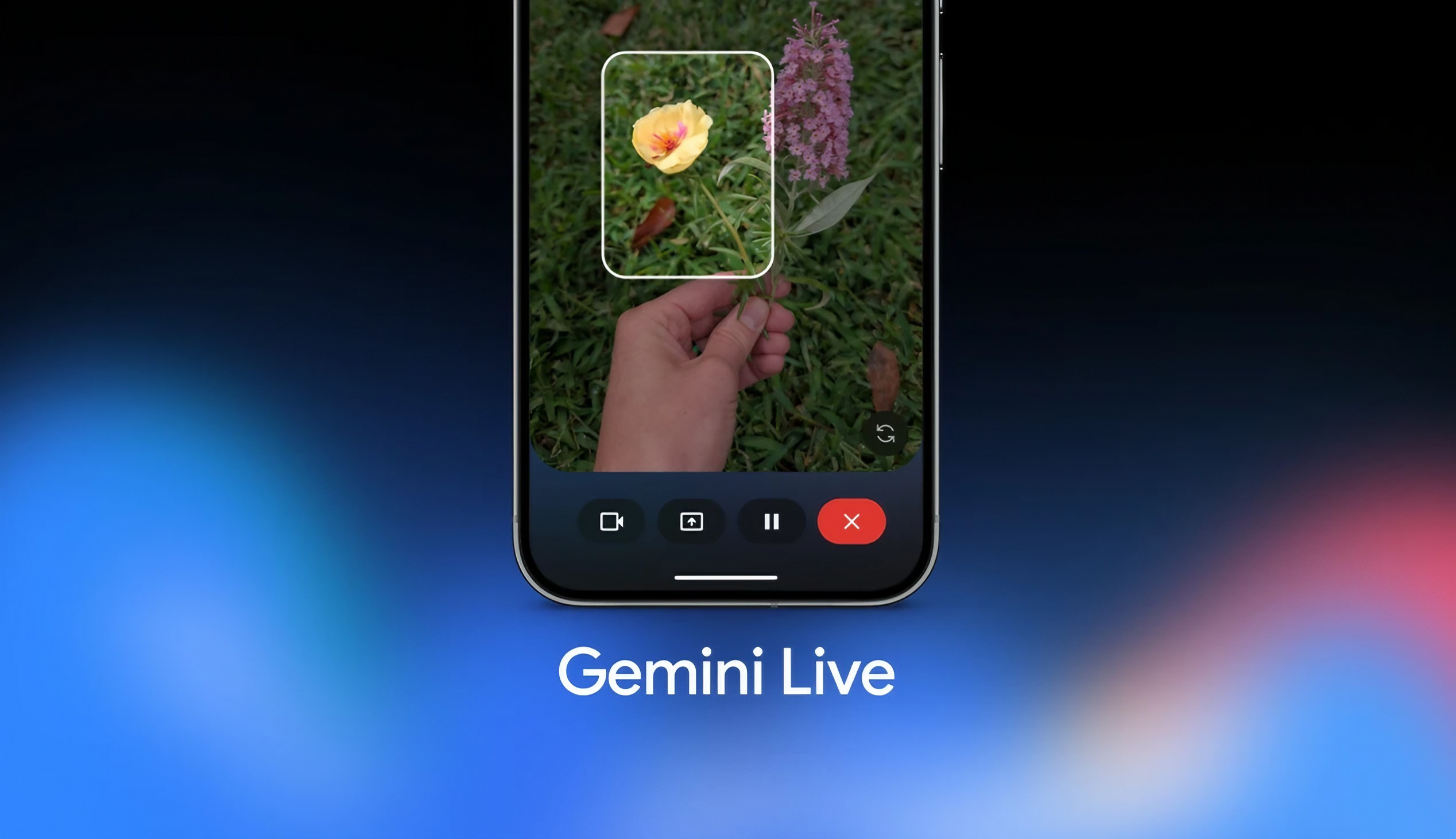
Google is also expanding Gemini Live with Guided Vision. The feature allows Gemini to use your phone's camera and provide spoken guidance about what is in front of you. Instead of simply asking an AI chatbot a text question, you can point your camera at something and have Gemini help you understand what you are looking at.
Imagine you are looking at a product label, trying to identify something in a store or need help understanding an object around you. Guided Vision is designed to make those situations more interactive. This is where the September update connects Android's camera with Google's push toward AI assistants that can understand the physical world, rather than only responding to typed questions.
4. Google Messages Can Work With Google Keep for Shared Lists
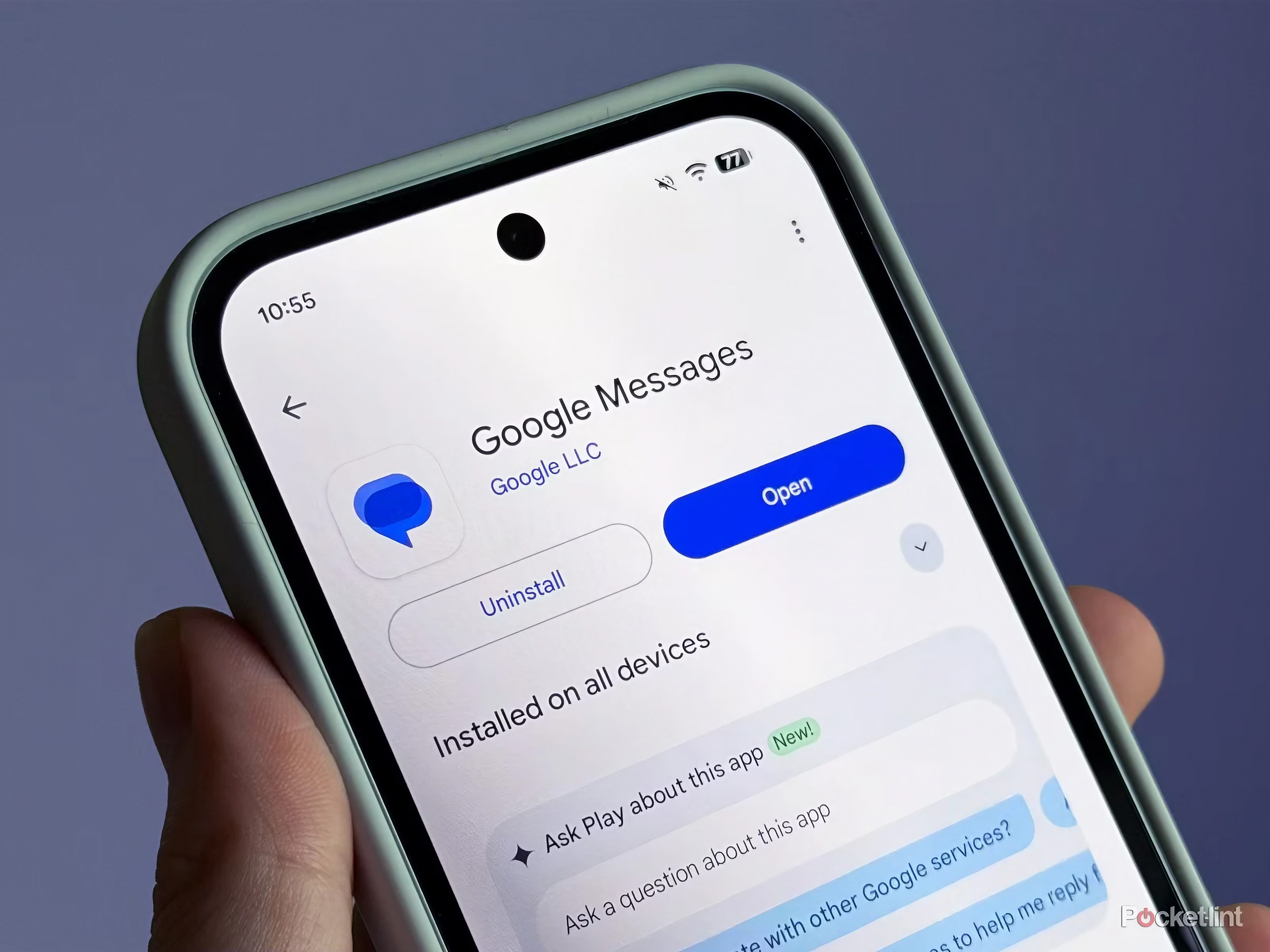
Google is also trying to make group conversations more useful. The September Android Drop adds Google Keep integration to Google Messages, allowing people to work on shared lists from a conversation. That could be useful when friends or family are planning a trip, preparing a shopping list or organizing an event.
The advantage is simple: instead of sending a long series of messages and trying to remember which items have already been handled, a shared list can keep the information organized. It is a small change, but it addresses a common problem with group chats: important information often disappears between dozens of messages.
5. Google Messages Gets Custom Chat Themes
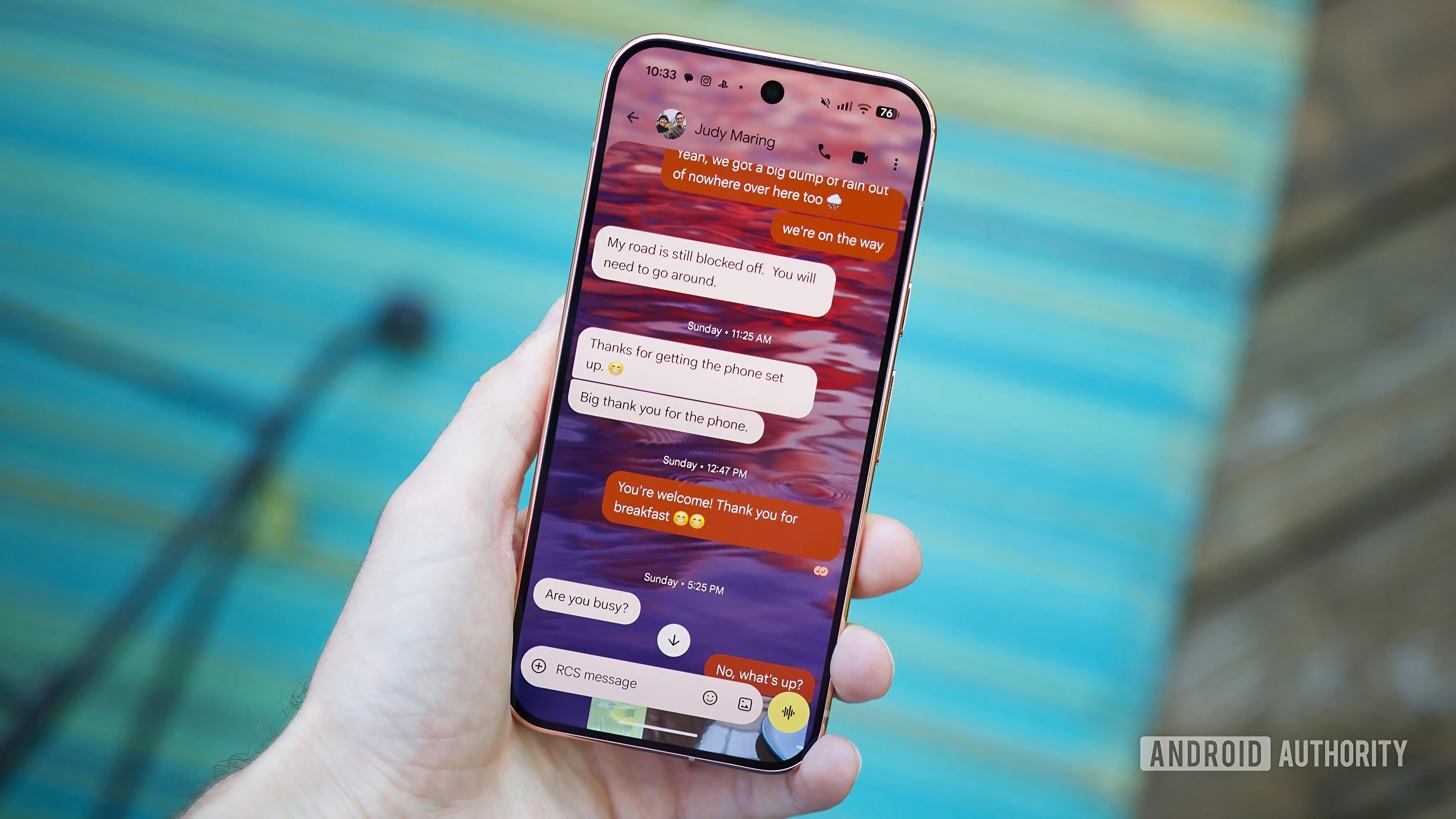
The final major addition is more about personalization. Google Messages is getting custom Chat Themes that let users change the appearance of individual conversations. Users can choose available backgrounds or use personal photographs, while the conversation's visual elements adapt to the selected theme.
This won't change how Messages works, but it gives conversations a more personal look. For people who use Google Messages as their main messaging app, it is a noticeable visual upgrade. Unlike some of the other additions, however, this is a convenience feature rather than a major productivity improvement.
Which September Android Feature Is Actually Worth Using?
Feature
Best for
Find Hub Remembered
Forgetting where you put important items
Motion Assist
People who feel motion sickness while using phones in vehicles
Gemini Guided Vision
Understanding objects, labels and surroundings
Google Keep in Messages
Trips, shopping and group planning
Chat Themes
Personalizing conversations
If you only try two features, Find Hub's Remembered function and Gemini Guided Vision stand out. Find Hub solves a very ordinary but frustrating problem, while Guided Vision shows where Google's AI assistant strategy is heading. Motion Assist is also worth trying if you regularly use your phone while travelling.
Google Messages' Keep integration is useful for people who frequently plan things in group chats, while Chat Themes are mainly about personalization.
What This Android Update Really Tells Us
The biggest story behind the September Android Drop isn't any single feature. It is how Google is quietly moving Android toward a more helpful, context-aware phone.
Gemini is appearing in places where users already perform everyday tasks. It can help remember physical objects, understand what the camera sees and provide assistance without requiring everything to be typed into a traditional chatbot. At the same time, Google is connecting its apps more closely. Messages can work with Keep, while Find Hub becomes useful for things that don't have tracking hardware.
That makes this feature drop more significant than a simple collection of five new buttons. Google's direction is becoming clearer: the phone should increasingly understand what you are doing and help with the task in front of you.
When Will You Get the September Android Features?
The important thing to remember is that a Feature Drop does not mean every Android phone receives every feature at exactly the same time. Google is rolling the September update out across supported devices and services, and availability can depend on the Android version, device, country and individual Google app updates.
Some features are already rolling out while others are being introduced progressively. If you don't see a new feature today, that doesn't necessarily mean your phone is unsupported. Check for Android and Google app updates and give the rollout some time.
Final Verdict
Google's September 2026 Android Drop is a surprisingly practical update.
The five additions don't completely change Android, but several solve problems people actually encounter. Remembered items can help when you forget where you put something important. Motion Assist could make phone use more comfortable during travel. Guided Vision makes Gemini more useful in the real world, while Keep integration makes group planning easier.
The most important change, however, is Google's continued shift toward an Android experience where AI is connected to everyday actions instead of living inside a separate chatbot. If your device supports the update, these are five features worth checking as the September rollout reaches your phone.
Helpful answers
Frequently Asked Questions
What is the September 2026 Android update?+
The September 2026 Android Feature Drop is a collection of new features rolling out across Android, Gemini, Find Hub and Google Messages. It includes five major additions covering item memory, motion sickness, AI vision, shared lists and chat personalization.
What are the new features in the September Android Drop?+
The five major features are Find Hub Remembered items, Motion Assist, Guided Vision in Gemini Live, Google Keep integration in Google Messages and custom Chat Themes.
What is Find Hub Remembered?+
Find Hub Remembered lets Gemini save information about where you placed important items that don't have a tracking tag. You can later ask Gemini where the item was placed or check the Remembered section in Find Hub.
What is Android Motion Assist?+
Motion Assist displays moving visual elements on the phone screen while you are travelling in a moving vehicle. Google designed it to potentially reduce the discomfort some people experience when looking at a phone during travel.
What is Gemini Guided Vision?+
Guided Vision allows Gemini Live to use your phone's camera and provide spoken assistance based on what the camera sees. It can make Gemini more useful for understanding objects, labels and surroundings.
Does every Android phone get the September 2026 update?+
Not necessarily. Feature availability depends on the device, Android version, country and Google service involved. The rollout is also progressive, so some users may receive individual features later.
Is the September Android Drop worth installing?+
Yes, if your device receives it. The update includes several practical improvements, particularly Find Hub Remembered items and Gemini Guided Vision. Other additions, such as Chat Themes, are more focused on personalization.