Why Your Phone Gets Hot Even When You’re Not Using It
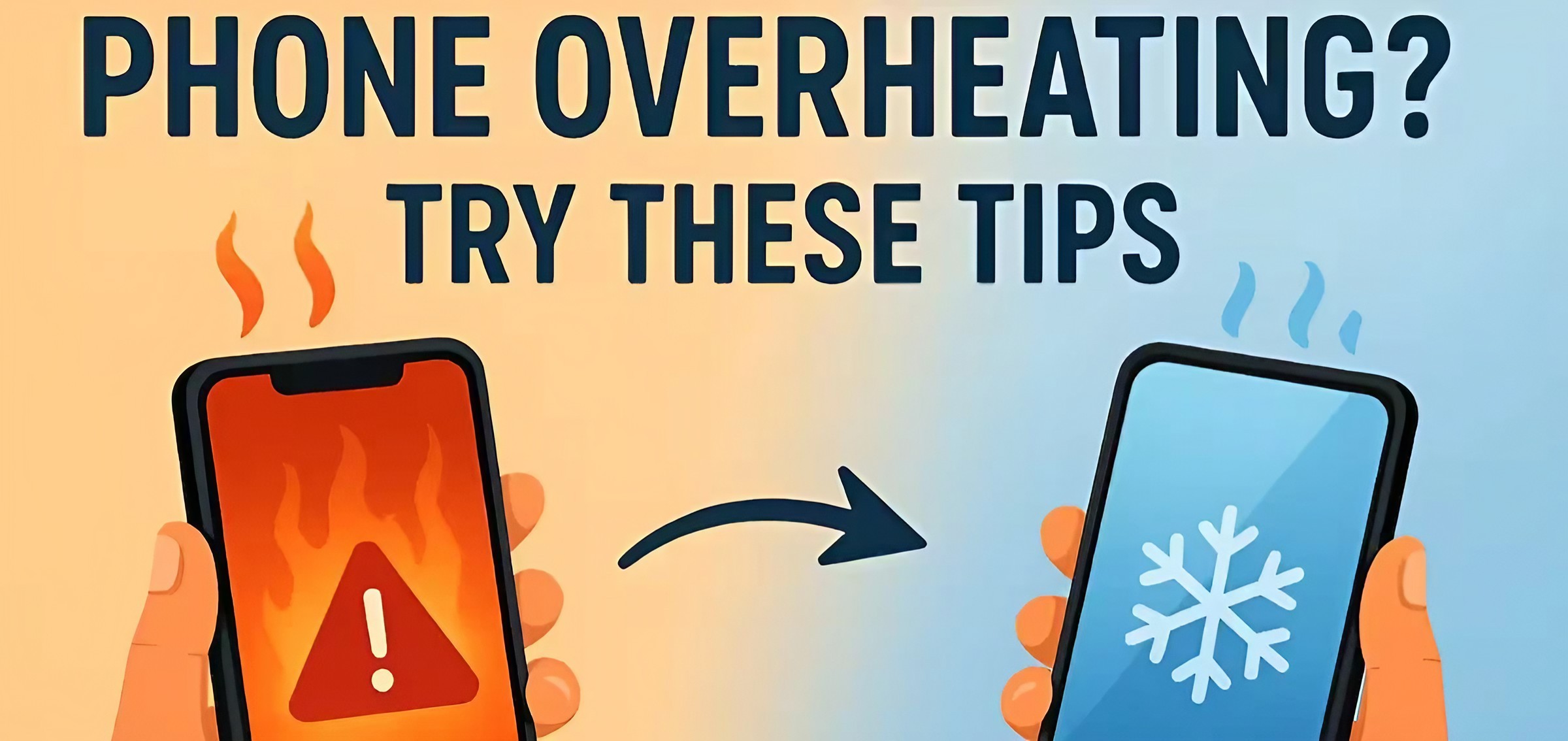
Your phone can become surprisingly warm even when you're not actively using it. Background apps, poor signal, charging, updates and other hidden processes can all contribute to phone heating.
You put your phone on the table. You're not playing a game. You're not watching YouTube. You're not even using it.
Then you pick it up and notice something strange. Your phone feels warm. Sometimes it can feel surprisingly hot. So what is the phone doing when you're not using it? The answer is that your smartphone is rarely completely "off" while the screen is off.
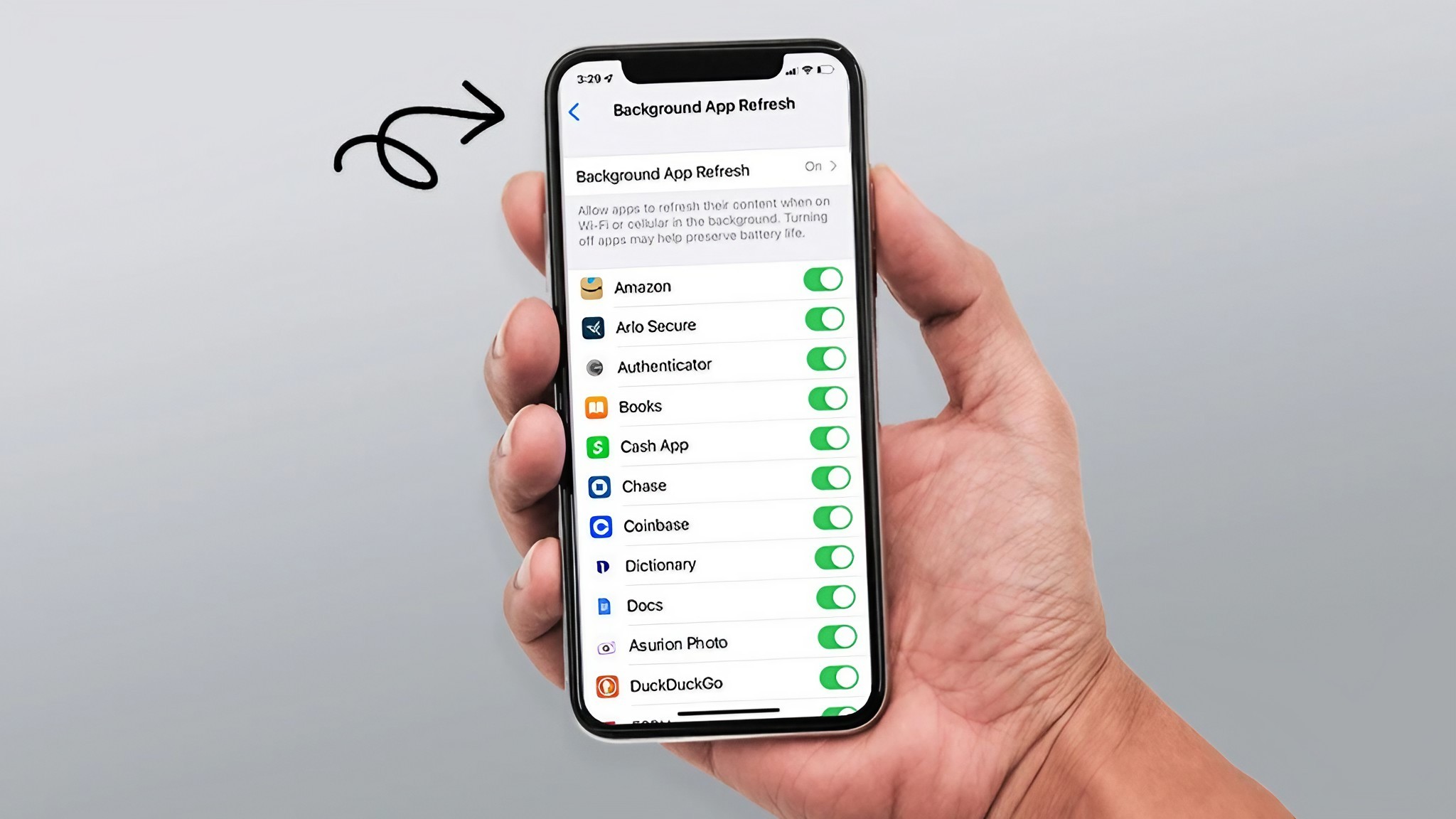
Modern phones continue performing tasks in the background. Apps may synchronize information, your phone may search for a better network connection, photos may be backed up, notifications may arrive and the operating system may perform maintenance.
Most of the time, this is completely normal. But excessive or persistent heat can also be a warning sign. Understanding the difference can help you decide whether your phone simply needs a little time to cool down or whether something needs attention.
Your Phone Is Still Working When the Screen Is Off
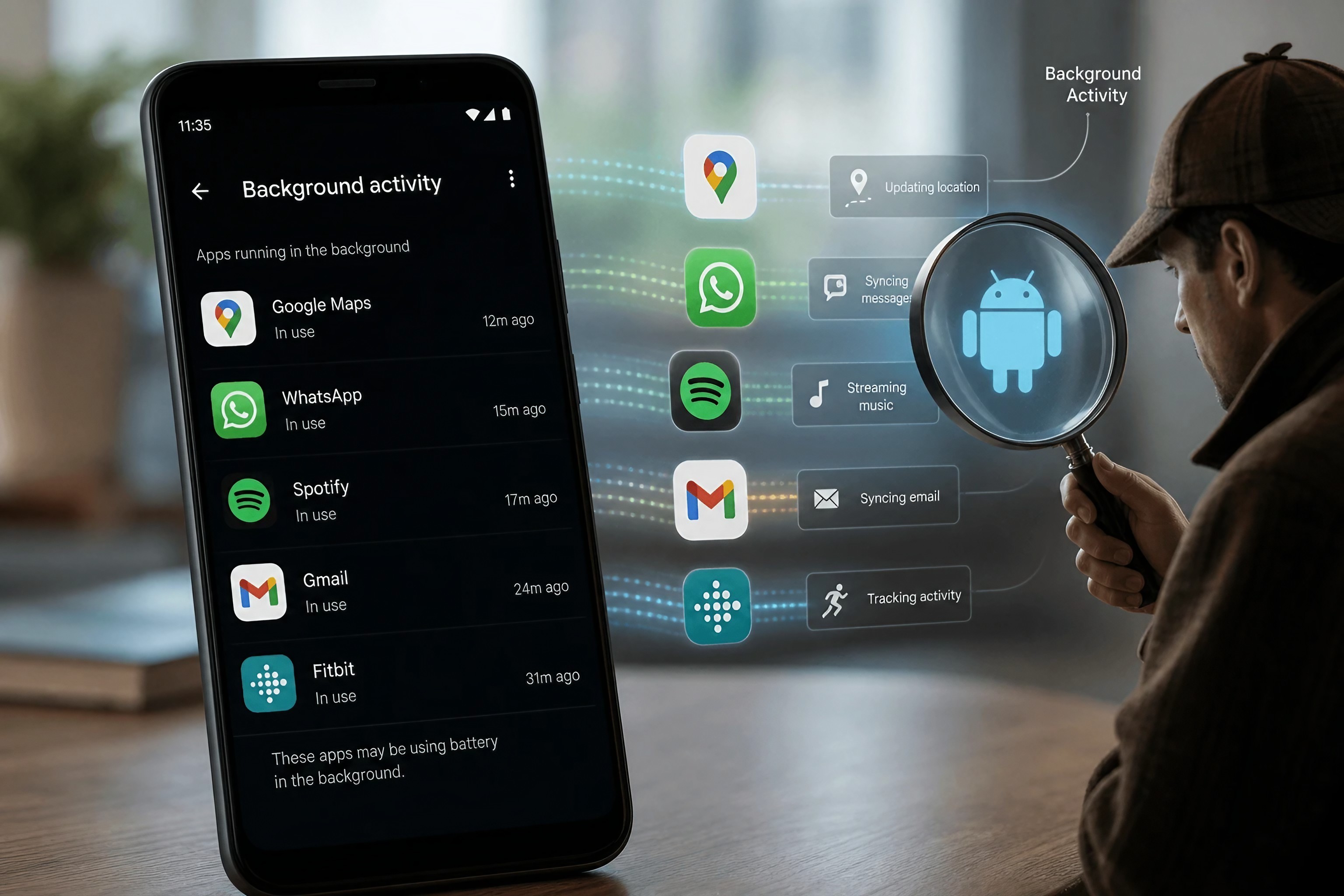
One of the biggest misconceptions about smartphones is that a dark screen means the phone has stopped doing things. It hasn't. Your phone can continue handling notifications, syncing accounts, checking for updates, backing up information and communicating with nearby networks.
Some apps also perform background tasks. For example, a messaging application may check for new messages while a cloud-storage application may synchronize files. A fitness application might process activity information.
These tasks don't normally make your phone extremely hot. But if many processes happen at the same time, the processor, network hardware and other components can become more active. That activity produces heat.
Poor Network Signal Can Make Your Phone Work Harder
Here's one cause many people don't think about: weak cellular signal. When you're somewhere with poor reception, your phone needs to work harder to maintain communication with the network. You may notice this in places such as underground parking areas, elevators, remote locations or buildings with thick walls.
The phone is constantly trying to maintain a usable connection. Depending on the situation, this can contribute to increased battery consumption and warmth. This doesn't mean a weak signal will always make your phone hot. But if you notice that your phone becomes warmer in places where reception is poor, the network connection could be part of the explanation.
Charging Can Make Your Phone Warm
It's normal for a phone to become somewhat warm while charging. Electrical energy is being transferred into the battery, and the charging system and other components can produce some heat during the process.
Fast charging can also make the phone feel warmer than slower charging in some situations. The important thing is the degree of heat. A mildly warm phone isn't automatically a problem. But if the device becomes unusually hot, charging slows down unexpectedly or the phone displays a temperature warning, pay attention.
Move it away from direct sunlight, remove anything that blocks ventilation around the device and let it cool naturally. Don't put a hot phone into a freezer or refrigerator.
Some Apps Can Keep Your Phone Busy
An app doesn't necessarily stop doing everything just because you stop looking at it. Some applications are designed to perform background tasks. The problem can occur when an app becomes stuck, behaves incorrectly or repeatedly performs intensive work.
You might notice several clues at the same time: Your battery suddenly drops faster than normal. The phone feels warm while sitting idle. An app appears unusually high in battery usage. The device becomes slower than usual. If the problem started soon after installing or updating an application, that app is worth investigating. Your phone's battery settings can often show which applications are consuming the most power.
Your Phone Could Be Doing a Backup
Automatic backups are extremely useful. They can protect your photos, documents and other important information if your phone is lost or damaged. But backups require processing and network activity. If you have a large collection of photos or videos waiting to synchronize, your phone may temporarily work harder while uploading them.
This can increase battery use and warmth. The same thing can happen after switching to a new phone or restoring a large amount of data. In these situations, temporary warmth isn't necessarily a sign that something is broken. Once the heavy task finishes, the phone should generally return to normal behavior.
Software Updates Can Temporarily Make Things Busy
Your phone can also become warmer after a major software update. An update doesn't always finish all of its work the moment the installation screen disappears. The system may need to organize files, update applications or perform other background tasks.
This can temporarily increase processor and storage activity. If your phone is slightly warmer for a short period after an update, there may be no reason to panic. However, persistent overheating that continues for a long time deserves attention. If the phone regularly becomes hot while doing almost nothing, check battery usage, installed applications and available software updates.
When Phone Heat Is a Warning Sign
Not every warm phone is dangerous.The situation becomes more concerning when the heat is persistent, unusually intense or accompanied by other problems.
Pay attention if your phone:
- Becomes extremely hot while idle
- Shows a temperature warning
- Shuts down unexpectedly because of heat
- Has a battery that suddenly drains much faster
- Becomes unusually slow
- Has a battery that appears swollen or physically damaged
- Gets very hot repeatedly without an obvious reason
If you notice physical battery damage or swelling, stop using the device and seek professional assistance. Do not attempt to open or repair a damaged battery yourself.
5 Things You Can Try When Your Phone Gets Hot
Move the phone away from direct sunlight and other heat sources.
Stop demanding apps such as games, video editors or navigation if you're not using them.
Check battery settings to see which apps are using the most power.
Install available operating-system and app updates.
Restart the phone if it continues behaving unusually.
Don't Blame the Battery Immediately
When a phone gets hot, many people immediately assume the battery is failing. Sometimes the battery is part of the problem. But heat can come from several different components and activities. The processor, network hardware, display, charging system and background applications can all contribute to power consumption.
That's why looking at what the phone was doing is more useful than immediately replacing the battery. If the device is several years old and battery life has also deteriorated significantly, battery health may be worth checking. But if the heating started suddenly after installing an application, traveling into an area with poor reception or performing a major update, there may be another explanation.
The Bottom Line
A phone with a warm back isn't automatically a broken phone. Modern smartphones are constantly performing small tasks even when you aren't actively using them. Background synchronization, poor network reception, charging, updates and demanding applications can all increase activity and produce heat.
The important thing is to notice patterns. If the phone becomes warm briefly during a normal task, it may be completely fine. If it repeatedly becomes very hot while sitting idle, drains its battery unusually quickly or shows other warning signs, investigate further.
Your phone doesn't need to be completely inactive to be working hard. Sometimes the most interesting things happening on your smartphone are the things you can't see.
Helpful answers
Frequently Asked Questions
Why does my phone get hot when I'm not using it?+
Your phone can perform background tasks such as syncing, checking notifications, processing updates and communicating with networks even when the screen is off.
Is it normal for a phone to get warm?+
Some warmth is normal during activities such as charging, gaming, video recording or heavy processing. Unusual or persistent heat should be investigated.
Can poor signal make my phone hot?+
A weak cellular signal can increase network activity as the phone works to maintain a connection. This can contribute to battery consumption and warmth.
Can an app make my phone overheat?+
An app that performs intensive or abnormal background activity can contribute to increased processor and battery use. Battery settings can help identify unusually active apps.
Should I put my hot phone in the refrigerator?+
No. Rapid cooling can cause other problems. Move the phone away from heat and allow it to cool naturally.
Why does my phone get hot while charging?+
Charging involves electrical activity that can produce heat. Some warmth can be normal, but unusually high temperatures or temperature warnings should not be ignored.
How can I stop my phone from getting hot?+
Keep it away from direct sunlight, check battery-heavy apps, install updates, avoid demanding tasks when the device is already hot and allow it to cool naturally when necessary.