5 Google Maps Features You Probably Aren’t Using — But Should
Google Maps can do much more than give you directions. These five useful features can help you remember parking locations, share your trip progress, explore places and make everyday travel easier.
Most people open Google Maps for one simple reason: they need directions. You enter a destination, follow the blue line and arrive. But Google Maps has become much more than a navigation app. It can help you remember where you parked, share your journey with someone, find useful places nearby and save locations for later.
Some of these features are surprisingly useful in everyday life, yet many people never use them. The reason is simple. They're not always sitting directly in front of you when you open the app. So if you use Google Maps regularly, here are five features worth knowing about.
1. Save Where You Parked Your Car
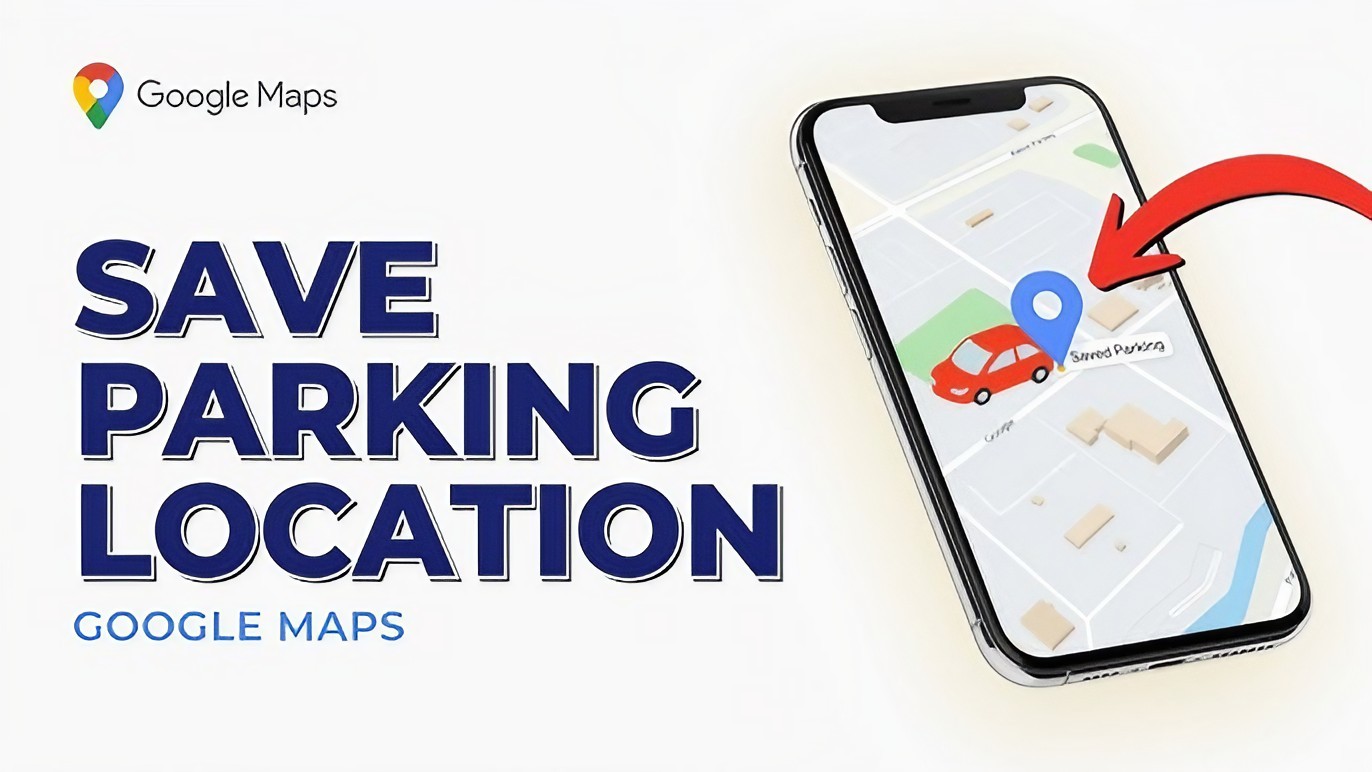
Have you ever walked out of a shopping centre or airport and suddenly couldn't remember where you parked? Google Maps can help. You can save your parking location so you don't have to rely on memory later.
This is particularly useful in large parking areas where dozens of rows can look almost identical. After parking, open Google Maps and use the option to save your parking location. The exact buttons can vary depending on your phone and the current version of the app.
Later, you can open Maps and use the saved location to help find your car. It's a tiny feature, but it can save you from wandering around a parking lot looking confused.
2. Share Your Real-Time Location
Meeting someone in a crowded area can be frustrating. You might send messages like, "I'm near the entrance." Then they reply, "Which entrance?" Google Maps can make this easier with location sharing.
Depending on your settings and the available features on your account, you can share your location with someone for a selected period of time. This can be useful when meeting friends, travelling with family or letting someone know where you are during a journey.
You should only share your location with people you trust. Location information is personal information, so don't leave sharing enabled longer than necessary.
3. Download Maps for Areas With Poor Internet
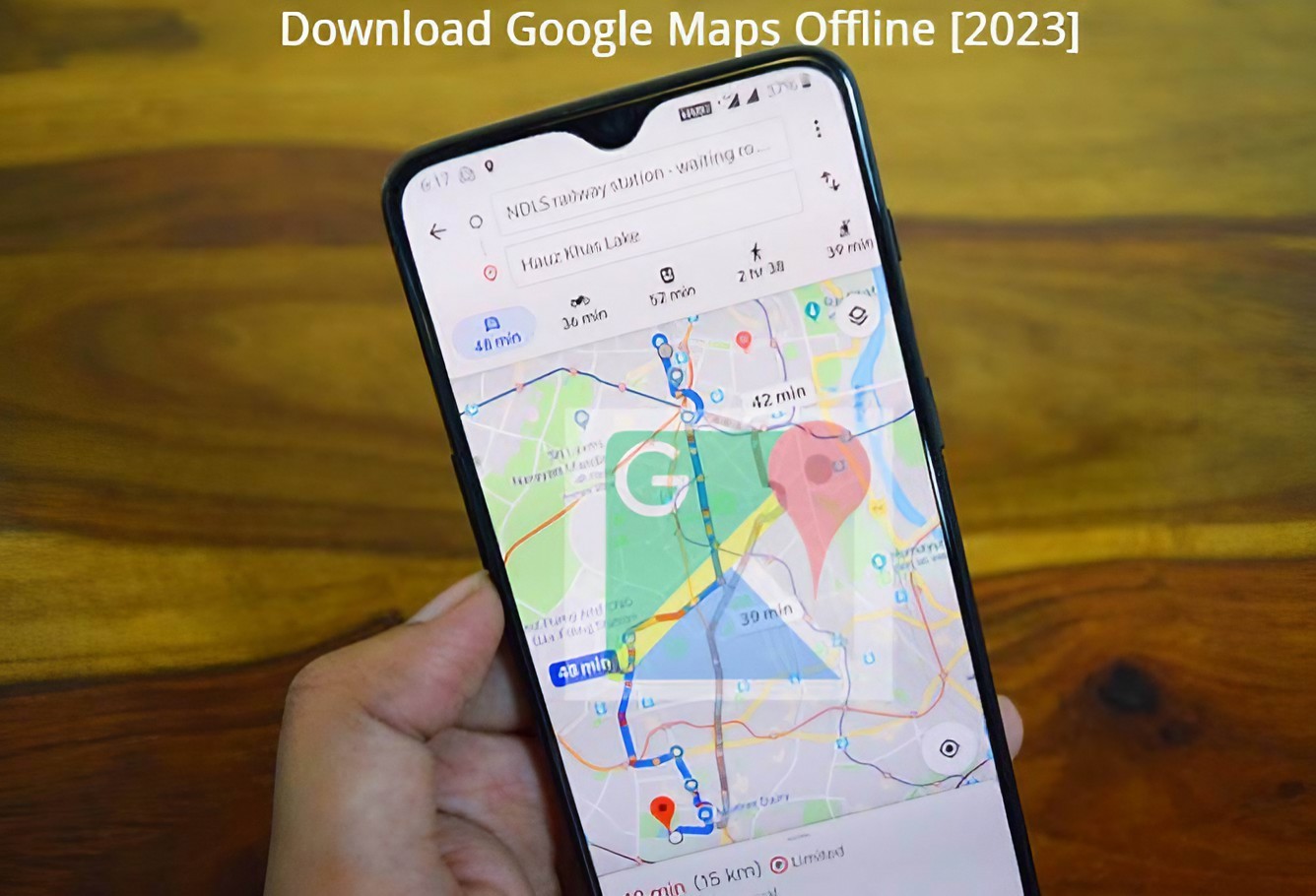
This feature can be a lifesaver when travelling. Mobile internet isn't perfect everywhere. You might drive through an area with poor reception, travel abroad or simply run out of mobile data. Google Maps supports offline maps for areas where the feature is available.
Before travelling, you can download the map for the area you expect to visit. Then, if your connection becomes unavailable, you may still be able to use the downloaded map for navigation within its supported limitations.
Offline maps aren't a complete replacement for an internet connection. Some features require connectivity, and live traffic information may not be available in the same way. But having an offline map can be extremely useful when your signal disappears at exactly the wrong moment.
4. Find Useful Places Near You
Google Maps isn't only for getting from one place to another. You can also use it to discover places around you. Looking for a pharmacy?
A petrol station?
A coffee shop?
An ATM?
A supermarket?
Instead of searching randomly on the internet, you can search directly in Maps and see nearby options.
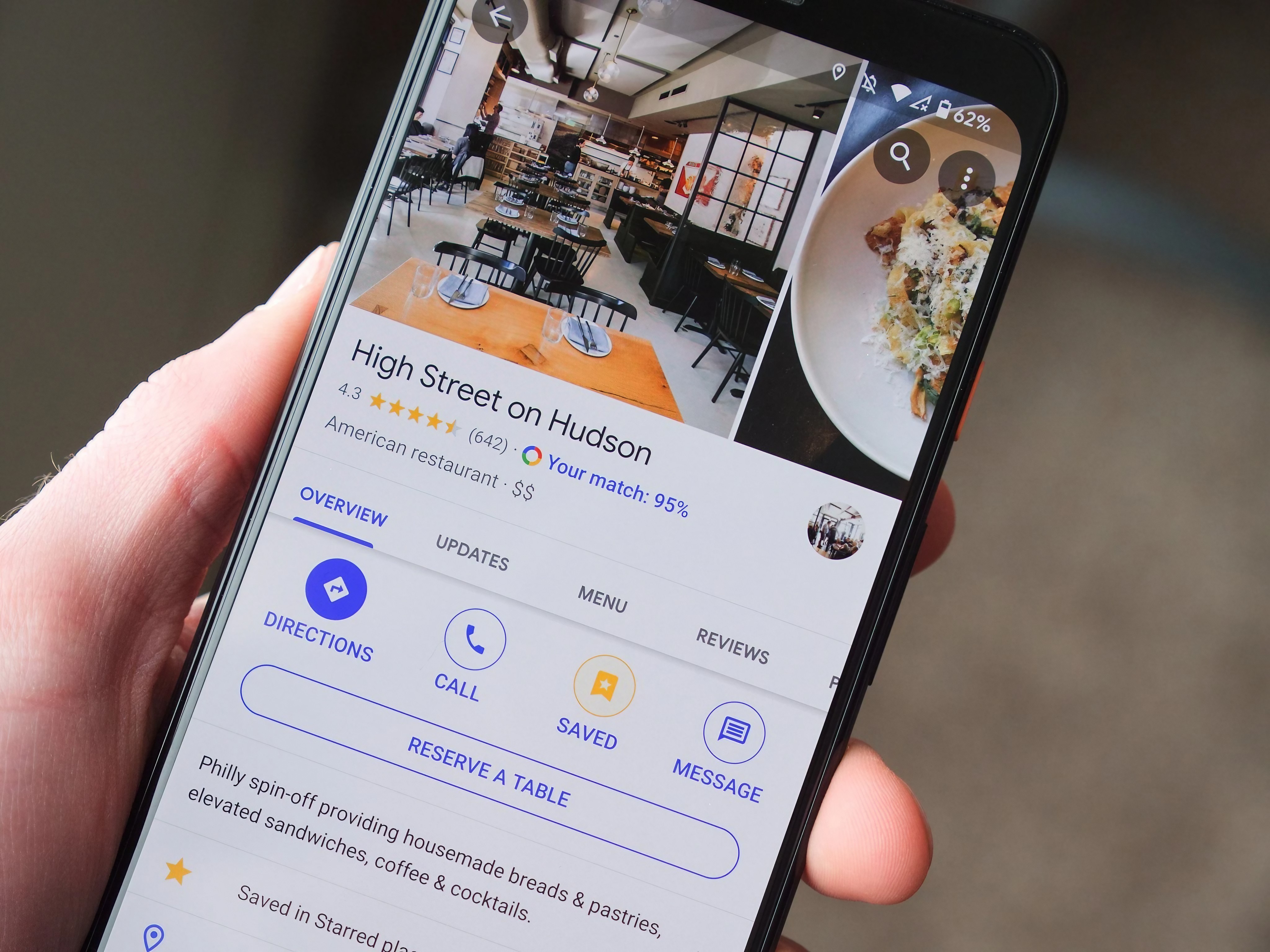
Depending on the place, Maps can show opening hours, reviews, photos, contact information and directions.
This is especially useful when you're somewhere unfamiliar. For example, imagine you're travelling in a new city and suddenly need a pharmacy. You don't necessarily need to know the street name. Search for pharmacies in Google Maps and let the app show you nearby options.
5. Save Places You Want to Visit
How many times have you seen a restaurant, tourist attraction or interesting shop online and thought, "I'll remember that"? Then you completely forget about it. Google Maps lets you save places so you can find them again later.
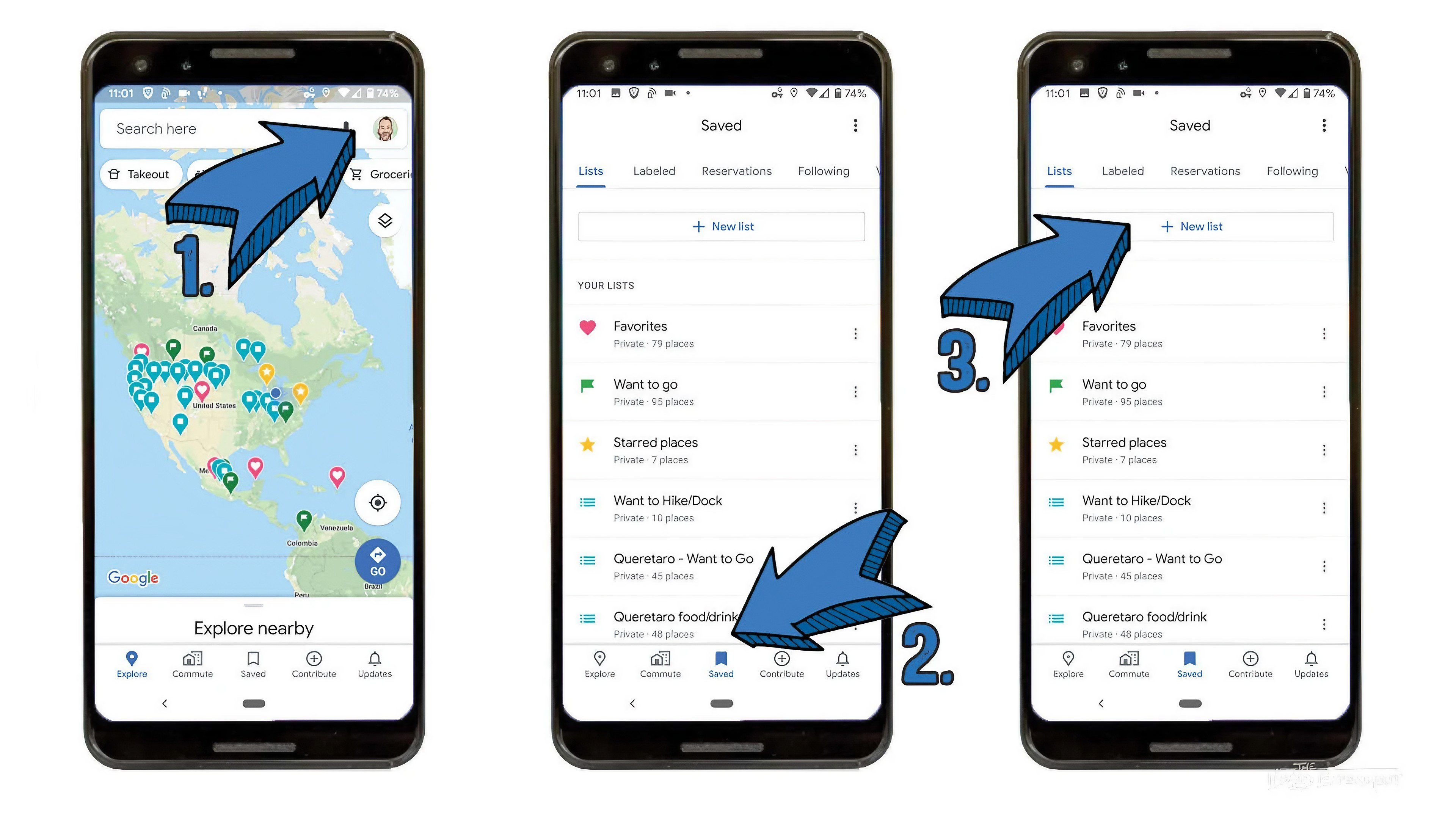
This is particularly useful when planning trips. Instead of keeping a long list of addresses in a notes application, you can save interesting places directly in Maps. You can organize saved locations using lists, depending on the features available in your version of Google Maps.
For example, you could create a list for a future holiday and save restaurants, attractions and shops you want to visit. When you eventually travel there, your saved places are already available in Maps.
Bonus: Use Maps Before You Actually Leave
One of the best ways to use Google Maps is to prepare before your journey begins. Instead of opening the app only after you've already started travelling, spend a few minutes checking your route beforehand. Look at the destination. Check the estimated travel time.
Look for important stops along the way. Download an offline map if you'll be travelling somewhere with unreliable internet. Save places you may want to visit. This small amount of preparation can make a big difference when you're actually on the road.
When These Features Are Most Useful
Save parking locations when visiting large shopping centres or airports.
Share your location when meeting trusted friends or family.
Download offline maps before travelling through areas with poor connectivity.
Search nearby places when you're in an unfamiliar area.
Save restaurants and attractions when planning a trip.
A Small Privacy Reminder
Some Google Maps features involve location information. That's useful, but location data is also sensitive. Only share your location with people you trust, and check who currently has access to your location when you use location-sharing features.
You should also review your Google account and location settings occasionally. You don't need to turn every location-related feature off. The goal is simply to understand what you're sharing and why.
The Bottom Line
Google Maps is much more powerful than a simple navigation app. Saving your parking location can prevent a frustrating search for your car. Location sharing can make meeting people easier. Offline maps can help when your internet connection disappears.
Nearby searches can help you find important services in unfamiliar places. And saved places can turn Maps into a surprisingly useful travel-planning tool. You don't need to use every feature. Start with the one that solves a problem you actually have. The next time you open Google Maps, don't just enter an address.
Explore what else the app can do.
Helpful answers
Frequently Asked Questions
Can Google Maps remember where I parked?+
Yes. Google Maps can provide a feature for saving your parking location, allowing you to return to the saved location later.
Can I use Google Maps without internet?+
Yes, Google Maps supports offline maps for supported areas. You need to download the relevant map before you lose your connection.
Can I share my location using Google Maps?+
Yes. Google Maps provides location-sharing functionality. You can use it to share your location with people you trust, depending on your account and device settings.
Can Google Maps help me find places nearby?+
Yes. You can search for nearby businesses and services such as restaurants, pharmacies, petrol stations, shops and ATMs.
Can I save places in Google Maps?+
Yes. You can save places you want to remember and, where supported, organize them into lists for easier access later.
Is Google Maps location sharing safe?+
Location sharing can be useful, but location information is personal. Only share it with people you trust and review your sharing settings regularly.