7 Free Apps That Can Make Your Android Phone More Useful in 2026
Your Android phone can do much more than make calls and run social media. From scanning documents and managing files to editing photos and tracking your daily tasks, the right free apps can turn an ordinary smartphone into a powerful everyday tool.
Most people already have dozens of apps installed on their phones, but that does not necessarily mean they are getting the most from their device. Many useful Android applications are designed to solve small everyday problems.
They can help you scan a document without a scanner, organize files, edit photos, manage tasks, identify objects, or keep important information accessible when you need it. The best part is that you do not always need to pay for premium software.
There are many free apps that provide genuinely useful features without requiring a complicated setup.Here are seven categories of free Android apps worth considering in 2026 if you want to make your phone more useful.
A Better File Manager
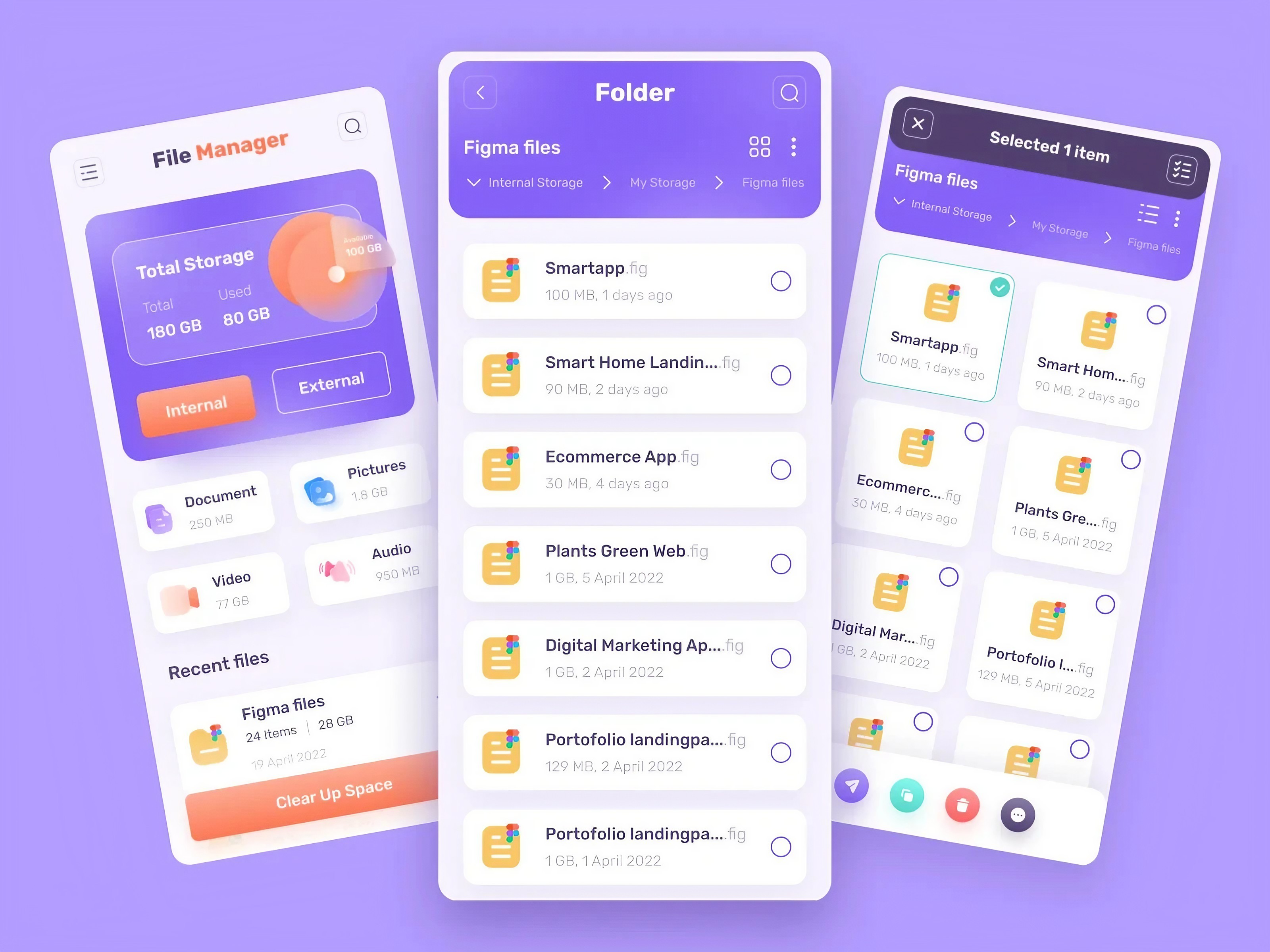
Your phone's storage can become difficult to manage surprisingly quickly. Photos, downloaded videos, documents, screenshots, messaging attachments and application files can gradually fill available space. A good file manager makes it easier to find files, move them between folders, delete unnecessary downloads and understand what is consuming storage.
Google's Files app is a practical starting point for Android users. It can help organize files and identify items that may no longer be needed. Before deleting anything, however, check important folders carefully. A storage-cleaning tool should make your phone easier to manage, not accidentally remove something you wanted to keep.
A Powerful Note-Taking App
A smartphone is always nearby, which makes it one of the most convenient places to keep notes. A useful note-taking application can handle shopping lists, meeting notes, ideas, reminders, research and personal projects. Google Keep is a simple option for people who want quick notes, checklists and reminders without learning a complicated productivity system.
For users who need more advanced organization, applications such as Microsoft OneNote can provide notebooks, sections and more detailed note management. The important thing is to choose one system and actually use it consistently.
A Document Scanner
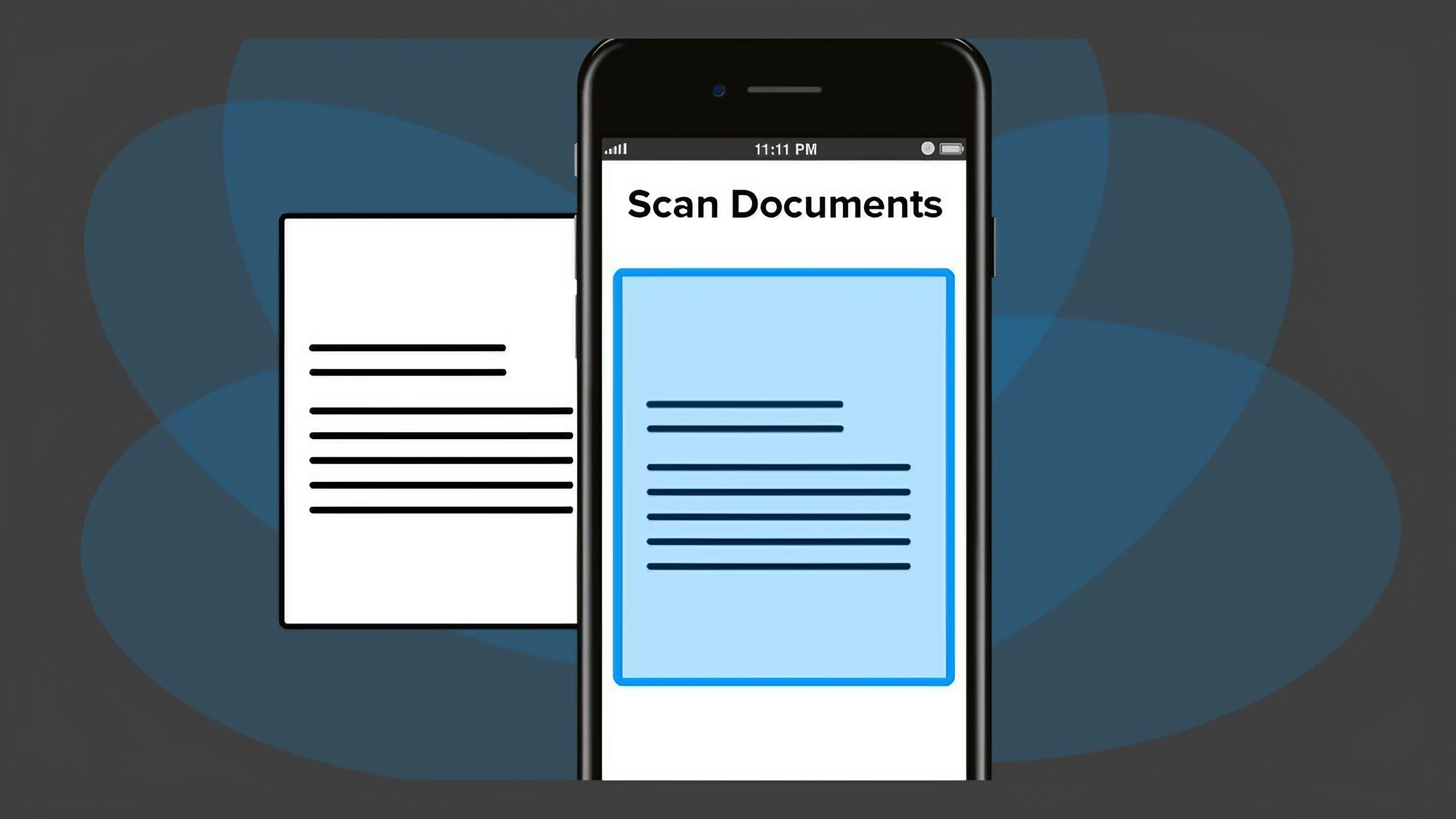
A phone camera can replace a basic document scanner for many everyday situations. Dedicated scanning applications can detect the edges of a document, correct perspective and produce a cleaner digital copy.
This is useful when you need to save receipts, forms, handwritten notes, certificates or other paperwork. Google Drive also includes document-scanning functionality on supported Android devices, making it possible to scan documents without necessarily installing another dedicated application.
When scanning sensitive documents, pay attention to where the files are stored and who can access the associated cloud account.
A Good Photo Editing App
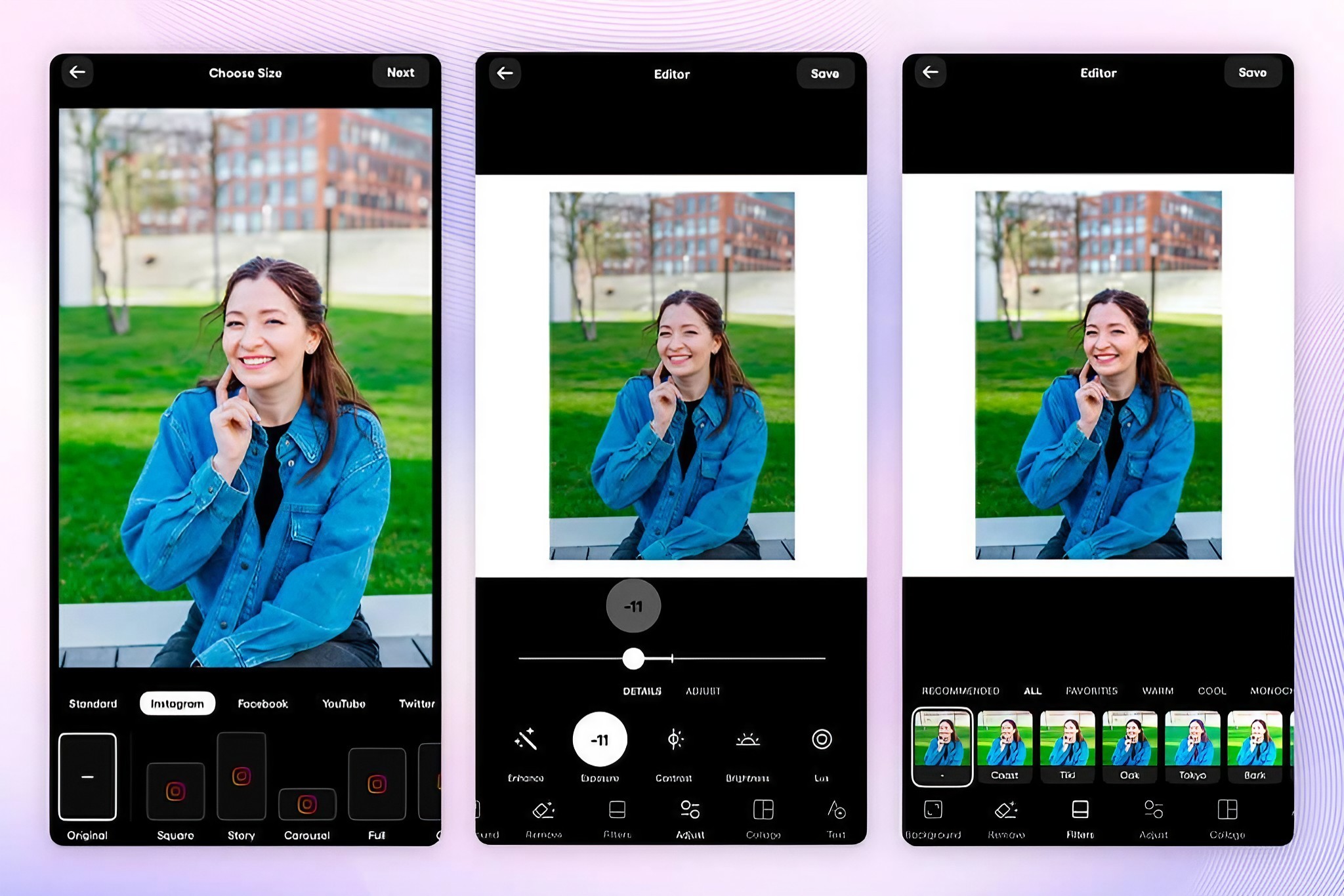
You do not need professional desktop software to make everyday photographs look better.A capable mobile photo editor can crop images, correct brightness, improve contrast, remove distractions and prepare photographs for social media or websites.
Google Photos already includes several editing tools, while applications such as Snapseed offer more detailed controls for users who want greater creative flexibility. The key is to avoid over-editing.
A small adjustment to exposure, contrast or color can often make a photograph look better than applying multiple heavy filters.
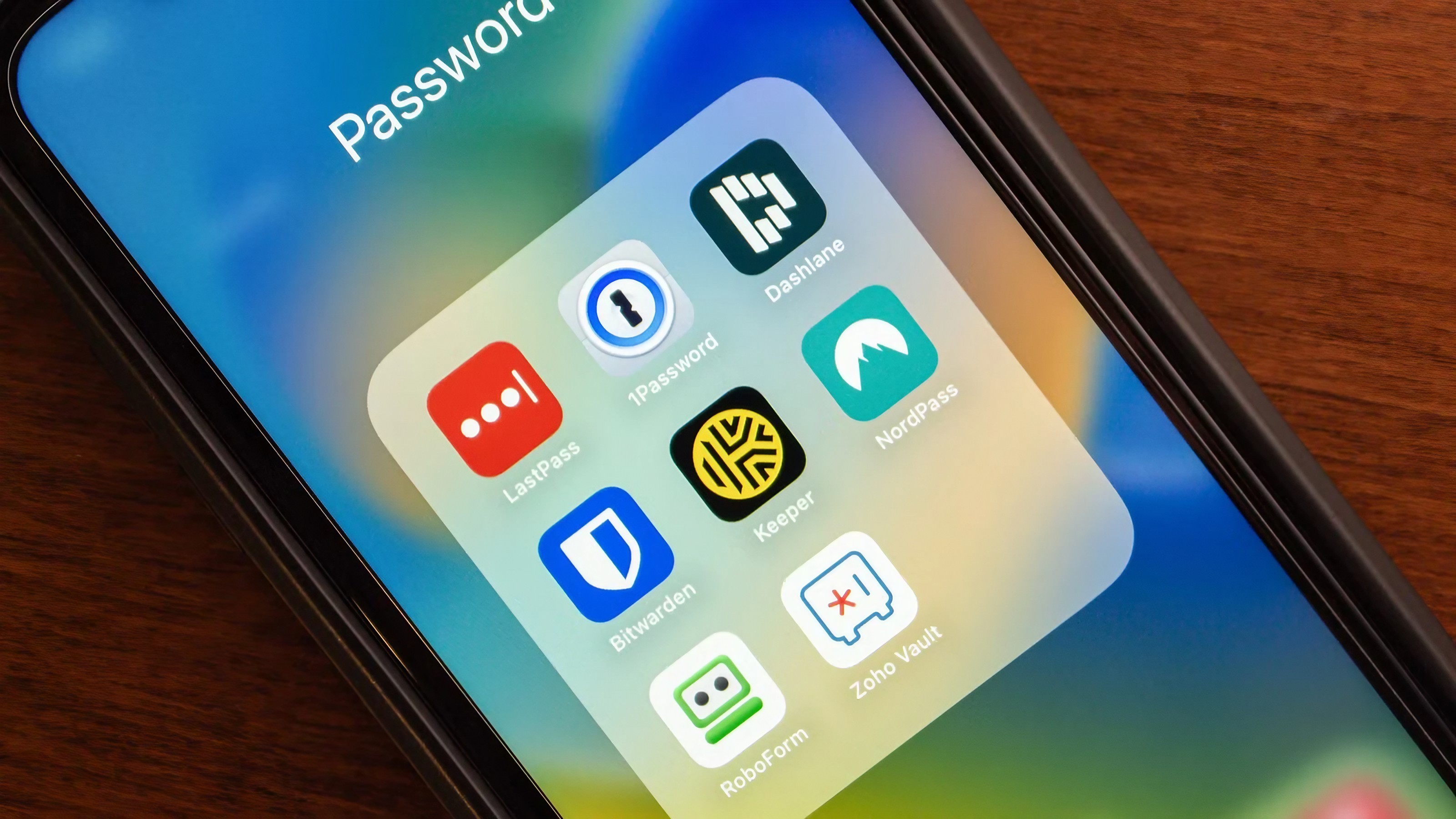
A Password Manager
Using the same password across multiple websites is convenient, but it creates a serious security problem.If one service suffers a credential breach, attackers may try the same email address and password on other websites.
A password manager makes it easier to use unique passwords without having to memorize all of them. Google Password Manager is already integrated into many Android and Chrome experiences. Other established password managers are available for people who want additional features.
The most important habit is to protect the password manager itself with a strong primary password and appropriate security features.
A Cloud Storage App
Cloud storage can make moving files between devices much easier. Instead of keeping every document on one phone, you can store important files in a cloud account and access them from other supported devices.
Google Drive, Microsoft OneDrive and Dropbox are examples of widely used cloud-storage services. However, cloud storage should not be treated as an excuse to ignore backups.
For particularly important photographs and documents, maintaining more than one copy is a safer strategy. You should also enable strong account security because access to your cloud account could provide access to many personal files.
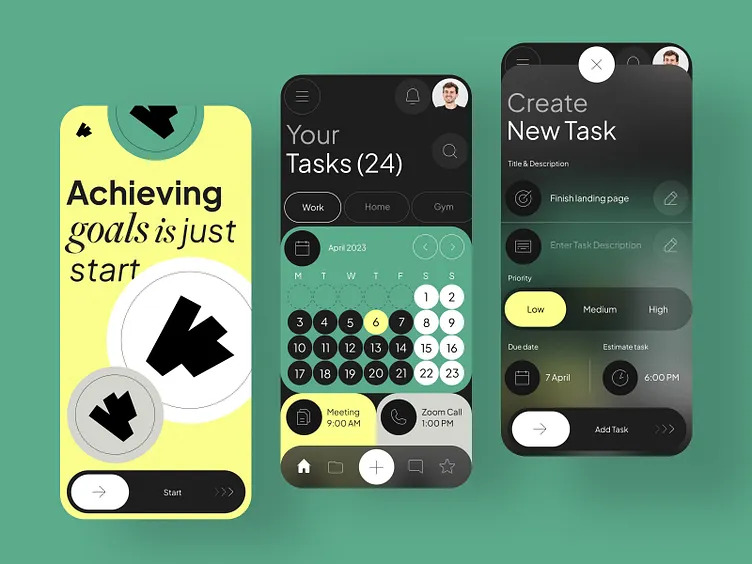
A Task or Habit App
A simple task-management application can turn your smartphone into a useful personal organizer. Instead of keeping every reminder in your head, you can create tasks for appointments, bills, work projects, shopping and personal goals. Google Tasks and Microsoft To Do are examples of simple options.
The best task app is not necessarily the one with the most features. It is the one you will actually open and use. Start with a small number of recurring tasks rather than building a complicated productivity system that becomes difficult to maintain.
How to Choose Which Apps to Install
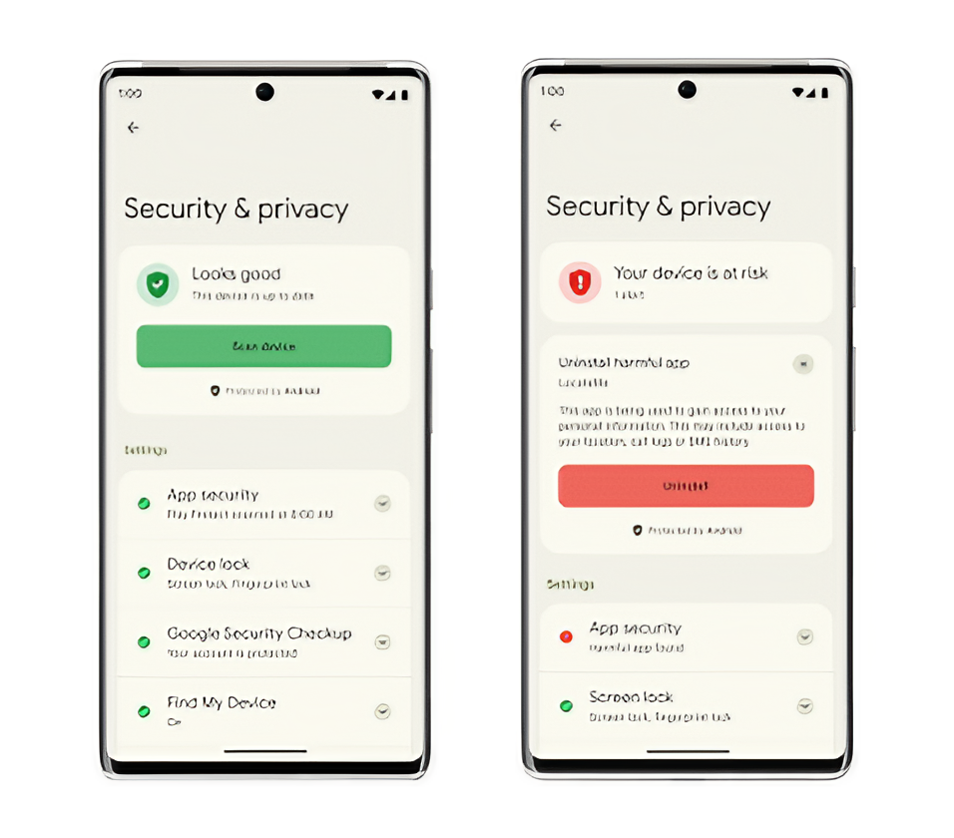
Having more apps does not automatically make a phone more useful. In fact, installing too many applications can create the opposite problem. Notifications become distracting, storage fills up and some applications may request permissions that are unnecessary for their purpose.
Before installing an app, ask what problem it solves. Then check the developer, recent reviews, requested permissions and update history. Be especially careful with applications that request access to contacts, messages, accessibility features or other sensitive information without a clear reason.
Before Installing an App
Check the developer name.
Read recent reviews.
Review requested permissions.
Check when the app was last updated.
Avoid unnecessary APK downloads from unknown websites.
Look for an official website when appropriate.
Remove applications you no longer use.
Free Does Not Always Mean Better
There is nothing wrong with using free applications, but users should understand how an app makes money. Some free apps are supported by advertising. Others offer optional subscriptions or paid upgrades. A free application can still be excellent if its business model is transparent and its privacy practices are reasonable.
Avoid applications that make exaggerated promises, bombard you with aggressive advertising or request sensitive permissions without explaining why. Your smartphone contains personal information, so choosing applications should be treated as a small security decision rather than simply downloading whatever appears in a search result.
Keep Your Apps Under Control
Once you install useful applications, remember to maintain them. Keep important apps updated through the official app store, periodically review permissions and uninstall applications you no longer need.
Also check notification settings. An application that constantly interrupts you can become more annoying than useful. The goal is not to turn your phone into a collection of hundreds of tools. The goal is to have a small set of reliable applications that genuinely make everyday tasks easier.
The Bottom Line
The most useful smartphone is not necessarily the one with the largest number of applications. A better approach is to choose a few reliable tools that solve real problems. A file manager can keep storage organized. A note-taking app can capture ideas.
A scanner can digitize paperwork. A photo editor can improve your pictures. A password manager can make your accounts safer, while cloud storage and task applications can make everyday work easier. Start with the problems you actually have. Then find an app that solves them.
That approach keeps your phone useful without turning it into a cluttered collection of applications you rarely open.
Helpful answers
Frequently Asked Questions
What are the most useful free Android apps?+
Useful categories include file managers, note-taking apps, document scanners, photo editors, password managers, cloud-storage apps and task-management tools.
Are free Android apps safe?+
Not automatically. Check the developer, reviews, permissions, update history and download source before installing an application.
Should I download Android APKs from websites?+
For most users, official app stores are the safer choice. APK files from unknown websites can increase the risk of installing modified or malicious software.
Do I need a password manager?+
A password manager can make it much easier to use unique passwords for different accounts, reducing the risk of password reuse.
Can my phone replace a document scanner?+
For many everyday documents, yes. Modern smartphone cameras and scanning applications can create useful digital copies of receipts, forms and paperwork.
Do cloud-storage apps replace backups?+
Not completely. Cloud storage is useful, but important files should ideally exist in more than one reliable location.
How often should I remove unused apps?+
Review your installed applications every few months. Removing apps you no longer use can reduce clutter, notifications and unnecessary permissions.