MapQuest Driving Directions Are Trending: How to Get Directions and Plan Your Route
MapQuest driving directions are suddenly getting attention again. Here’s how to use MapQuest to find routes, compare directions, check traffic and decide whether it is worth using instead of your usual navigation app.
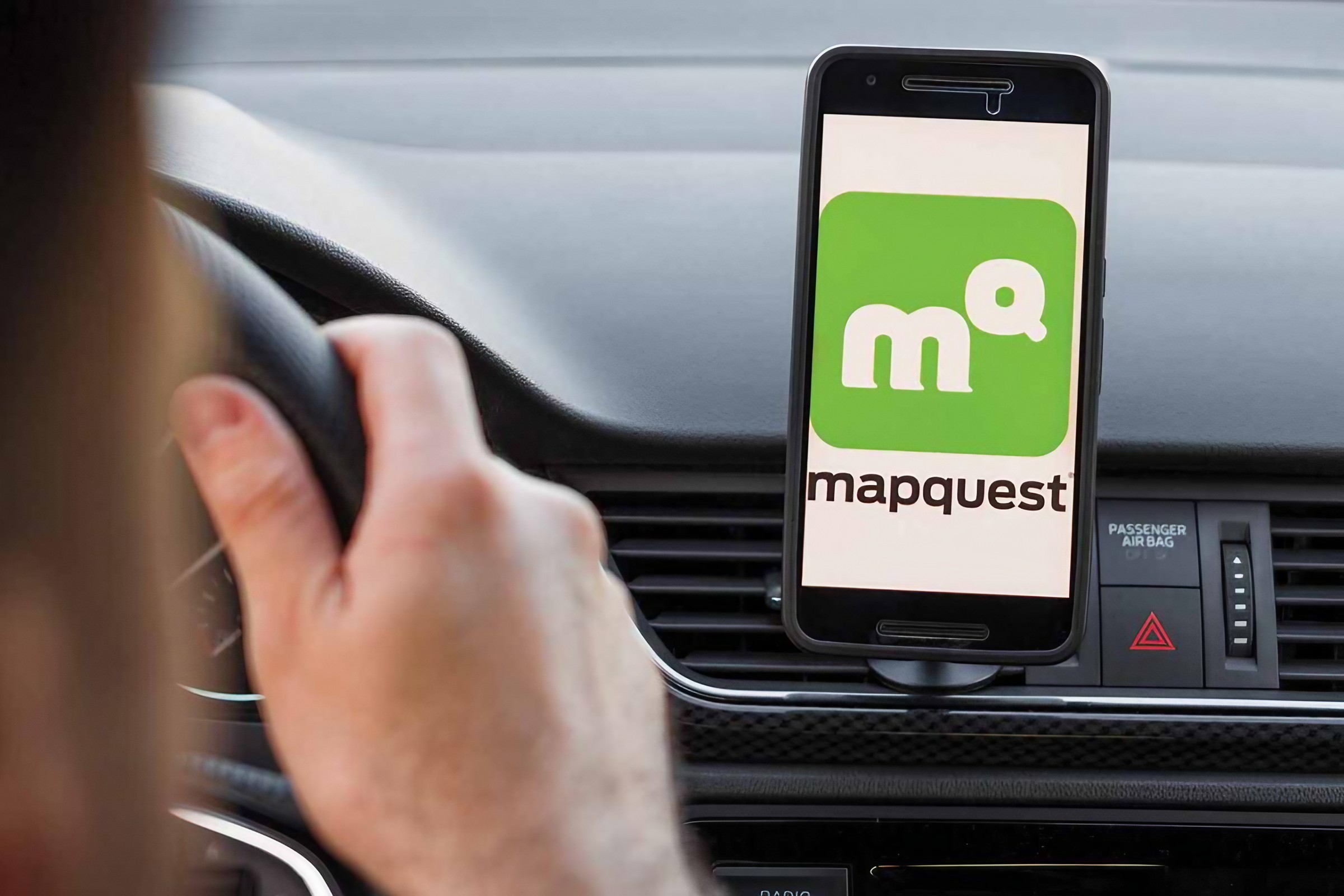
If you searched for “MapQuest driving directions” recently, you are probably not alone. MapQuest, one of the oldest names in online mapping, is suddenly back in the spotlight. Its app recently surged to the top of Apple's U.S. and Canadian App Store charts, giving the navigation service an unexpected revival. MapQuest says its usage climbed more than 50 times its normal rate during the surge.
That renewed attention is creating a practical question: can you still use MapQuest for everyday driving directions, and how does it work today? The answer is yes. MapQuest offers maps, GPS navigation, voice directions and live traffic. Its current Android app was updated in September 2026 and also includes features such as gas-price comparisons, local weather and roadside assistance.
Here's how to use MapQuest driving directions and what you should know before relying on it for your next trip.
How to Get MapQuest Driving Directions
Getting driving directions on MapQuest is straightforward. Open MapQuest on the web or use the MapQuest app. Select the directions option and enter your starting point and destination.
If location access is enabled, MapQuest can use your current location as the starting point. You can also manually enter an address if you are planning a trip from somewhere else. MapQuest's official help documentation says users can enter starting and ending locations and then choose from available route options. Once your locations are entered, MapQuest calculates the route and provides directions to your destination.
Open MapQuest.
Select Directions.
Enter your starting location.
Enter your destination.
Review the suggested route.
Choose an alternate route if one is available.
Start navigation and follow the directions.
MapQuest Can Give You More Than One Route
One useful part of MapQuest driving directions is that you do not necessarily have to accept the first route shown. MapQuest's help documentation says that, depending on the route, it can provide up to three alternative routes. This gives drivers the opportunity to compare different options before starting a journey.
That can be useful when the fastest route is not necessarily the most convenient one. For example, one route might save a few minutes but include more complicated roads. Another could take slightly longer while keeping the journey simpler. Instead of automatically choosing the first result, take a moment to compare the available routes.
Why MapQuest Driving Directions Are Suddenly Getting Attention
MapQuest's recent comeback is unusual because it is not a brand-new navigation service. The company has been around since the 1990s and became famous for providing online maps and printable driving directions before smartphone navigation became the norm.
Now the service has unexpectedly returned to the conversation. Its mobile app climbed the U.S. Apple App Store rankings after MapQuest publicly chose to keep the familiar name “Lake Ontario” rather than adopt the newer U.S. government naming used by some mapping services. The attention translated into a major increase in downloads and usage.
But there is an important distinction for users: downloading MapQuest because it is trending and actually finding it useful for navigation are two different things. The real test is whether its maps, directions, traffic information and route planning fit your needs.
What You Can Do With MapQuest Today
MapQuest is more than a basic website for typing two addresses. Its current app describes itself as a maps, GPS, voice-navigation and live-traffic service. It also offers several features designed around driving and travel.
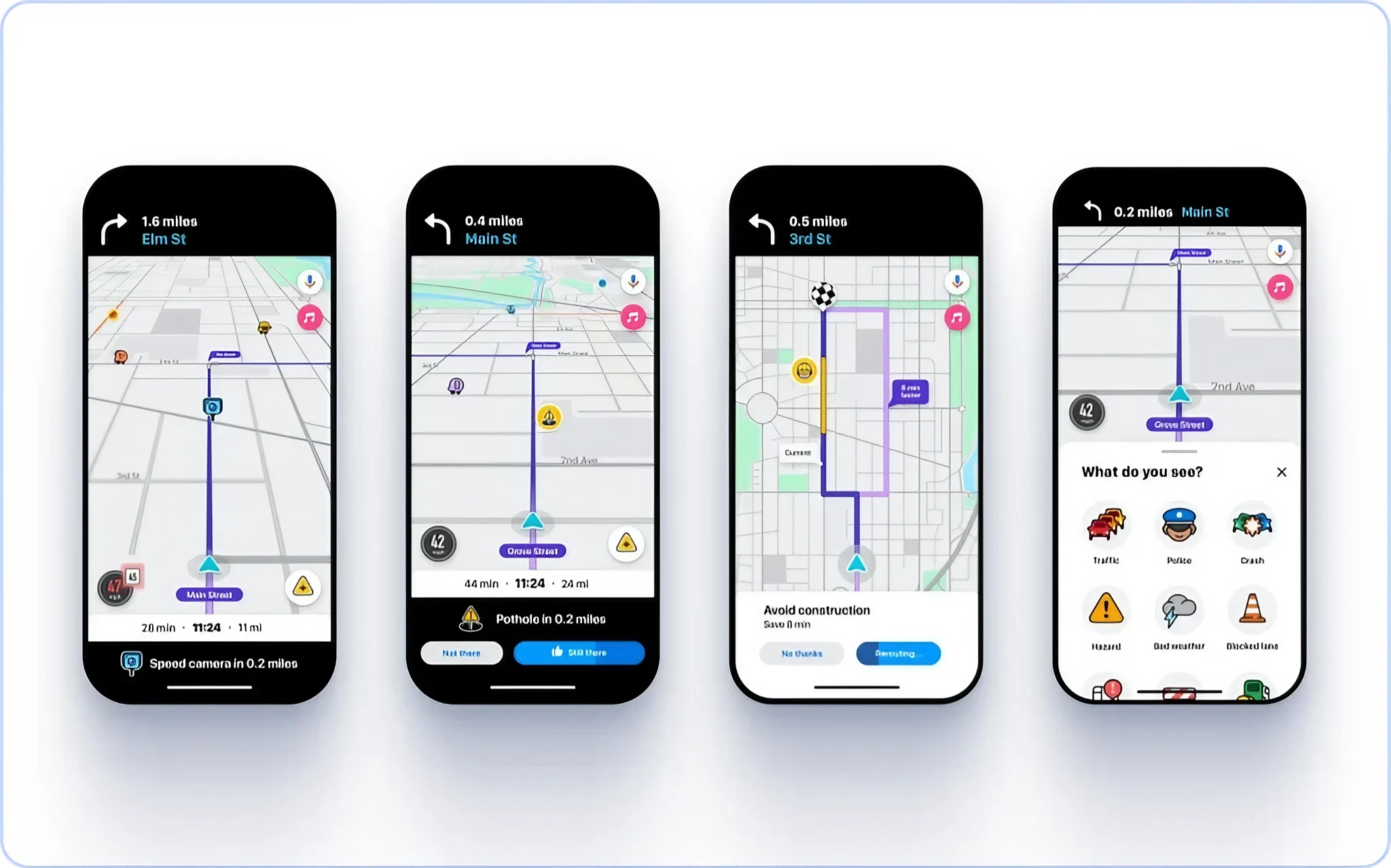
Depending on your device and location, you can use MapQuest to find routes, check traffic, compare nearby gas prices, view local weather and access roadside assistance. MapQuest also provides a multi-stop planning tool, which can be useful when a trip involves several destinations instead of simply going from point A to point B.
Driving directions
GPS navigation
Voice navigation
Live traffic information
Route planning
Multiple stops
Nearby gas-price comparisons
Local weather information
Roadside assistance
MapQuest Is Also Moving Onto the Car Screen
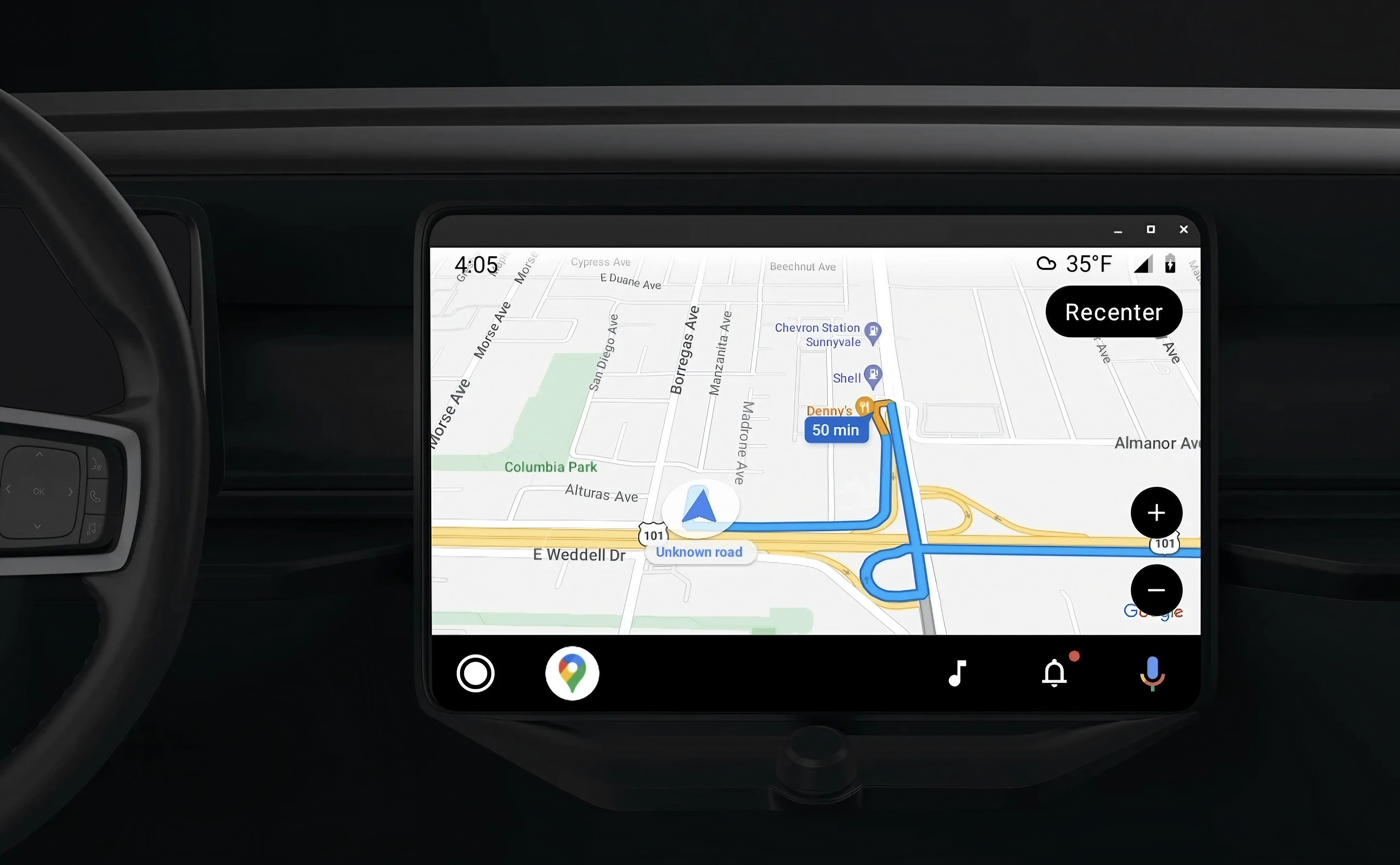
One of the more interesting developments is MapQuest's move toward Android Auto. As of September 4, 2026, MapQuest is testing experimental Android Auto support, bringing its navigation experience directly onto compatible vehicle displays. The update also adds crowdsourced incident reporting, although early testing has reportedly shown that the experience still needs refinement.
This matters because navigation apps are more useful when drivers can see directions through the vehicle's display instead of having to keep looking at a phone. However, because the Android Auto support is experimental, drivers should not assume it offers the same maturity as established navigation platforms.
MapQuest vs Google Maps: Should You Switch?
The recent MapQuest surge does not automatically mean it is better than Google Maps. Google Maps has a much larger ecosystem and integrates deeply with Google's search, businesses, reviews, locations and other services.
MapQuest's advantage is different. It remains focused on maps, directions and driving-related features, and its recent popularity shows that people are still interested in having alternatives.
For someone who simply needs reliable driving directions, MapQuest is worth trying. But there is no reason to delete your existing navigation app immediately.
The smarter approach is to compare the same journey on both services and see which route, traffic information and interface you prefer.
Feature
MapQuest
What it means for drivers
Driving directions
Yes
Plan routes between locations
Voice navigation
Yes
Get spoken driving guidance
Live traffic
Yes
Check current road conditions
Alternative routes
Available
Compare different options
Multi-stop planning
Yes
Plan trips with several destinations
Android Auto
Experimental
Useful for compatible cars, but still developing
Gas-price comparison
Yes
Find potentially cheaper nearby fuel
Roadside assistance
Available
Useful during vehicle problems
The AnantaGo Take: Don't Download MapQuest Just Because It's Trending
Here's the part that is easy to miss in the MapQuest comeback story. The sudden rise in downloads is interesting, but popularity does not automatically make a navigation app better. If your goal is simply to get driving directions, MapQuest has the basic tools you need. The service is also continuing to add or test features, including Android Auto support.
But the best navigation app is ultimately the one that gives you useful routes and information for the places you actually drive. Our recommendation is simple: try MapQuest on a familiar journey before depending on it for an unfamiliar long-distance trip. Enter the same destination into your normal navigation app and MapQuest. Compare the routes, traffic information and estimated travel times.
That gives you something more valuable than an app-store ranking: your own experience.
Is MapQuest Still Worth Using in 2026?
Yes, especially if you want a second navigation option. MapQuest is no longer the dominant mapping service it was before smartphone navigation changed the market, but its current app is still actively maintained and offers modern navigation features. Its Android app was updated in early September 2026, while the company is also experimenting with Android Auto.
The recent surge has also brought an old navigation brand back into the public conversation. Whether that becomes a lasting comeback will depend on something more important than viral attention: whether people who downloaded MapQuest actually keep using it. For drivers, that's the real story to watch.
MapQuest Driving Directions Are Back in the Conversation
MapQuest's unexpected revival has brought one of the internet's original mapping services back into the spotlight. For users searching for MapQuest driving directions, the service still provides the basics that matter: route planning, GPS navigation, voice directions and traffic information. It is also developing newer features, including experimental Android Auto support. :
But don't choose a navigation app simply because it is trending. Try MapQuest for a normal journey, compare its route with the app you already use and decide based on the experience. The most interesting part of MapQuest's comeback isn't that an old app became popular again. It's that, in an era dominated by a few giant technology platforms, people are still willing to look for alternatives.
Helpful answers
Frequently Asked Questions
What is MapQuest used for?+
MapQuest is a mapping and navigation service used for driving directions, GPS navigation, route planning and live traffic information. Its current app also includes features such as gas-price comparisons and local weather.
How do I get MapQuest driving directions?+
Open MapQuest, select Directions, enter your starting location and destination, review the available routes and select the route you want to use. MapQuest can also use your current location as the starting point when location access is enabled.
Can MapQuest give alternative driving routes?+
Yes. MapQuest's help documentation says that, depending on the route, it can provide up to three alternative routes for an A-to-B journey.
Is MapQuest free?+
MapQuest offers its navigation service for free on its current mobile apps. Its official site also promotes the app as free on iOS and Android.
Does MapQuest have live traffic?+
Yes. MapQuest's current app description includes live traffic along with maps, GPS and voice navigation.
Does MapQuest work with Android Auto?+
MapQuest is currently testing experimental Android Auto support. The feature is intended to bring MapQuest navigation to compatible vehicle displays, but it is still developing and should not yet be treated as a fully mature alternative to established Android Auto navigation apps.
Is MapQuest better than Google Maps?+
There is no universal winner. Google Maps has a larger ecosystem, while MapQuest focuses heavily on maps, directions and driving features. The best way to compare them is to enter the same destination into both services and compare their routes and traffic information.
Is MapQuest still relevant in 2026?+
Yes. MapQuest's recent surge in app downloads, active mobile development and experimental Android Auto support show that the service is still actively competing for navigation users.
#MapQuest#MapQuest driving directions#MapQuest directions#driving directions#MapQuest app#navigation apps#GPS navigation#route planning#Android Auto