Spotify Lossless promises better sound quality, but can you actually hear the difference? Here’s what Lossless changes, what Bluetooth does to it, and whether you should turn it on.

Spotify Lossless sounds like one of those settings that should make the answer obvious: turn it on and your music gets better. But it isn't quite that simple. You can have the highest-quality audio setting enabled and still struggle to hear a difference if you're using basic earbuds, listening on a busy street, or sending the music over a connection that compresses the audio again.
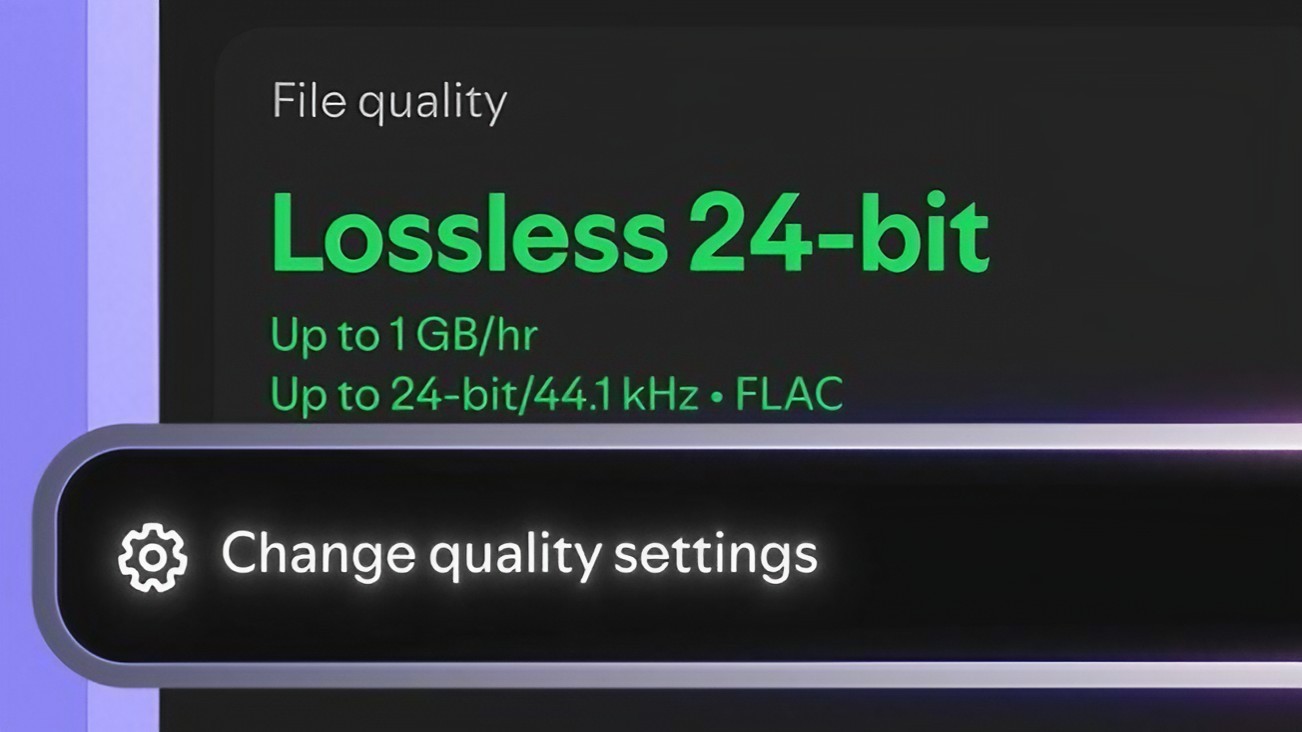
That is why the real question isn't simply --Is Spotify Lossless better? Will Spotify Lossless actually make a difference for the way I listen to music? Spotify's Lossless option can deliver music in FLAC at up to 24-bit/44.1 kHz. On paper, that's a significant amount of audio information. In everyday listening, however, the result depends on your headphones, connection, music and even where you are listening.
So let's forget the technical jargon for a moment and look at what Lossless actually changes — and whether it is worth turning on.

The easiest way to understand Lossless is to forget the complicated numbers for a moment When music is compressed using a lossy format, some audio information is removed so the file becomes smaller and easier to stream. Lossless audio takes a different approach. It compresses the audio while keeping the information needed to reproduce the original data.
Think of it like putting a large folder into a ZIP file. The ZIP file is smaller, but when you open it, the files inside have not been permanently changed. Spotify uses FLAC for Lossless audio and says supported playback can reach up to 24-bit/44.1 kHz.
That sounds impressive, but there is an important catch: having more audio information available does not automatically mean your ears will notice a huge difference. Your listening setup matters just as much.

Sometimes — but don't expect your favorite songs to suddenly sound like completely different recordings. Lossless gives you a version of the music that keeps more of the original audio information. With the right equipment, some listeners may notice small improvements in things such as instrument separation, vocals or tiny details in a recording.
But there is a big difference between better audio on paper and a difference you can actually hear. If you are listening with good wired headphones in a quiet room, you have a better chance of noticing subtle changes. If you're using inexpensive earbuds while riding a bus, working in a noisy office or walking through traffic, those small differences can easily disappear.
There is also the recording itself. A poorly mastered song does not become a great recording simply because you play it in Lossless. This is why I wouldn't recommend turning Lossless on just because someone says it is “better.” Try it yourself.
Pick a song you know extremely well. Listen to the same section using your usual quality setting, then switch to Lossless. Pay attention to vocals, cymbals, background instruments and the space between sounds. If you hear a difference and prefer it, great. If you don't, you're not missing some secret level of Spotify.
Here's something that gets lost in the Lossless hype: your headphones may have a bigger impact on what you hear than the streaming setting itself. If your earbuds struggle to reproduce detail, switching from a compressed stream to Lossless isn't going to magically fix them.
The same applies to cheap speakers. That doesn't mean you need a $500 pair of headphones. It simply means your equipment needs to be good enough to reproduce the differences in the first place. For most people, the sensible approach is to use the headphones they already own and test Lossless before spending money on new equipment.
If you can hear an improvement, keep it. If you can't, don't let a specification on a screen convince you that you need to buy something.

This is where things get interesting. You might turn on Spotify Lossless, connect your wireless earbuds and assume the entire lossless signal is reaching your ears unchanged. That's not necessarily what happens.
Bluetooth audio can involve compression during wireless transmission, depending on the devices and codec being used. Spotify recommends a wired connection or compatible non-Bluetooth connection when you want to get the most from Lossless.
That doesn't make Bluetooth headphones bad. Quite the opposite: for everyday listening, wireless earbuds are incredibly convenient. But it does mean you shouldn't buy expensive wireless headphones specifically because you think they will guarantee a completely lossless listening chain. Lossless inside Spotify and lossless all the way to your ears are not necessarily the same thing.
For everyday listening, the convenience of Bluetooth may matter more. For careful listening at home, wired headphones make more sense.
If Lossless is available on your Spotify Premium account, open Spotify and go to: Settings and Privacy → Media Quality → Lossless Spotify lets you manage quality settings depending on how you're connected, including Wi-Fi, mobile data and downloads.
If you have a limited mobile-data plan, I wouldn't blindly select the highest setting everywhere. Use Lossless over Wi-Fi if you want to experiment with it. For mobile data, choose the quality level that makes sense for your plan.
The same idea applies to downloads. If you keep a large offline library, higher-quality files can take up more storage. In other words, the best setting isn't necessarily the highest one. It's the setting that gives you the quality you want without creating a problem somewhere else.
Yes. Higher-quality audio generally requires more data than heavily compressed audio. For someone who spends most of the day connected to Wi-Fi, that may not matter much. But imagine someone streaming music for several hours every day while travelling. In that situation, choosing the highest quality for mobile data can make a noticeable difference to their monthly allowance.
Downloads have another issue: storage. A large playlist saved for offline listening can consume considerably more space when you choose higher-quality files. So before enabling Lossless everywhere, ask yourself two simple questions:
Do I actually hear the difference? And: Am I willing to use more data and storage for it?If the answer to both is yes, Lossless makes sense.

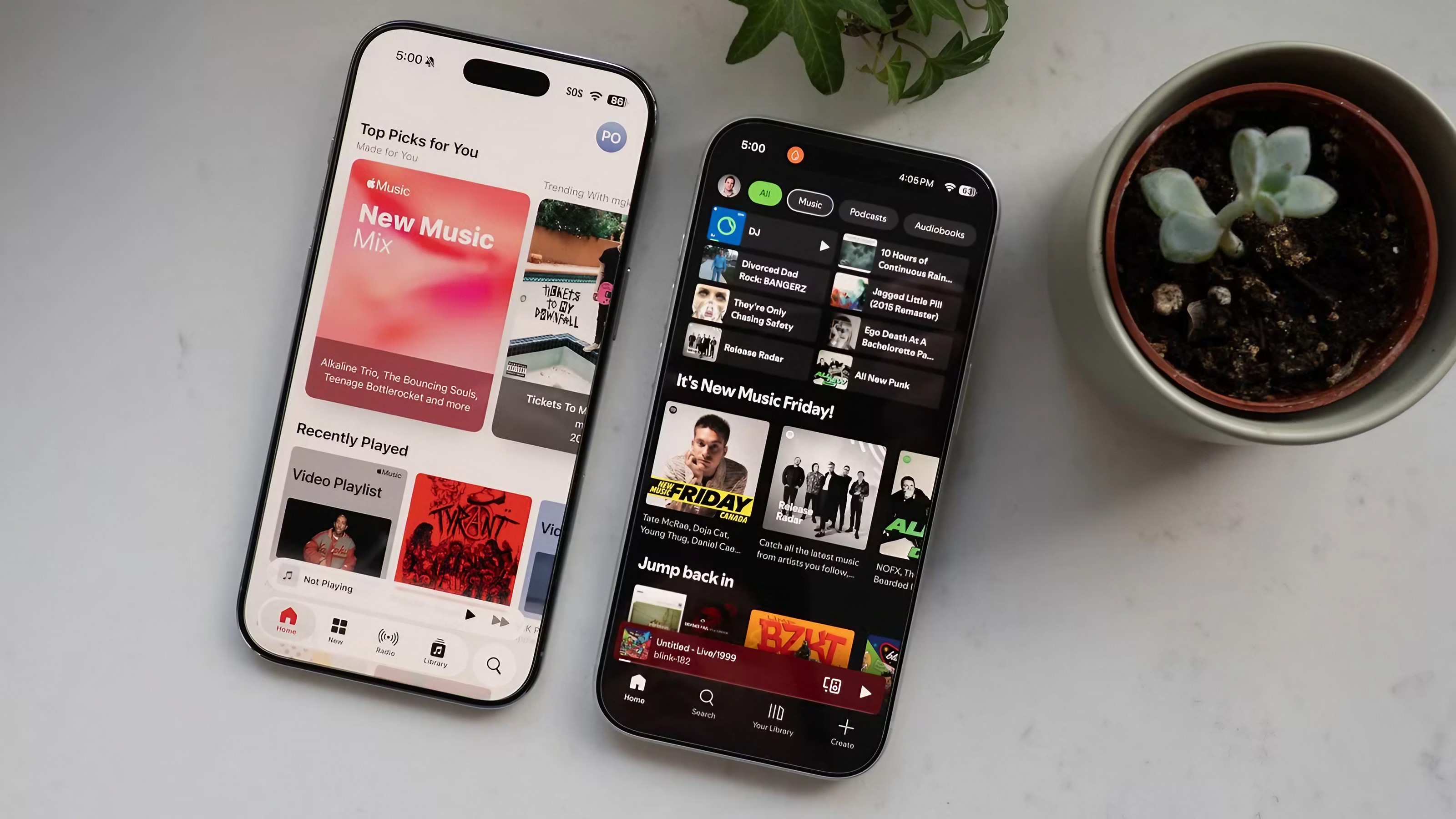
Spotify isn't the only music service where sound quality matters. Apple Music has offered lossless audio for years, so the comparison between the two services is less about whether lossless exists and more about the complete listening experience. Spotify's biggest strengths are things many people use every day: music discovery, playlists, recommendations and its broader social ecosystem.
Apple Music puts more emphasis on its integration with Apple's devices and its lossless and high-resolution audio options. But saying one service automatically sounds better than the other is too simple. The actual result can depend on the album, the recording, the mastering, your headphones and the way you're connected.
If you're comparing Spotify and Apple Music purely for sound quality, use the same headphones, the same song and similar playback conditions. Otherwise, you're really comparing two different setups rather than the services themselves.
Before deciding whether Spotify Lossless is worth it, do your own five-minute test. Pick a song you've listened to dozens of times. Don't choose a song you've never heard before because you won't know what details to listen for. Use your normal headphones and listen to the same 30–60 seconds twice.
First, use your current quality setting. Then switch to Lossless and listen again. Pay attention to the singer's voice, cymbals, acoustic instruments and quiet sounds in the background. Don't try to convince yourself that one version is better. In fact, try to guess which one you're hearing without looking at the setting.
If you consistently prefer Lossless, keep it enabled. If you can't reliably tell which version you're listening to, there's no reason to feel that you're using Spotify incorrectly. The best audio setting is the one you can actually appreciate.
Spotify Lossless is a useful upgrade, but it's not something every Spotify listener needs to obsess over. If you have good headphones, a quiet place to listen and an interest in audio quality, it's absolutely worth trying. If you mostly listen through wireless earbuds while commuting, working or exercising, you may notice little or no difference.
And that's okay. The biggest mistake would be treating Lossless as a reason to buy expensive headphones, upgrade your phone or use more mobile data without first finding out whether you can actually hear the benefit. Try it with the equipment you already have.
If your ears tell you that it sounds better, keep it. If they don't, turn it off and enjoy your music. After all, Spotify is supposed to make listening to music easier — not turn every listener into an audio engineer.
Keep Reading

Apps
MapQuest driving directions are suddenly getting attention again. Here’s how to use MapQuest to find routes, compare directions, check traffic and decide whether it is worth using instead of your usual navigation app.

Apps
Instagram, Instagram Rule, AI-Generated Profile, Instagram AI, Instagram Update, AI Influencers, Instagram Reach, Social Media, Meta, AI Content

Apps
Google Maps can do much more than give you directions. These five useful features can help you remember parking locations, share your trip progress, explore places and make everyday travel easier.

Apps
WhatsApp has several privacy settings that many users never change. Here's how to review the most important ones and make your account more private without making WhatsApp difficult to use.

Apps
Your Android phone can do much more than make calls and run social media. From scanning documents and managing files to editing photos and tracking your daily tasks, the right free apps can turn an ordinary smartphone into a powerful everyday tool.