WhatsApp Privacy: 7 Settings You Should Change Today
WhatsApp has several privacy settings that many users never change. Here's how to review the most important ones and make your account more private without making WhatsApp difficult to use.
WhatsApp is one of the easiest ways to stay in touch with friends, family and colleagues. But there is a good chance your WhatsApp account contains information you don't want everyone to see.
Your profile photo.
Your online activity.
Your status updates.
Your live location.
Your conversations.
The good news is that WhatsApp gives users several controls over who can see different parts of their account. You don't have to change every setting. A few important adjustments can give you more control over your privacy while allowing you to continue using WhatsApp normally.
The exact menu names can vary slightly between Android and iPhone, but the basic privacy options are similar.
Here are seven settings worth checking today.
1. Control Who Can See Your Last Seen and Online Status
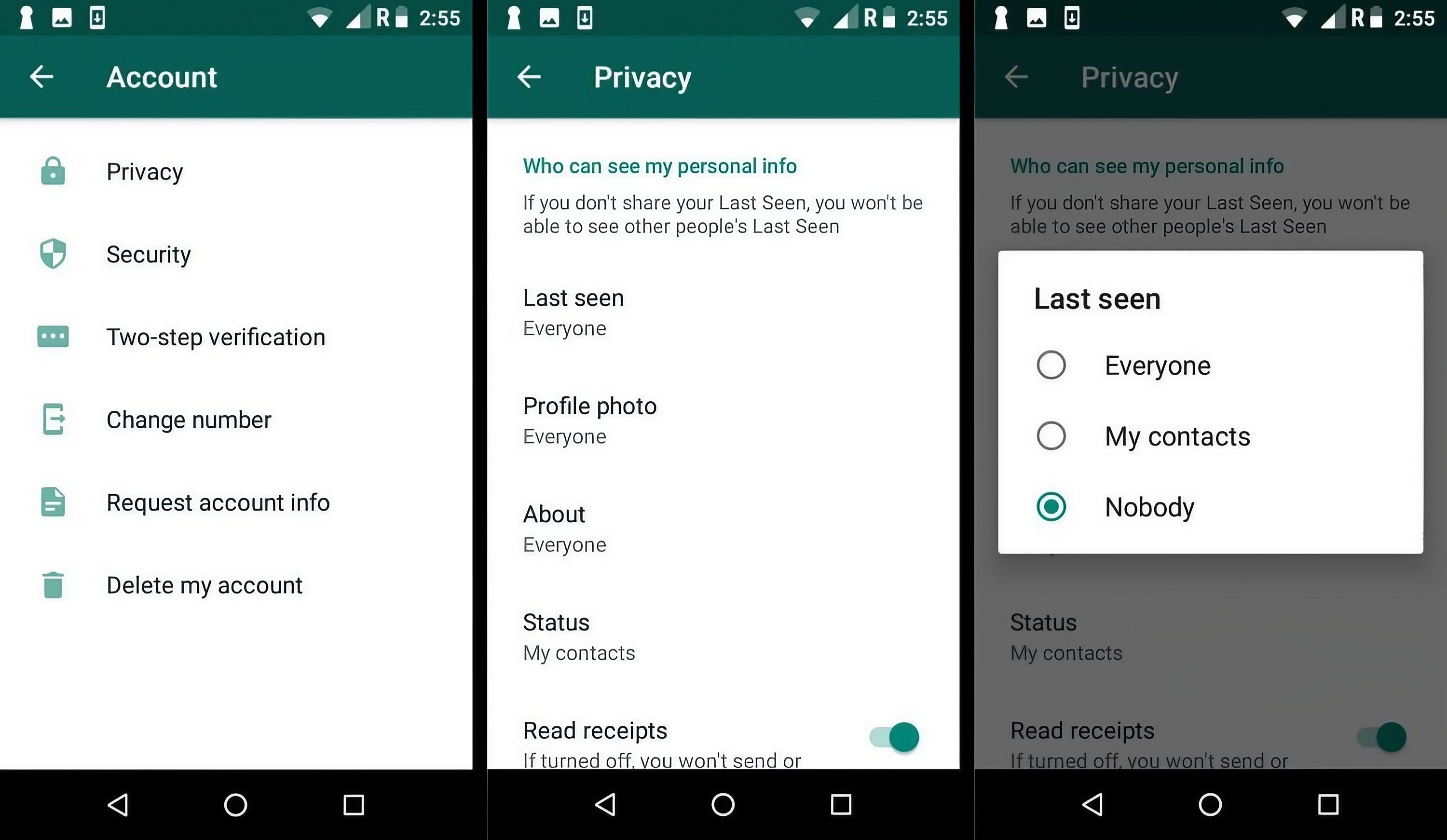
WhatsApp can show other people information about when you were last active and whether you are currently online. Some people like this because it makes conversations feel more natural. Others would rather not tell everyone when they are using the app.
WhatsApp gives you controls for your Last Seen and Online information. You can choose settings that limit who can see when you were last active and whether your online status is visible. If privacy is more important to you than showing your availability, it is worth reviewing these settings.
Remember that changing your visibility can also affect what information you can see about other people, depending on the setting.
2. Hide Your Profile Photo From Strangers
Your profile picture may look harmless, but it can reveal more information than you realize. A photo can show your face, workplace, family members, location or other personal details. WhatsApp lets you control who can see your profile photo. If you don't need everyone to see it, consider limiting access to people you actually know.
This can be especially useful if your phone number has been shared with people you don't know personally. You can find this option under WhatsApp's privacy settings. Choose the level of visibility that makes sense for you rather than automatically leaving everything open.
3. Review Who Can See Your Status Updates
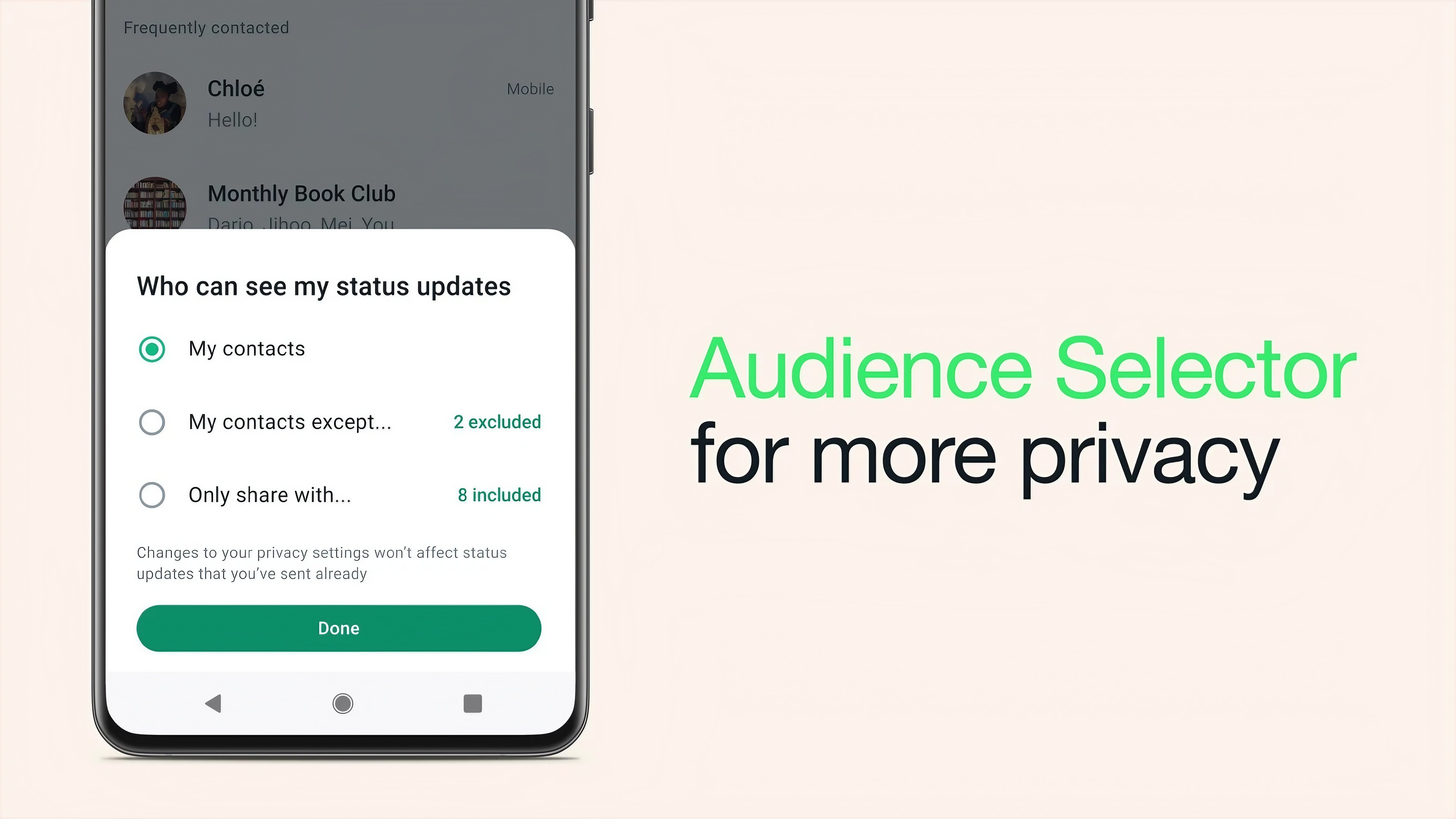
WhatsApp Status is similar to stories on other social-media apps. You can post photos, videos, text and other updates that disappear after a period of time. But disappearing does not mean nobody can save or share what you post. Before posting something personal, think about who can see it.
WhatsApp provides controls that let you choose the audience for your Status updates. You can use these controls to avoid sharing personal updates with people who don't need to see them. A good habit is to review your Status audience occasionally, especially after adding new contacts.
4. Turn On Two-Step Verification
This is one of the most important security settings you can enable. Two-step verification adds an extra PIN to your WhatsApp account. If someone attempts to register your phone number on another device, this additional protection can make it harder for them to take over your account.
Open WhatsApp Settings, go to Account and look for Two-step verification. Follow the instructions to create your PIN. WhatsApp may also ask you to add an email address. Make sure you use an email account you can access and protect properly. Most importantly, don't share your verification PIN with anyone.
5. Be Careful With Live Location
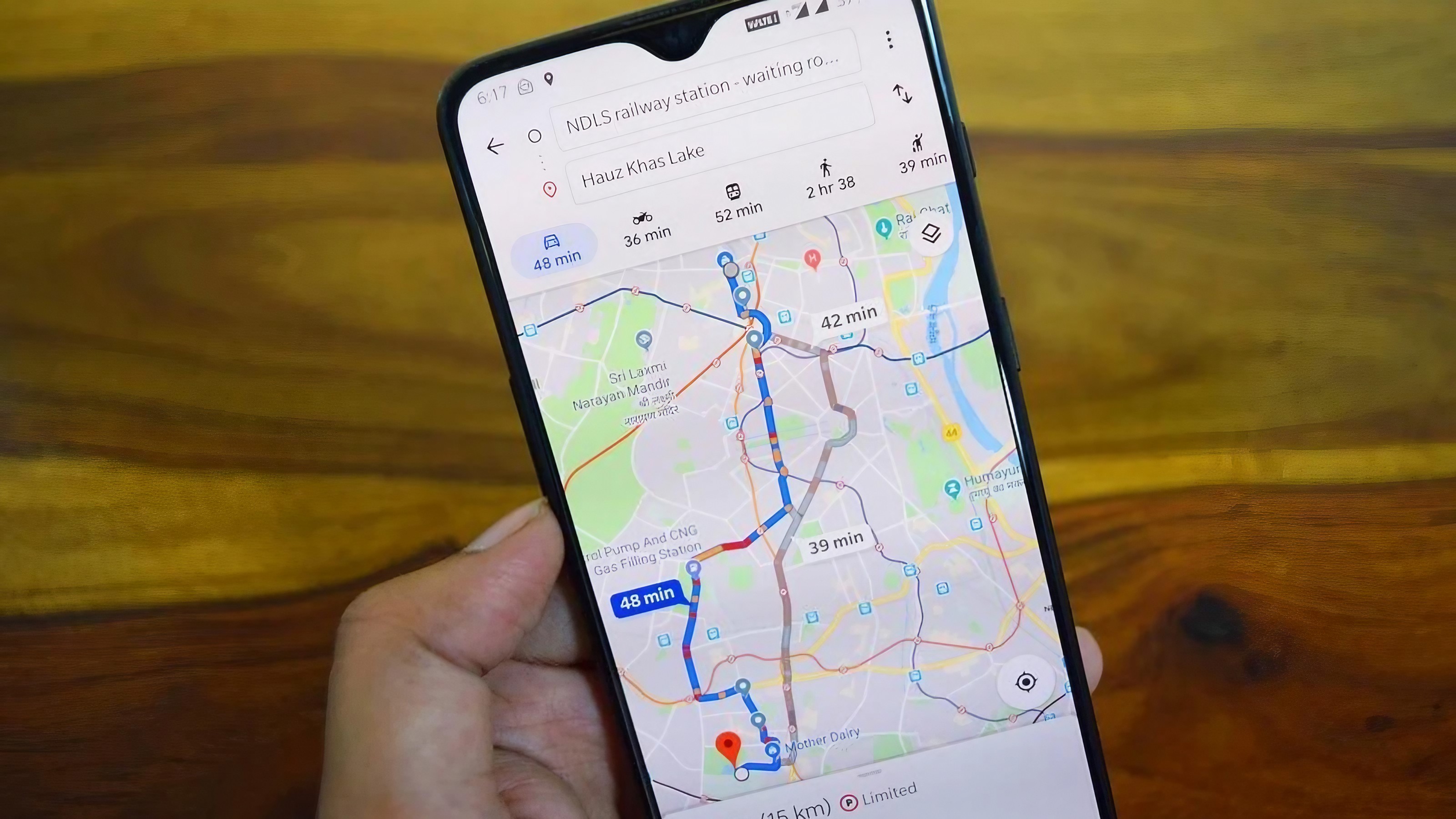
Location sharing can be extremely useful. You can tell a friend where you are, help someone find you or share your journey. But location information is also sensitive. If you are sharing your live location in a WhatsApp conversation, check who can access it and how long the sharing will remain active.
When you no longer need to share your location, stop sharing it. This is particularly important in large group chats. Before sending your location, look at the name of the conversation and make sure you are sending it to the person or group you intended.
6. Check Disappearing Messages
WhatsApp's disappearing messages feature can automatically remove new messages from a chat after a chosen period. This can help reduce the amount of old conversation history stored in a chat. But there is an important point to understand.
Disappearing messages are not a guarantee that nobody can keep a copy. Someone could take a screenshot, photograph the screen or otherwise preserve information before the message disappears.
So don't treat disappearing messages as a magic privacy shield. Use them as one additional privacy feature, not as a reason to send information you would normally keep private.
7. Protect Your Chats With Chat Lock
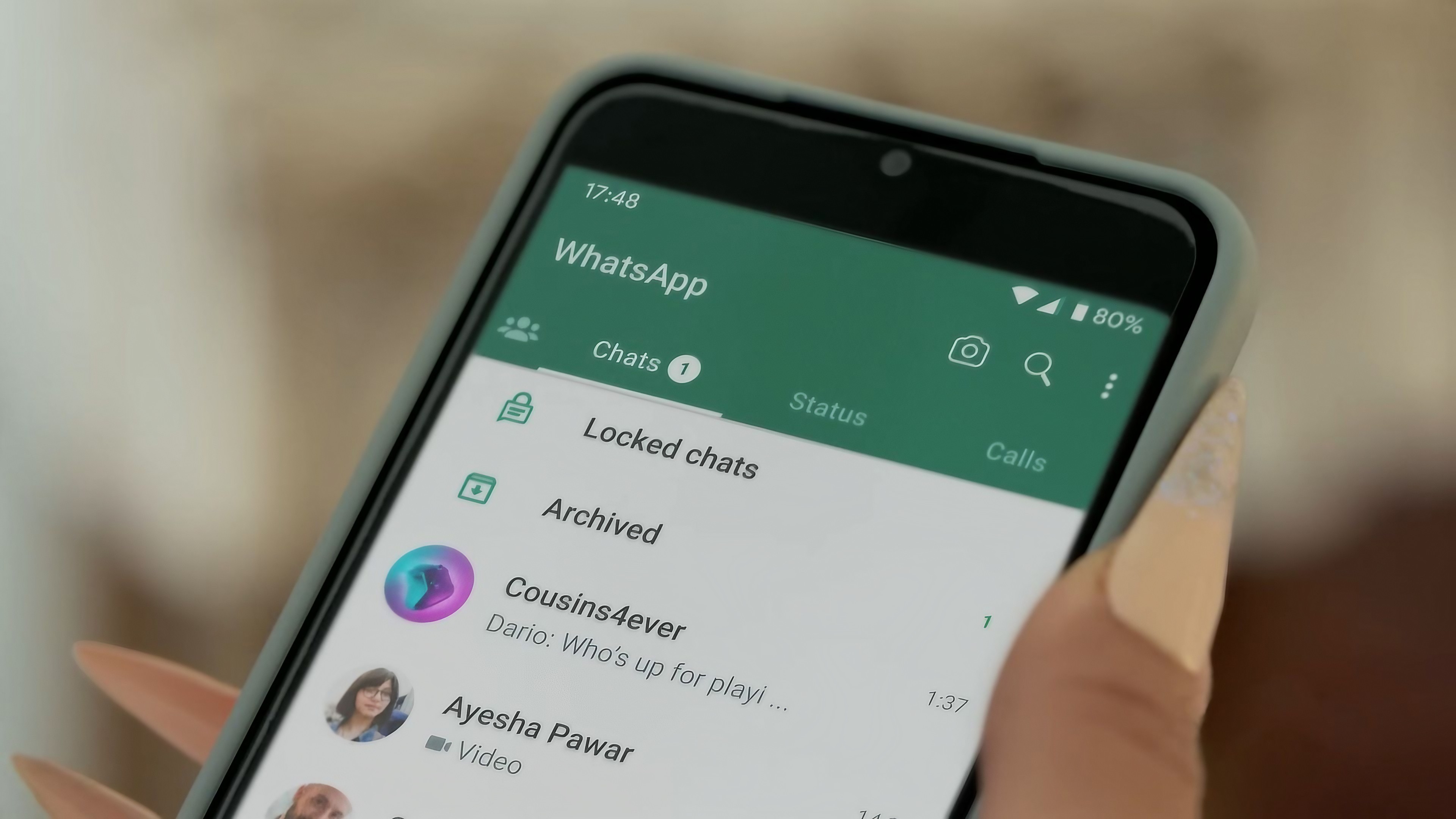
Sometimes the privacy problem isn't another person online. It is someone physically holding your unlocked phone. Chat Lock is designed to put selected chats behind an additional layer of protection. This can be useful for conversations containing sensitive personal information.
Instead of leaving the conversation in your normal chat list, you can move selected chats into a locked area that requires device authentication to access. The feature is particularly useful if you regularly lend your phone to family members or allow other people to use it. Before relying on any privacy feature, make sure your phone itself has a strong screen lock.
A Simple WhatsApp Privacy Checklist
Open WhatsApp.
Open Settings.
Select Privacy.
Review Last Seen and Online visibility.
Check who can see your profile photo.
Review your Status audience.
Enable Two-step verification under Account.
Check location-sharing sessions when necessary.
Review disappearing-message settings.
Use Chat Lock for sensitive conversations.
Privacy Is Also About What You Share
Changing privacy settings is helpful, but your own behavior matters just as much. Think carefully before sending passwords, financial information, identity documents or highly personal photographs through a messaging app. Even if a message is protected by strong security features, the person receiving it can potentially save or share it.
You should also be careful with unknown links and unexpected messages. If someone suddenly asks for money, verification codes or personal information, don't assume the request is genuine just because it arrived through WhatsApp. Contact the person through another trusted method if you need to confirm it.
The Bottom Line
You don't need to change every WhatsApp setting to improve your privacy. Start with the basics. Control who can see your activity and profile information. Review your Status audience. Enable two-step verification.
Be careful when sharing your location. Use disappearing messages and Chat Lock when they make sense.
And remember the most important rule: privacy settings cannot protect information that you voluntarily send to the wrong person.
Take five minutes to review your WhatsApp privacy settings today. That small amount of effort can give you much more control over what other people can see.
Helpful answers
Frequently Asked Questions
How do I make my WhatsApp account more private?+
Open WhatsApp Settings and review Privacy options such as Last Seen, Online status, Profile Photo and Status. Also consider enabling Two-step verification under Account.
Can someone see when I am online on WhatsApp?+
WhatsApp provides settings that let you control who can see certain Last Seen and Online information. The available choices depend on the current version of WhatsApp.
Are WhatsApp disappearing messages completely private?+
No. Disappearing messages can automatically remove messages from a chat, but they cannot prevent another person from saving information before it disappears.
Should I enable WhatsApp two-step verification?+
Yes. It adds an additional PIN-based layer of protection to your WhatsApp account and is a useful security measure.
Can I hide my WhatsApp profile picture?+
WhatsApp provides privacy controls for your profile photo. You can choose who is allowed to see it using the Privacy settings.
Can WhatsApp Chat Lock protect private conversations?+
Chat Lock can move selected conversations into a protected area that requires device authentication to access. It provides an additional layer of privacy for selected chats.
Is it safe to share my live location on WhatsApp?+
Location sharing can be useful, but treat it as sensitive information. Check who you are sharing it with and stop sharing when you no longer need to.