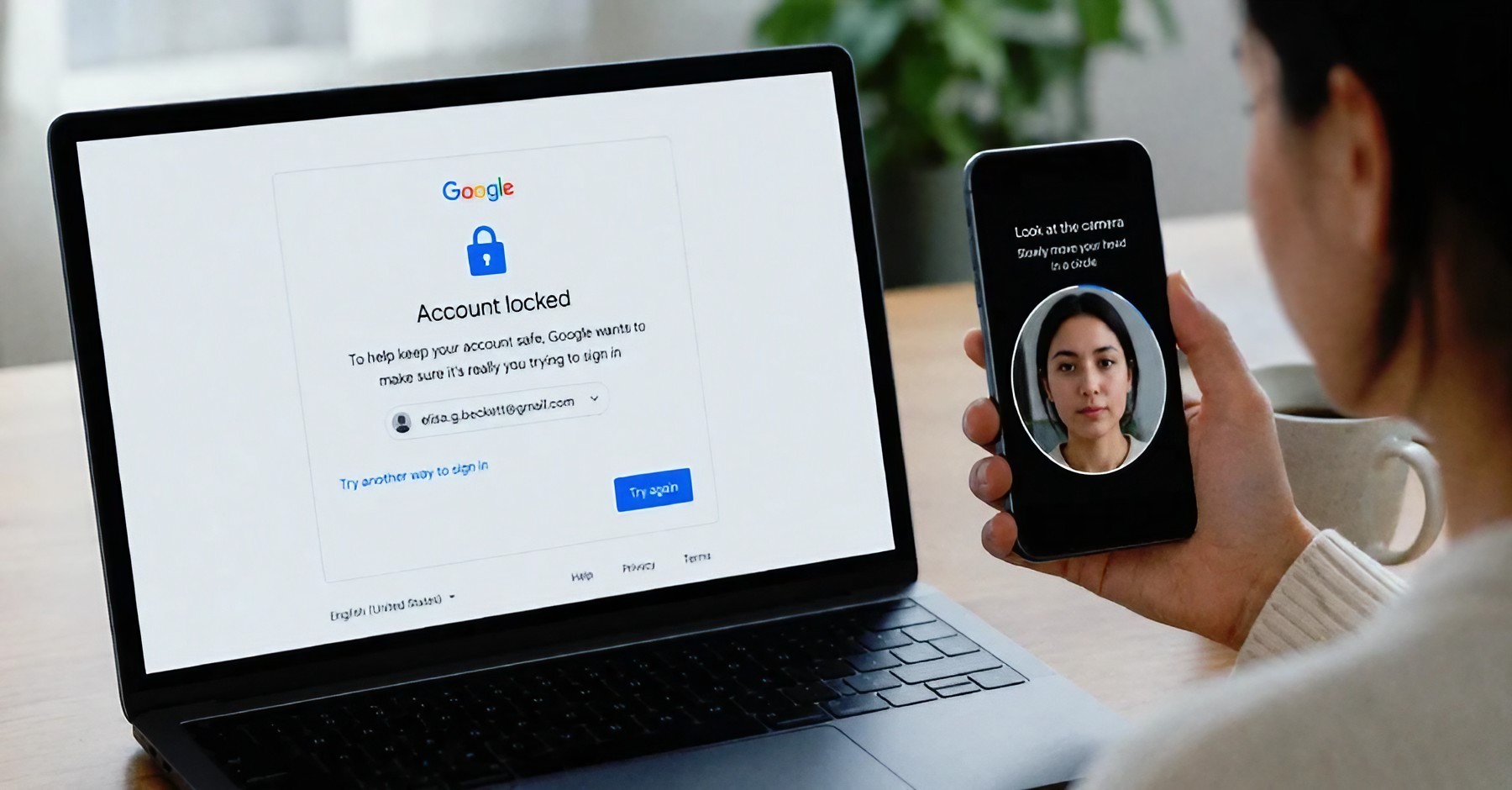
Think someone may have accessed your Google account? Here's how to check recent devices, sign-in activity and security settings, and what to do if you find something suspicious.
Your Google account can contain a huge amount of personal information.
Gmail messages.
Photos.
Contacts.
Documents.
YouTube activity.
Saved passwords.
Location-related information.
And depending on what services you use, your Google account may be connected to many parts of your digital life. That makes one question especially important: How do you know whether someone else has accessed your account? You don't have to wait until something goes seriously wrong. Google provides security tools that let you review devices and account activity.
You can use these tools to look for devices you don't recognize, check recent security events and strengthen your account if something looks suspicious. The process is relatively simple. Here's how to do it step by step.
Why You Should Check Your Google Account
Most people think about account security only after something strange happens. Maybe a password changes. Maybe an unfamiliar email appears. Maybe Google sends a security alert. But you don't need to wait for a warning.
Regularly checking the devices connected to your account can help you spot something unusual earlier. This is particularly useful if you've signed into your Google account on multiple phones, computers, tablets or shared devices over time.
You may discover an old phone you forgot about. You may also find a device you don't recognize. An unfamiliar device doesn't automatically mean someone hacked your account. It could be an old device, a different browser session or another legitimate sign-in. The important thing is to investigate rather than immediately panic.
Step 1: Open Your Google Account Security Page
Open your Google Account.
Go to the Security section.
Look for the area showing your devices or recent security activity.
Review the information carefully instead of ignoring unfamiliar entries.
The exact appearance of Google's settings can change over time, but the important section is your account's security information. If you're doing this from a phone, you can also access your Google account settings through Google's apps or your device's account settings, depending on how your phone is configured.
The goal is simple: find out which devices and sessions are associated with your account.
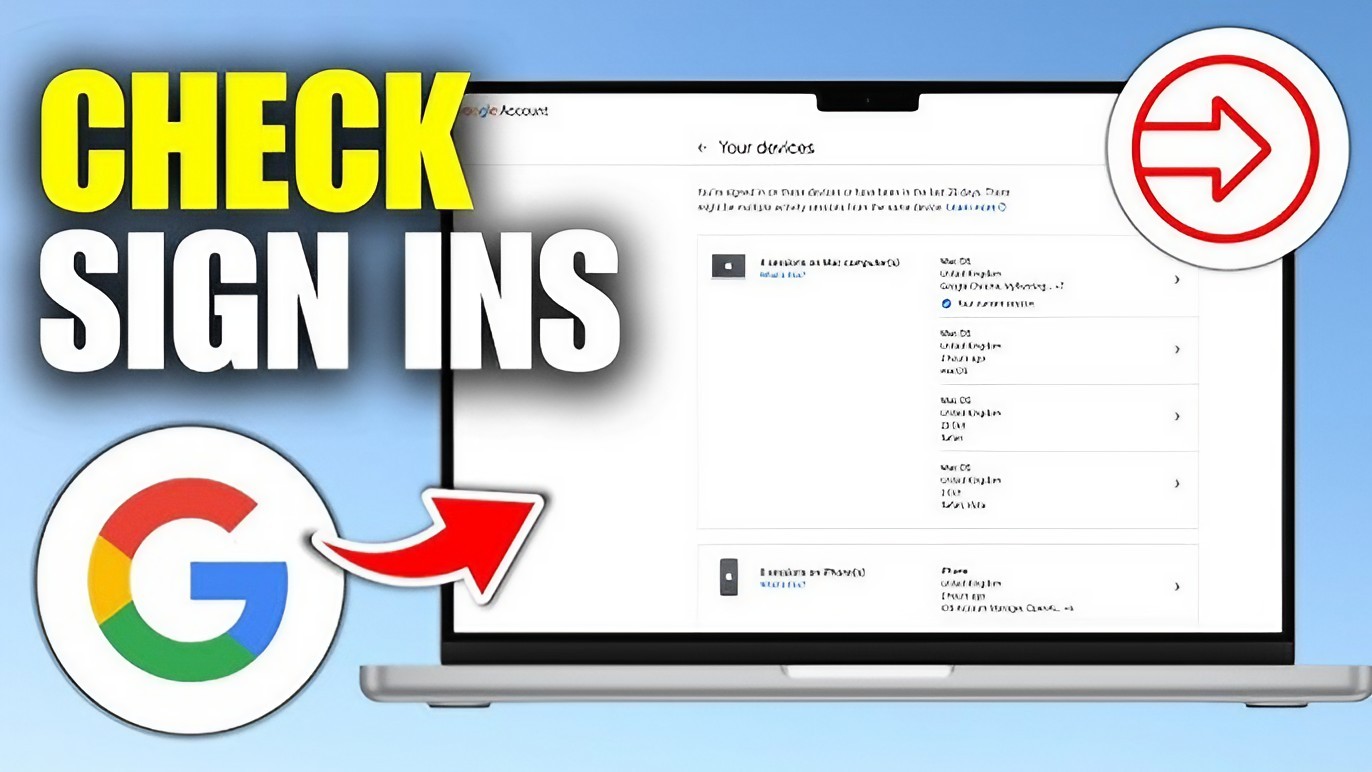
Step 2: Check Which Devices Have Access
Look for the section that shows devices where your Google account is currently or recently signed in. You may see phones, tablets, computers or other devices. Go through the list slowly. Ask yourself:
Do I recognize this device?
Have I used this device recently?
Is the location or activity consistent with where I normally use my account?
Don't assume that every unfamiliar-looking entry is an attack.
For example, Google's device information may not always look exactly the way you expect. A browser session or an old device can sometimes appear differently from the name you normally use. if something genuinely doesn't make sense, investigate it.
Step 3: Look for Devices You Don't Recognize
This is where you need to slow down. Suppose you see a phone listed that you don't recognize. Don't immediately assume someone has stolen your account. First think about your own activity. Did you recently buy a new phone? Did you sign in on a family computer? Did you use a friend's device?
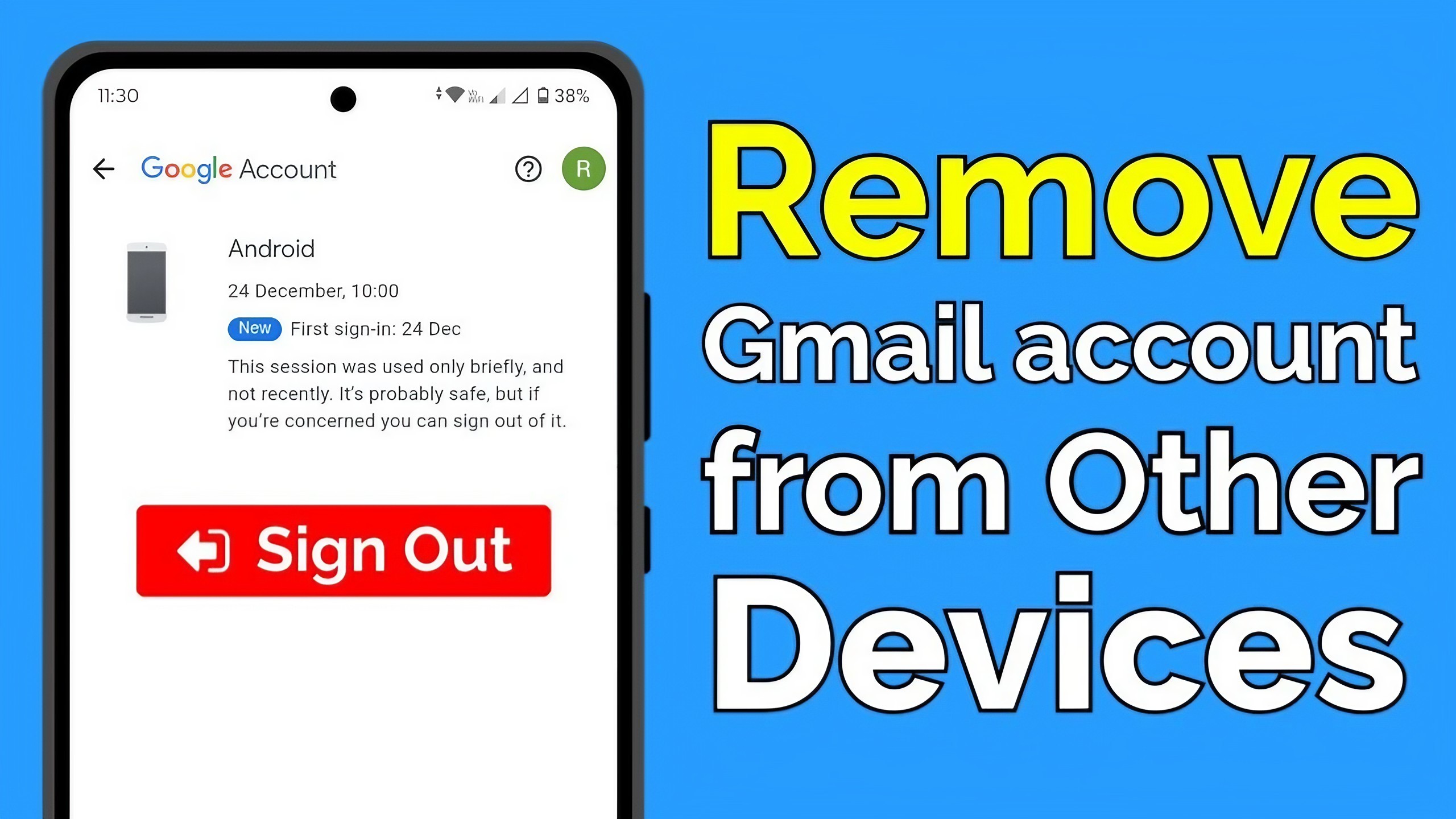
Did you reset or rename one of your devices? Could the device name simply be unfamiliar? If you are certain the device isn't yours, treat it seriously. You can use Google's available account controls to sign out of devices you don't recognize. After doing that, change your password and review your account's security information.
Step 4: Check Recent Security Activity
Your Google account can also show security-related events. Look for things such as recent sign-ins, password changes, recovery information changes or other security events. Pay attention to events you don't remember performing. For example, if you see that important account information was changed when you were not using the account, that's a reason to take immediate action.
Don't focus only on the location. Locations can sometimes be approximate because internet connections don't always reveal your exact physical location. Instead, look at the overall picture: device, time, activity and whether you recognize what happened.
Step 5: Change Your Password If Something Looks Wrong
If you believe someone else has accessed your account, changing the password is one of the most important steps. Create a strong password that you don't use for another website. Password reuse is dangerous because one compromised website can potentially put other accounts at risk.
Don't use simple combinations such as your name, birthday or an easily guessed phrase. A password manager can also help you create and store unique passwords without requiring you to memorize every one.
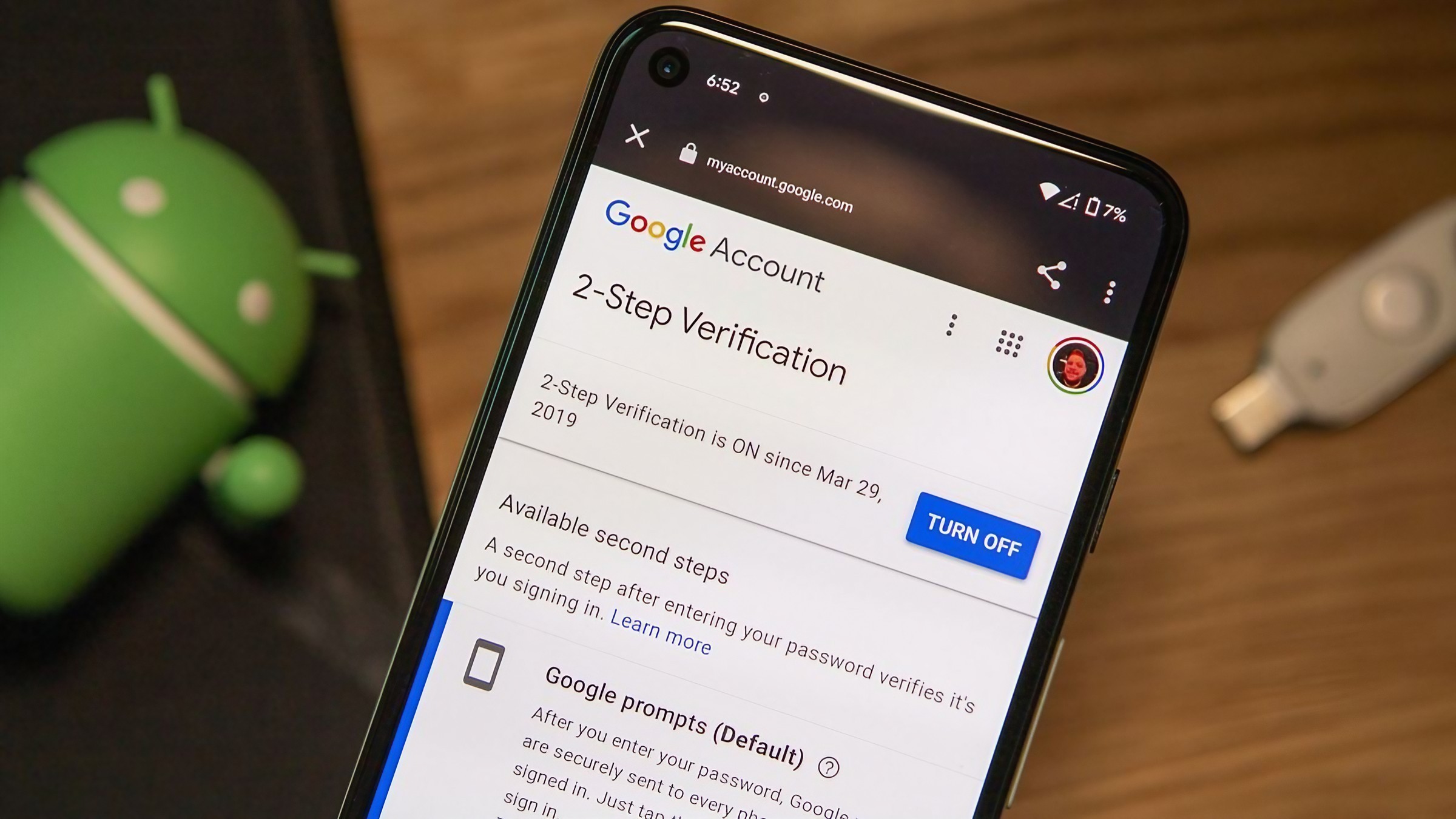
Step 6: Turn On Two-Step Verification
A password is only one layer of account security. Two-step verification adds another layer. When it is enabled, signing in can require an additional verification step after the password. This can make it much harder for someone to access your account using only a stolen password.
Google supports multiple forms of additional verification, depending on your account and available settings.
When possible, use a strong authentication method supported by your account rather than relying entirely on a password.
Step 7: Check Your Recovery Information
Your recovery phone number and recovery email can be extremely important if you lose access to your account. Check that the information belongs to you and is still current. If you see recovery information that you didn't add, treat that as a serious warning sign.
Someone who gains control of recovery options may make it more difficult for the legitimate account owner to recover the account. This is one reason account security isn't only about the password. Your recovery methods matter too.
What to Do If You Find Something Suspicious
Sign out of devices or sessions you don't recognize.
Change your Google account password immediately.
Turn on two-step verification if it isn't already enabled.
Check your recovery email and phone number.
Review recent security activity again.
Check important Google services for unexpected changes.
If you cannot regain control of the account, use Google's official account-recovery process.
How Often Should You Check?
There isn't a magic schedule that works for everyone. If your Google account is extremely important to you, checking your security information occasionally is a sensible habit. You should also review it whenever you receive an unexpected security alert or notice unusual activity.
The goal isn't to become obsessed with every login. It's to know what normal looks like. Once you understand which phones and computers belong to you, an unfamiliar device becomes much easier to spot.
The Bottom Line
You don't need to be a cybersecurity expert to keep an eye on your Google account. The most important habit is simply checking. Review your connected devices. Look at recent security activity. Keep your recovery information current. Use a unique password. Turn on two-step verification.
And if something doesn't look right, don't ignore it. An account can contain years of personal information, so spending a few minutes checking its security settings can be far more valuable than waiting until something goes wrong. The good news is that Google gives users tools to review and manage account security. You just need to use them.